Part of our guide to pub marketing ideas
Beer garden marketing when plans depend on the weather
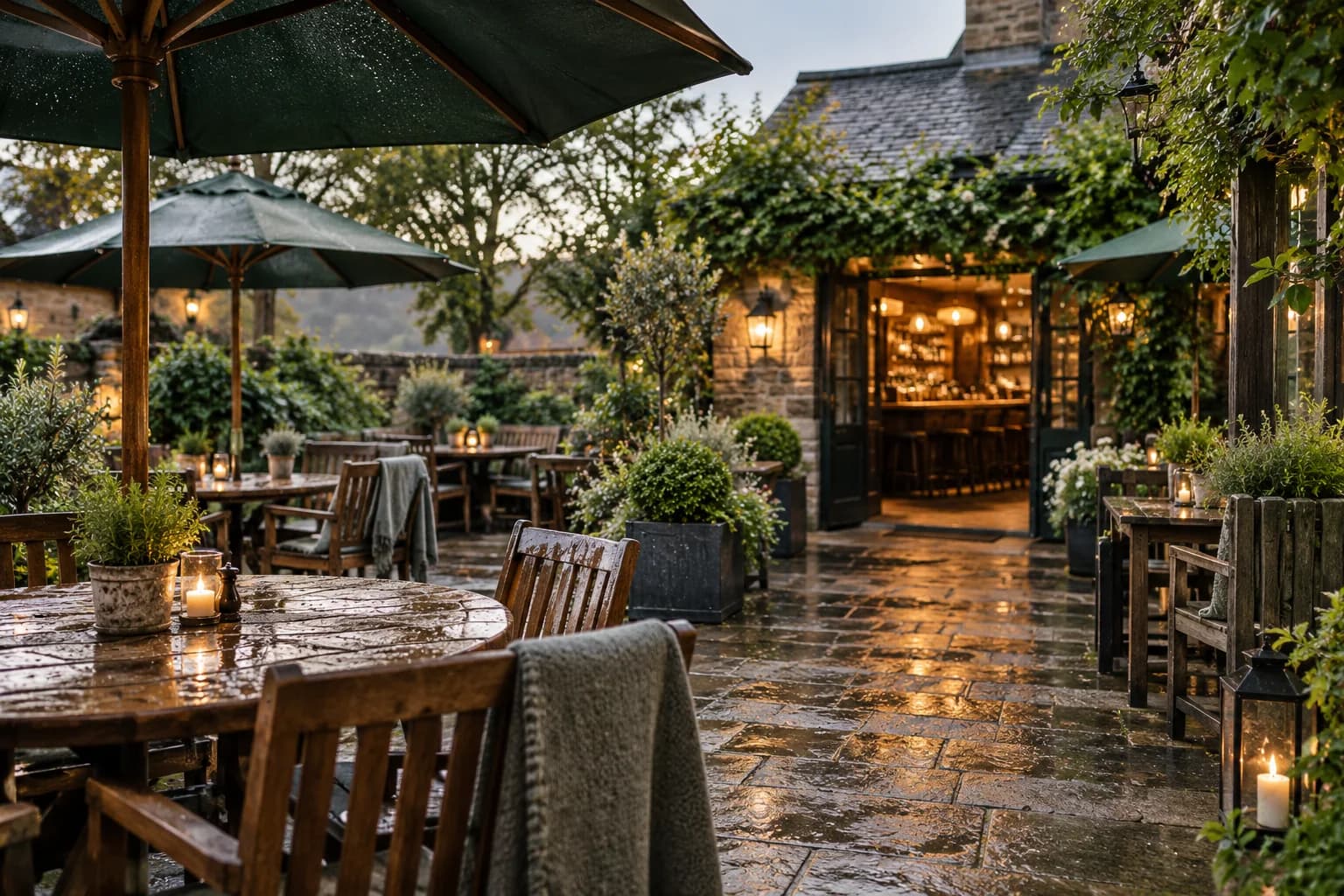
A photograph of outdoor tables can make a visit appealing. It can also leave important questions unanswered: whether guests can reserve those tables, where food is served and what happens if it rains.
Beer garden marketing works better when the invitation explains the experience you can reliably provide. Weather-dependent promises need a clear place for updates.
Decide what customers can actually book
Write down your outdoor seating arrangements before promoting them. If garden tables are first come, first served, say so beside the booking link.
Where online reservations apply only to indoor tables, make that distinction explicit. Otherwise, a guest may arrive believing they have reserved a particular outdoor area.
Explain any changes to ordering outside. Customers need to know whether to order at the bar, use table service or follow another process.
Keep photographs representative. An empty garden arranged for a private event should not imply that the same layout is available every afternoon.
Give updates one maintained destination
Use a current venue page for opening information and weather-related changes. Put the link in social posts and on your guest Wi-Fi welcome page.
With pub guest Wi-Fi from Margovy, people already visiting can find that information before planning another trip.
Scheduled content is useful for a planned service, but it does not inspect the weather for you. Assign someone to update or pause the invitation when arrangements change.
The guest-page controls let you decide what appears. Your team still needs to keep the underlying information accurate.
Write emails that survive a change of forecast
For opted-in customers, a seasonal message can introduce the garden without guaranteeing sunshine or outdoor availability.
A suggested line is: "Our garden service is open for the season. Check the current arrangements before visiting, including food times and outdoor seating."
Link to the maintained page. If you are promoting a specific outdoor event, explain the cancellation or indoor alternative before customers commit.
Avoid adding a time-limited weather announcement to an ongoing automated welcome email. Someone receiving it later could make plans from outdated information.
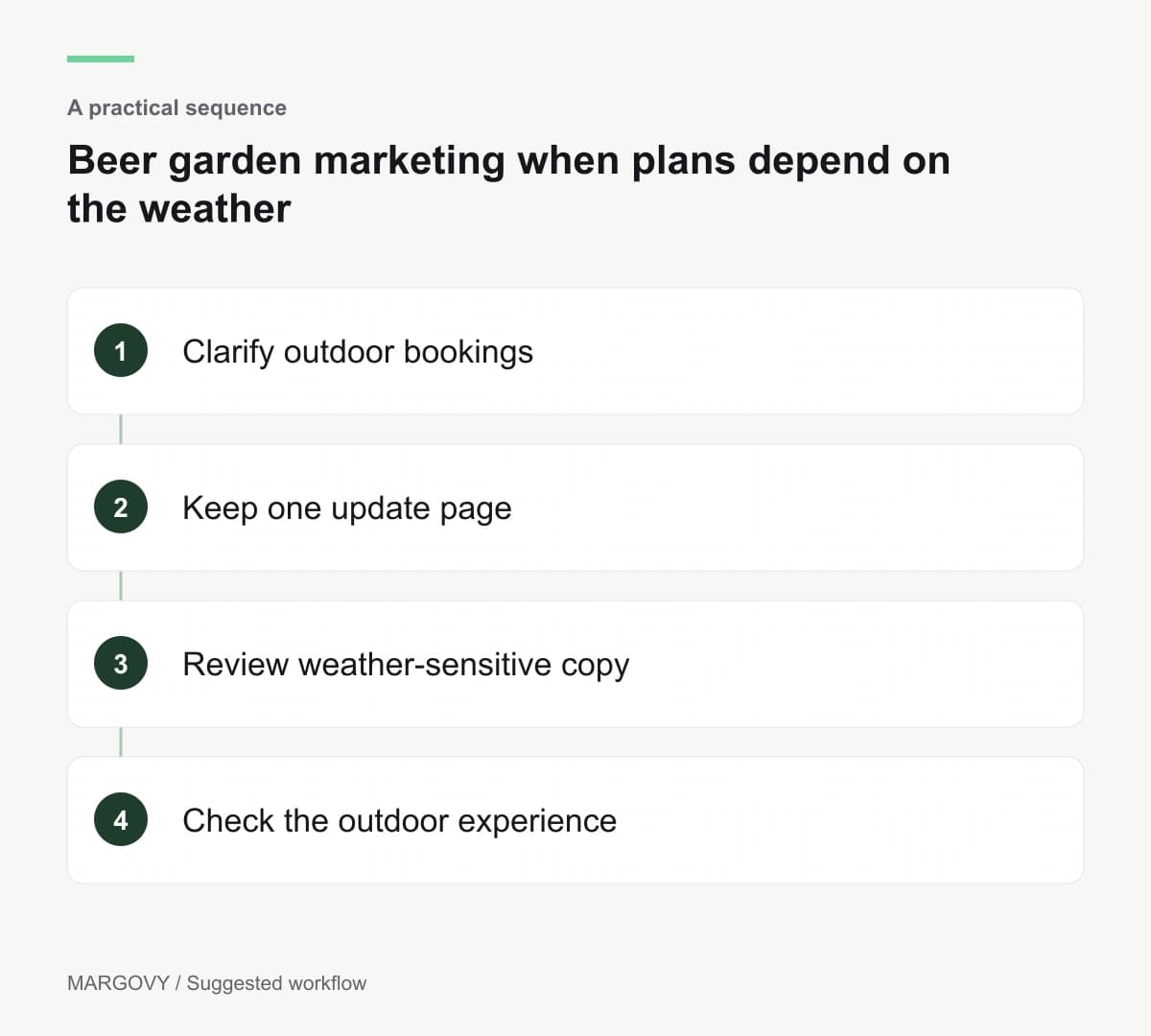
Check the outdoor guest experience
Walk the route from the entrance to seating and ordering. Check that visitors can read signs and find the information promised online.
Do not assume indoor Wi-Fi coverage reaches every outside table. Buildings and layout affect the setup, so ask Margovy about your outdoor area.
Review customer questions after the first busy service. If several people misunderstood booking or ordering, fix the relevant page before sending the next invitation.