Part of our guide to pub marketing ideas
Pub Wi-Fi marketing: give weekend customers a reason to return midweek
A full pub on Saturday does little to solve an empty dining area on Wednesday. If your weekend customers enjoy visiting, start by giving them a reason to consider another evening.
Pub Wi-Fi marketing gives you a way to introduce that next visit. Guests join your Wi-Fi through a branded sign-in page, and their marketing choices are recorded alongside their contact details.
The useful part comes afterwards: what you show them, what you say and whether the invitation fits their week.
Give one quiet evening something worth booking
Choose a session with room to grow. Then decide who could realistically attend.
A neighbourhood pub might introduce an early supper menu for local residents. A venue near offices might focus on a bookable quiz after work. Your staffing and kitchen capacity should shape the idea.
Make the details clear before promoting it. Include the start time, food availability and how to reserve a table.
“Wednesday quiz, 7.30pm, tables available to book” gives someone something they can organise. “Lots happening this week” leaves the work to them.
Put the event on your guest Wi-Fi welcome page
Someone visiting for Sunday lunch may never have seen your events page.
With Margovy’s guest Wi-Fi for pubs, you can introduce an event on the page guests see after connecting. Link directly to the relevant information or booking destination.
Keep the page selective. If Wednesday trade is the priority, give that invitation a clear position alongside essentials such as the menu.
Check the destination on a phone. Guests should reach current information without searching through old social posts.
Write a follow-up that still makes sense next week
Automated follow-up emails can welcome new guests and thank them after a visit. Use the message to point towards a maintained events page.
For example:
“Thank you for visiting. You can see our regular quiz nights and this month’s food events on our what’s on page.”
That wording can remain useful as the programme changes. A dated announcement inside an ongoing automation will need updating or switching off.
Guests should be able to use the Wi-Fi whether or not they choose email marketing. Send promotional follow-ups to those who have opted in, and keep that choice separate from getting online.
You can review the available messages in Margovy’s Wi-Fi marketing features.
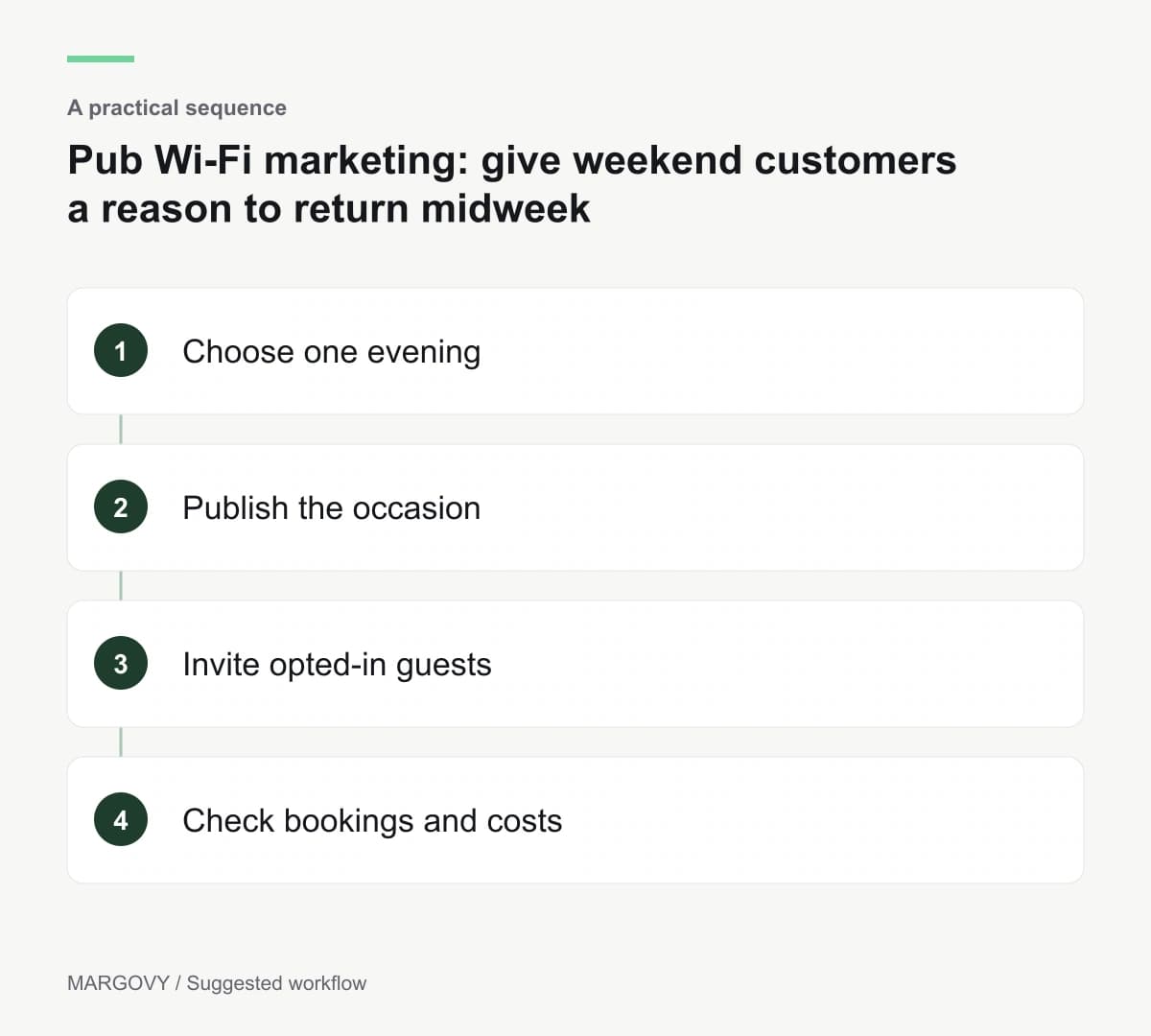
Check the trading result
Record bookings, covers and the cost of running the evening. Ask customers how they heard about it.
Wi-Fi sign-ins can add context, but they do not tell you what someone spent or whether every diner connected.
Compare several equivalent evenings before changing the offer. If people are booking but the event costs too much to deliver, adjust the format.
When choosing your setup, compare Margovy’s plans against the follow-up tools you expect to use.