Part of our guide to guest Wi-Fi marketing
Writing a venue welcome email guests can use

A venue welcome email arrives after a small but specific interaction: someone has shared their details and, for marketing, chosen to hear from you.
The message should remind them who you are and provide a useful reason to open it. You do not need to introduce every service in the business.
Begin by choosing one destination that helps the customer take a sensible next step.
Decide what the email is for
A restaurant might direct guests to current menus and reservations. A salon might link to its service menu. A community venue might introduce the events programme.
Choose a maintained page rather than information that changes daily. The automation will continue to send until you change its settings.
Give the message a subject line that identifies the venue and purpose. Avoid vague urgency or a promised offer that does not appear inside.
Use the venue name consistently so the customer recognises the sender.
Write the minimum useful message
A workable structure is a short acknowledgement, one relevant explanation and a clear link.
For example: "Thank you for visiting our venue. You can find our current events and booking information here whenever you are planning another visit."
Replace the general terms with accurate details from your business. A customer should know what the link leads to before opening it.
Avoid claiming that you know what someone purchased from a Wi-Fi connection. Keep the message appropriate to the information you actually hold.
Margovy's automated email features let you review the wording and timing rather than relying on a preset unchanged.
Check eligibility and timing
Keep the marketing choice distinct from guest Wi-Fi access. A contact record alone should not be treated as permission for every kind of message.
Review what the customer receives from other systems. A booking confirmation and a welcome email may repeat information or arrive too close together.
The ICO's direct marketing guidance explains the principles of fair collection and respecting preferences.
Use the appropriate preview and test process before enabling the message.
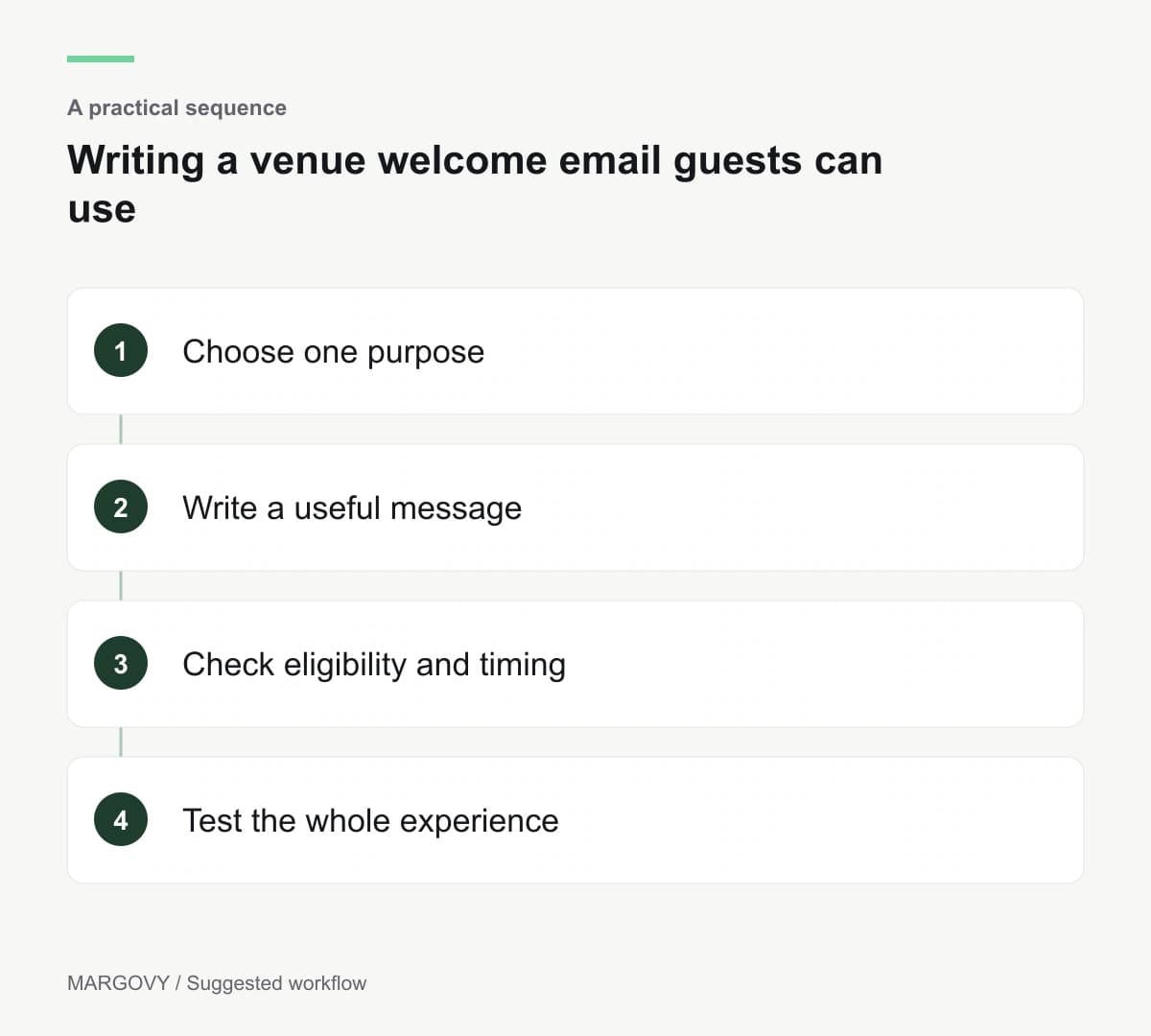
Inspect the complete experience
Open the email on a phone. Confirm the link works and the destination is current. Check that customers can identify and use the unsubscribe route.
Read the message as someone who has forgotten the sign-in interaction. If the sender and purpose are unclear, simplify the opening.
After enabling it, review replies and delivery information. Clicks tell you which destination attracted interest; they do not establish a purchase.
See how Margovy builds a customer list through guest Wi-Fi, then compare the available follow-up options with the messages your venue actually needs.