
One system, from arrival to return
Everything after they tap Join.
Welcome guests, build your customer list and manage follow-up messages from one dashboard.
- Box included
- Keep your broadband
- No contract
Welcome to The Old Oak
Welcome to
The Old Oak
Connect to our free Wi-Fi.
Everyone gets online
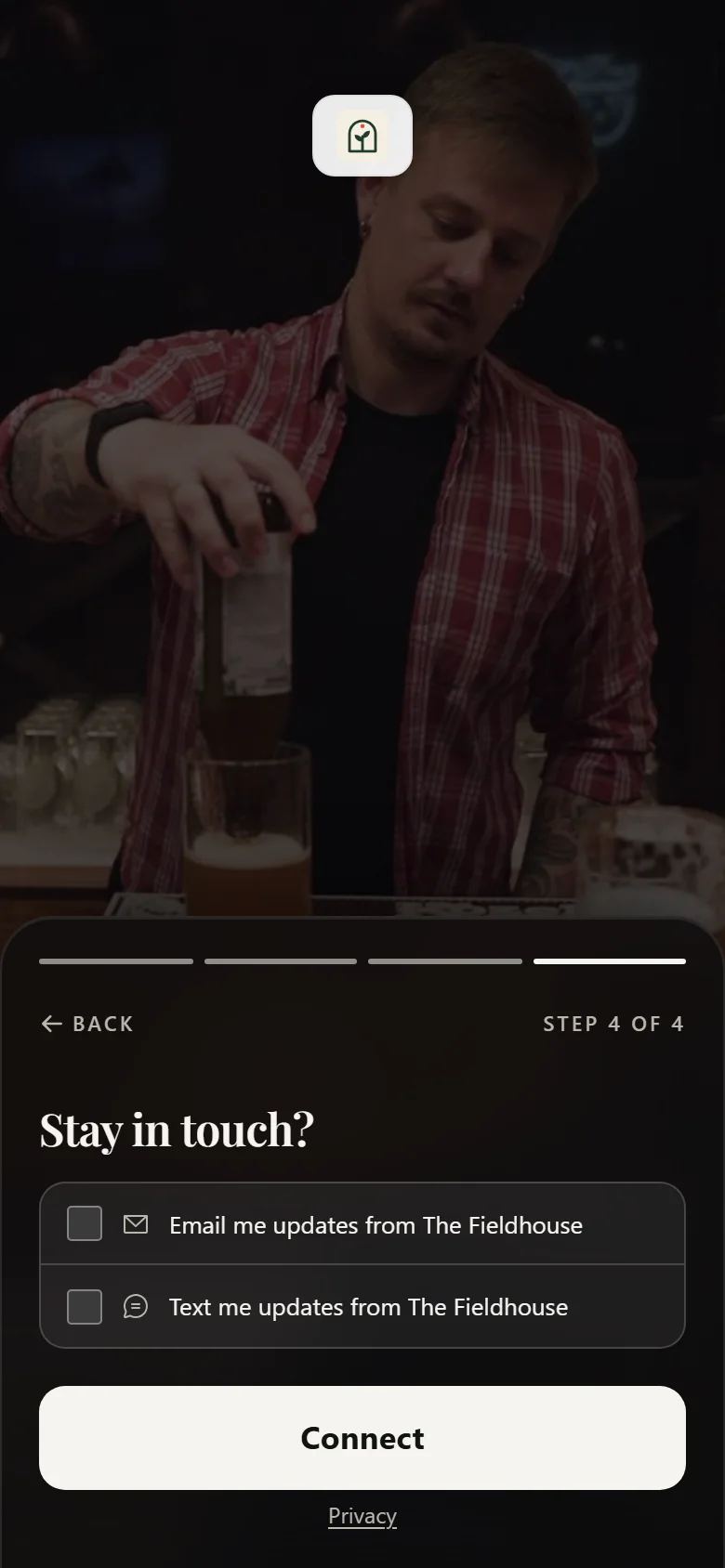
The page your guests see
Give guests a clear, branded route online that feels consistent with the venue they are visiting.
Your logo, your colours, your photo
Pick a layout (one page, step by step or cinematic) and a design, add your logo, colours and a photo or video, and check the draft preview before you publish it for guests.
Your own web address
Your venue name followed by margovy.com. It is printed on your QR codes, so it never changes once you are live.
A short sign-in form
Email is the only required contact field. First name and mobile can be included when they are part of your configured guest form.
Opens on its own
On supported phones, the sign-in page opens when the guest joins the venue Wi-Fi. The printed QR code provides another clear route to join.
The page after they sign in
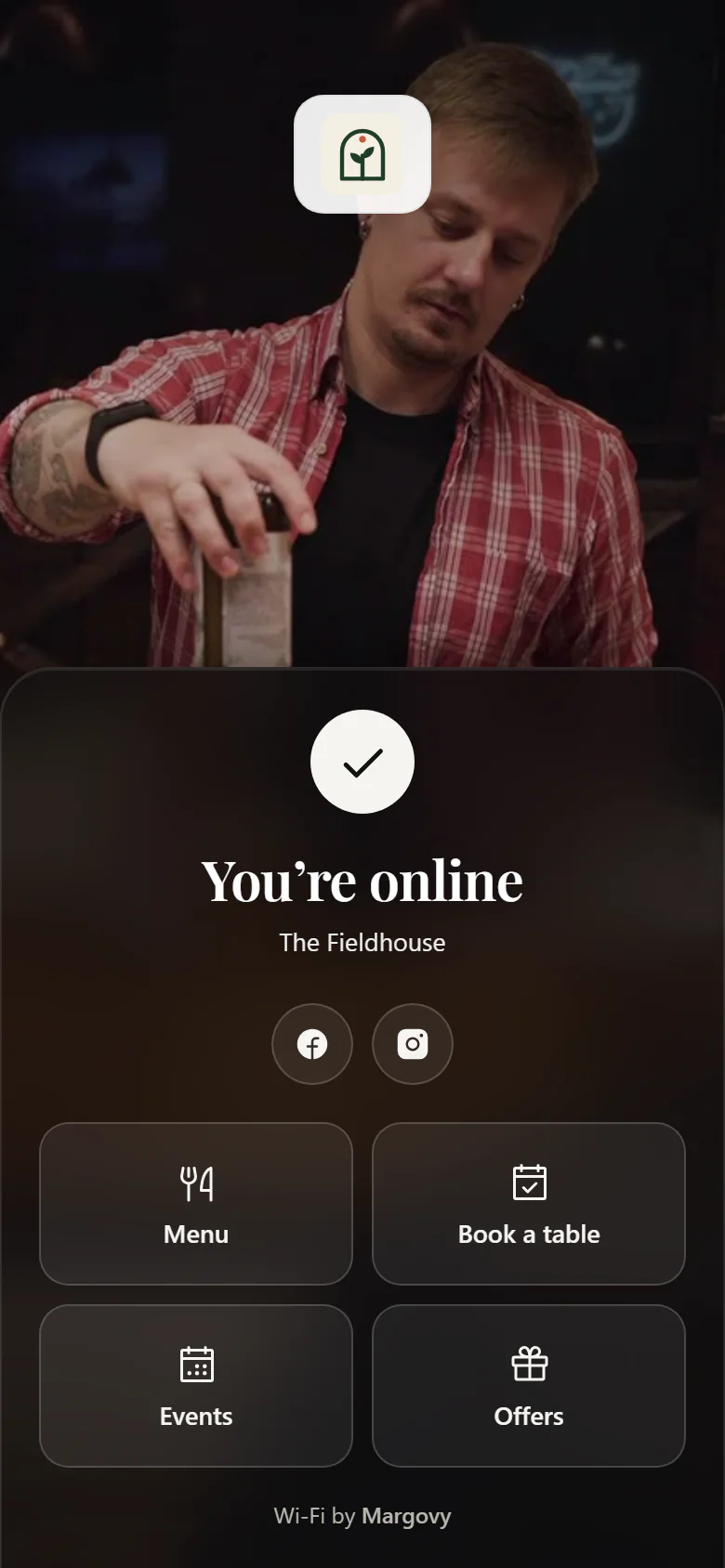
They are online, they are still in the room, and they are looking at their phone. Use that moment to share useful information about your venue.
Your menu, what is on, and how to book
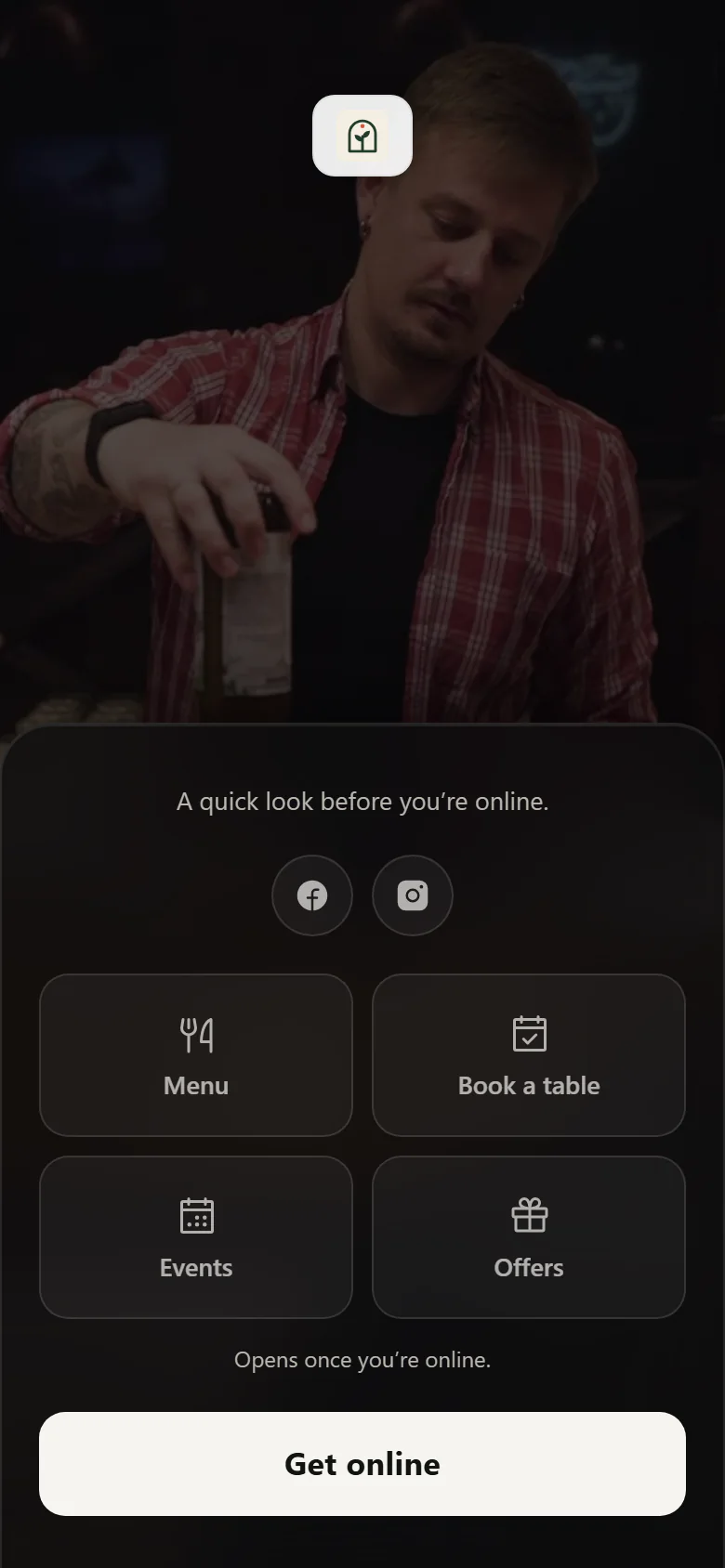
Add blocks for a menu, events, bookings, an offer, a note or another useful link. Move them into the order you want.
Scheduled content
Show the Sunday roast block on a Sunday and the quiz night block on a Thursday evening. Pick the days and the hours, and it looks after itself.
Your social accounts
Facebook, Instagram, X, LinkedIn, YouTube and TikTok. Give guests a direct link to your social profiles.
A rating on the welcome page
Guests can rate their visit from the welcome page. On Plus and Max, any note they leave lands in your Reviews inbox.
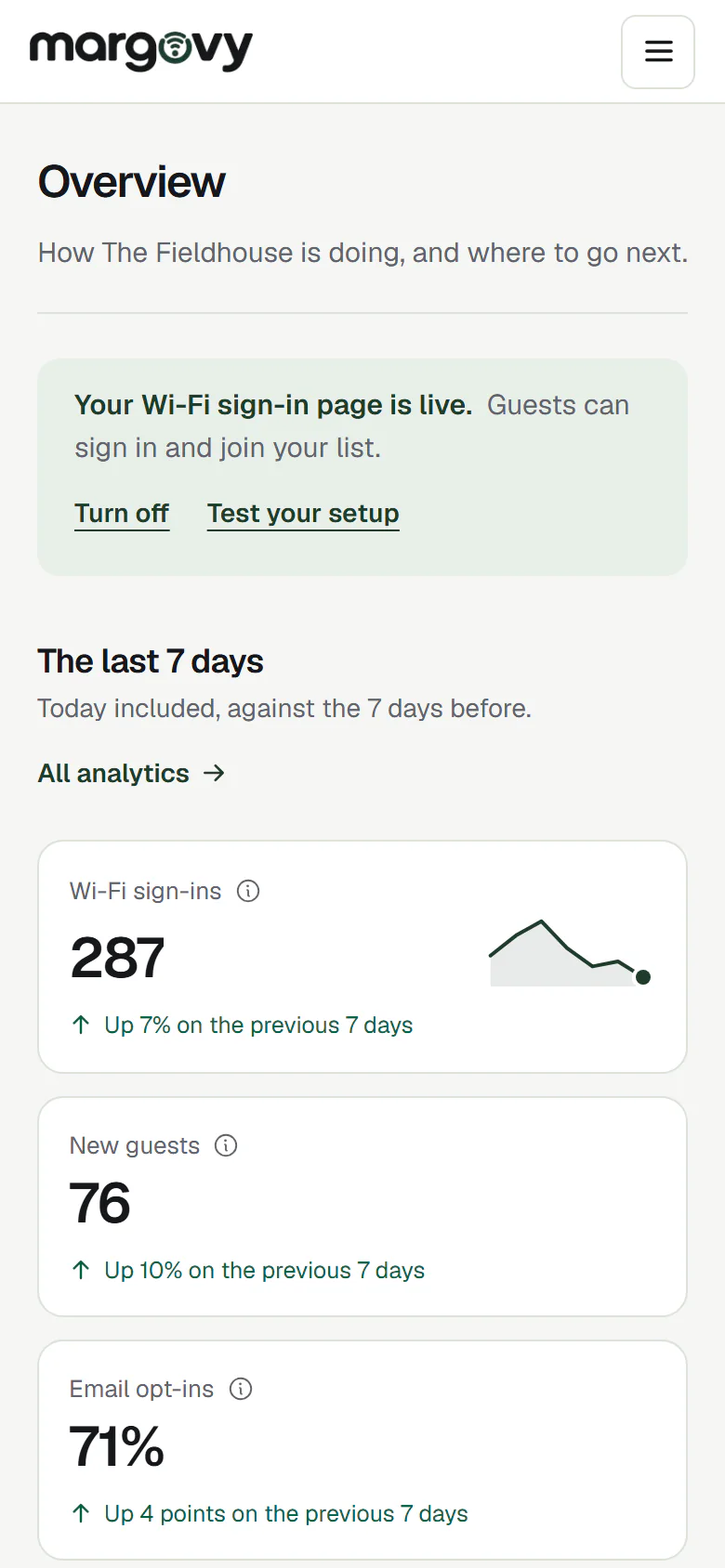
The customer list
Guest details, visit history and marketing choices in one place.
Every sign-up, in one place
Name, email address, mobile number, first visit and most recent visit. Search it by name or email, and open any one person to see their whole history.
Every visit on their record
When a guest signs in again with the same email address, the dashboard adds the visit to their history. Guests type their details each time they sign in.
The list belongs to you
Export the full list whenever you need it, on any plan. We do not sell it, share it between venues or use it for our own marketing.
Consent recorded properly
We store exactly what each person agreed to, in the wording they were shown, with the date and time. If you are ever asked to prove it, you can.
Bringing them back
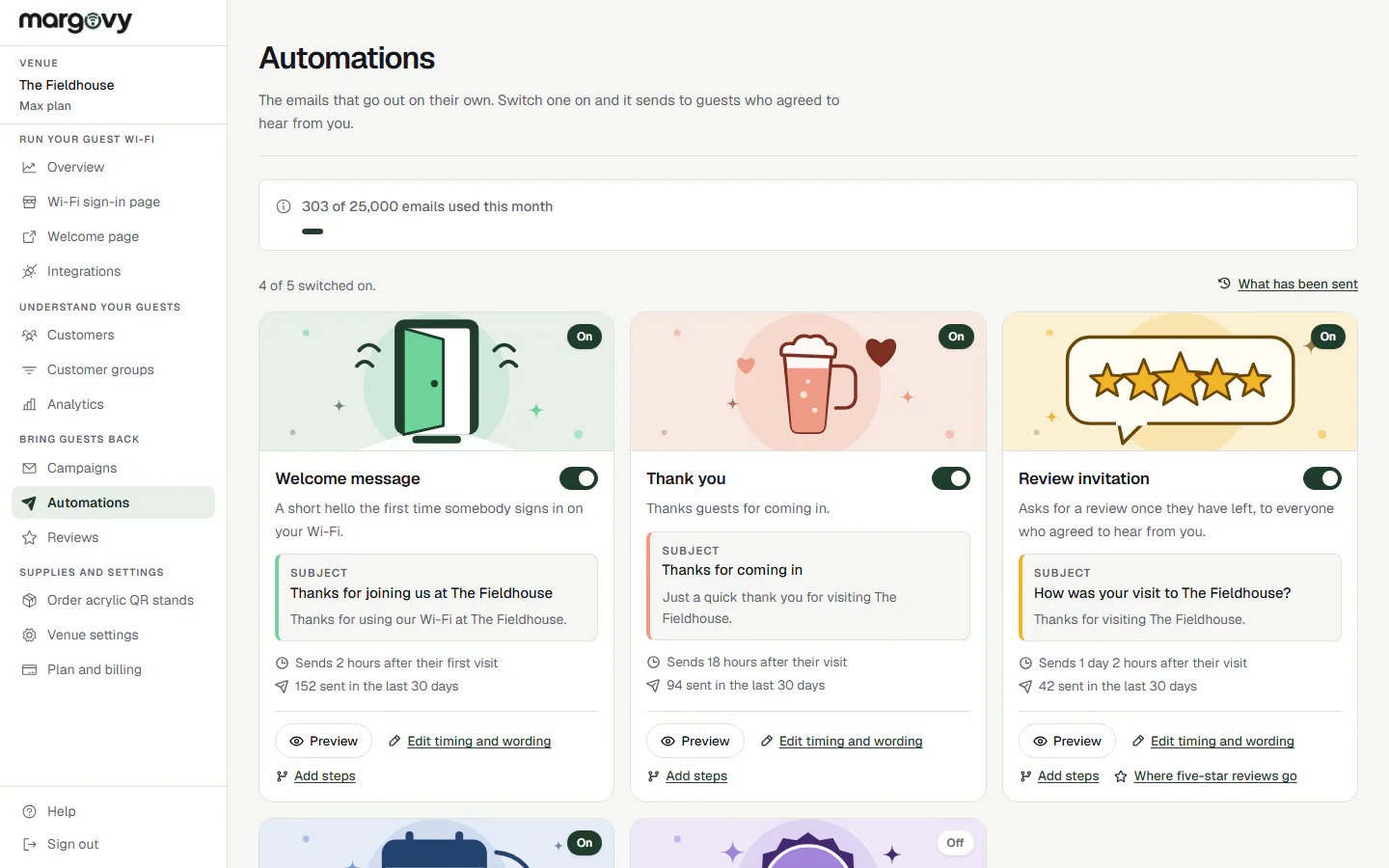
Choose automated emails for different stages of the customer relationship. Grow includes two; Plus and Max include all five. Max adds campaigns and texts.
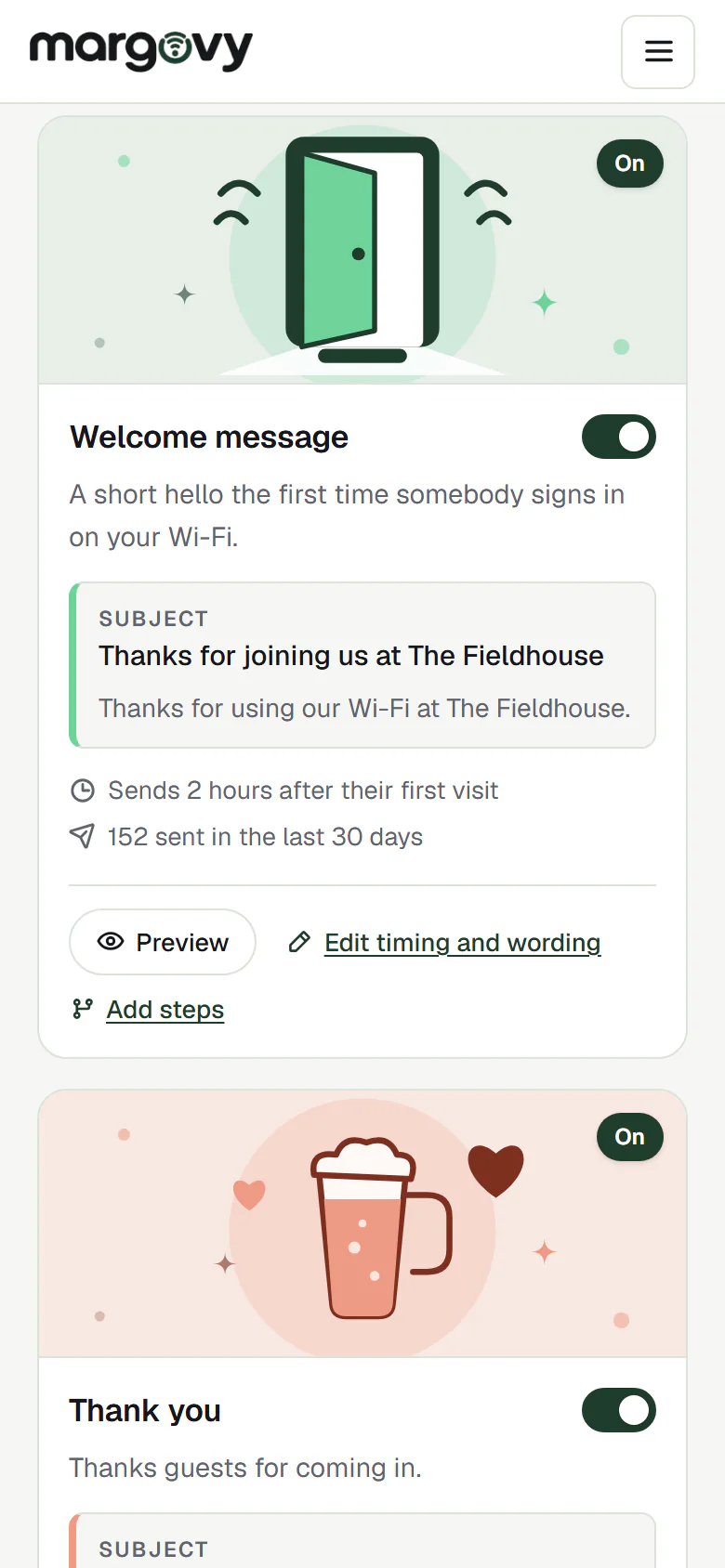
A hello, then a thank you
A short welcome a couple of hours after a guest first signs in, and a thank-you after a visit rather than while they are still at the table.
Review invitations
Sent no earlier than the day after a visit. You choose the public review destination.
Follow-ups for specific moments
Plus adds an offer after a month away and a first-visit follow-up after three days. You can adjust the timing and wording of each preset.
Campaigns to a group you choose
On Max, write one email, pick who gets it and choose when it goes out. Saved customer groups pick out regulars, first-timers or people who have not been in for a while.
Texts as well as emails
Max can also send texts, up to 250 a month. Every text carries a link to opt out.
Unsubscribe on everything
One tap, applied immediately. It also cancels any message already queued for that person, not just the ones not written yet.
What the numbers tell you
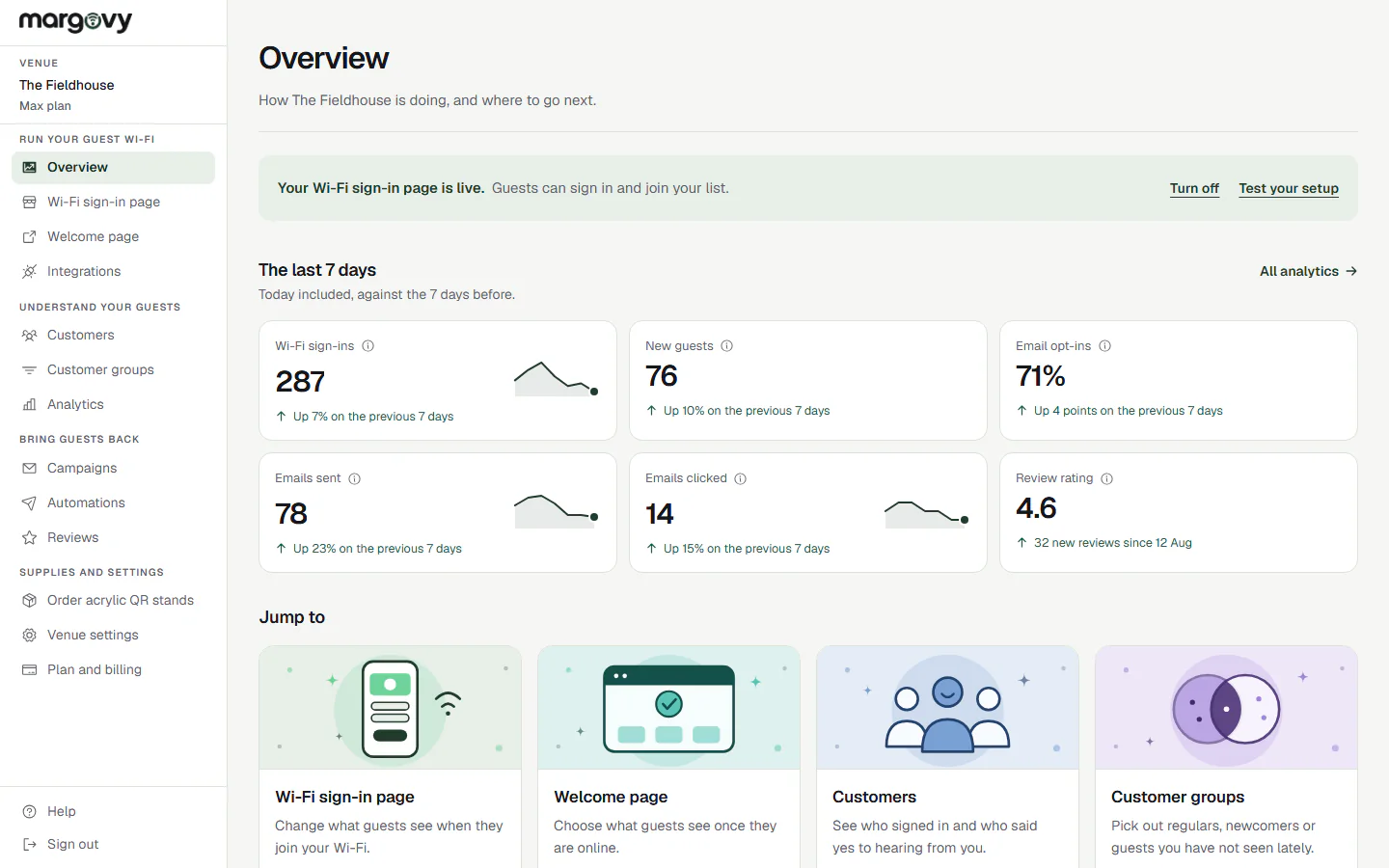
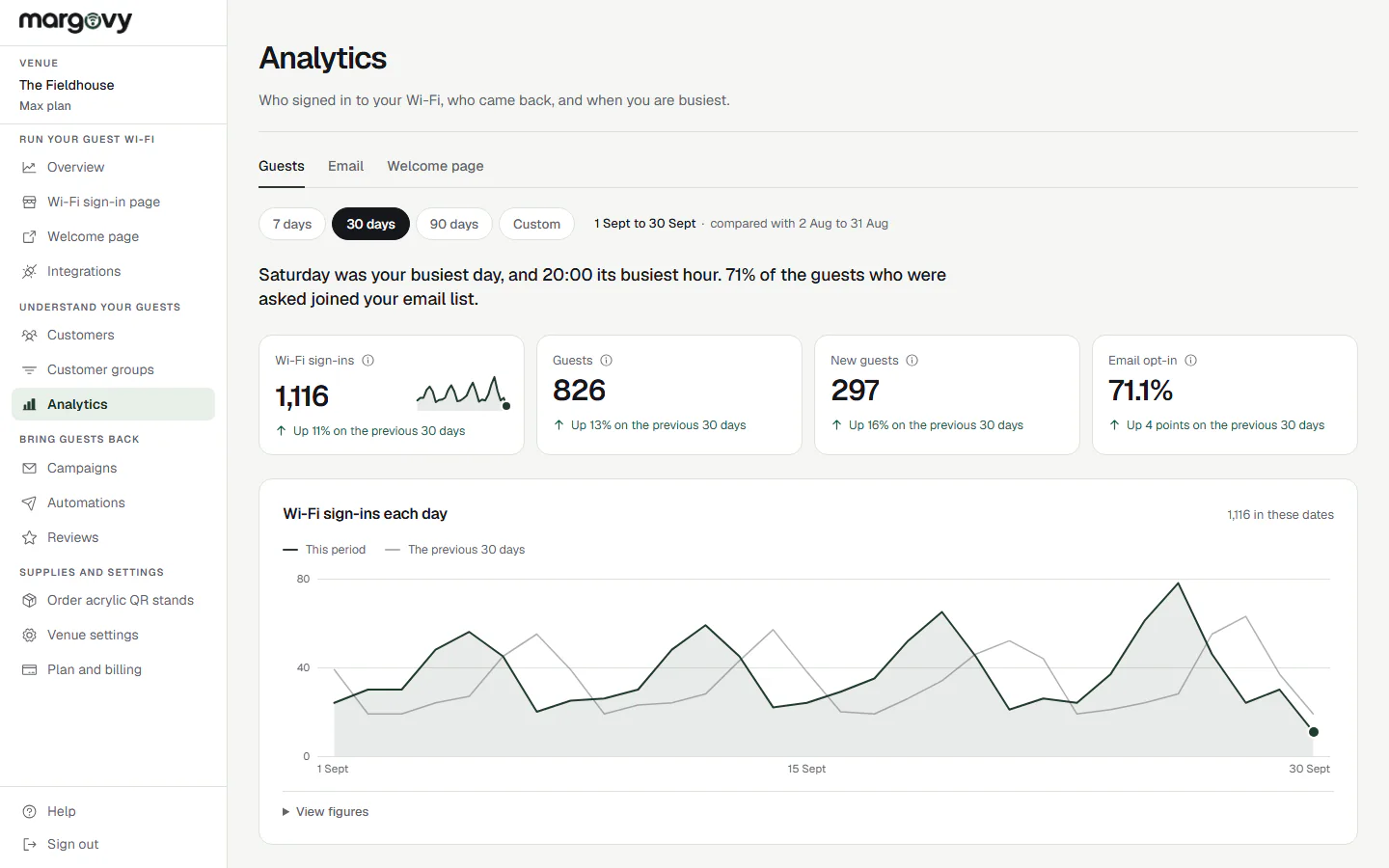
See the activity Margovy records, with empty periods shown clearly.
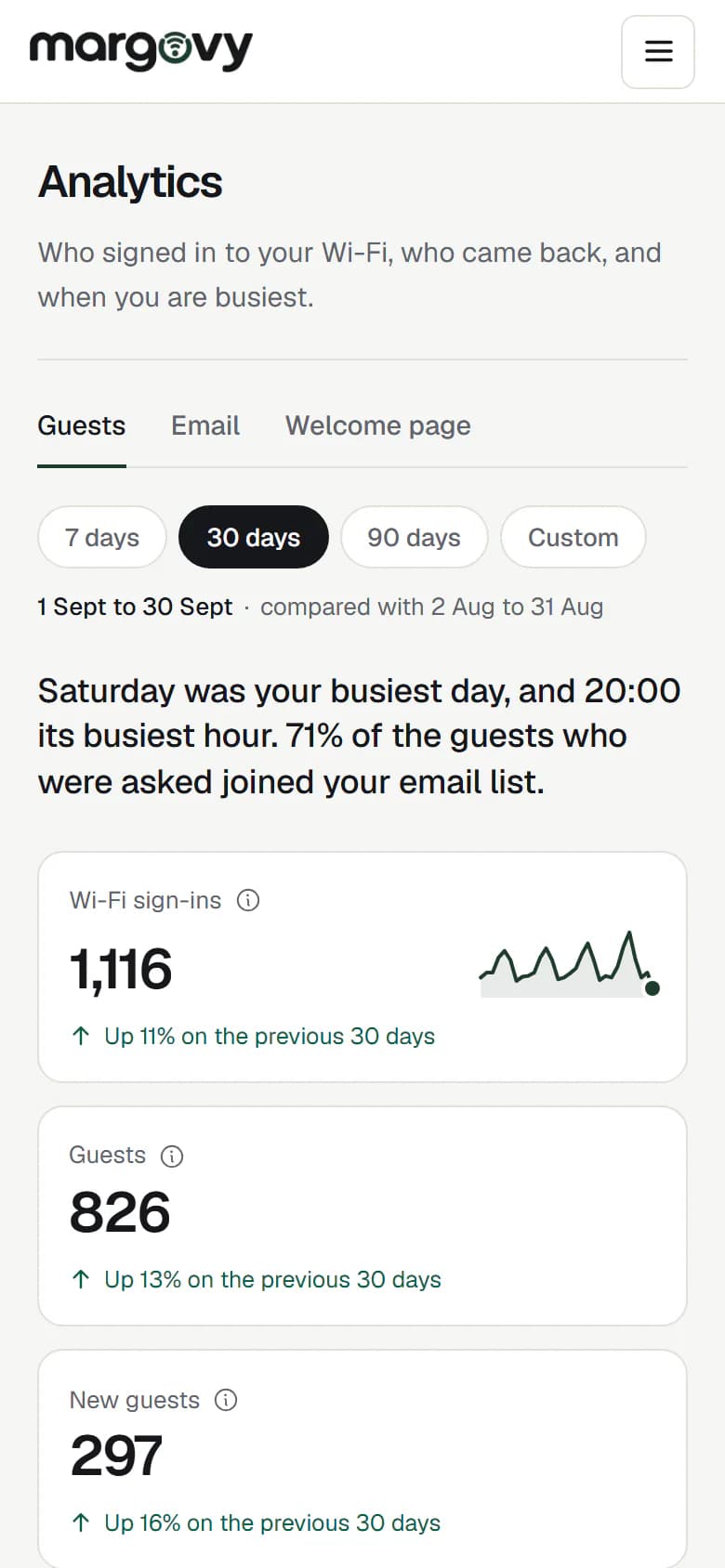
Visits and sign-ups
How many connected, how many joined your list and how many are new. Plus and Max also identify returning guests.
Busiest times for Wi-Fi sign-ins
A grid shows when guests signed in to the Wi-Fi. It measures sign-in activity rather than total attendance or sales.
What happened to your messages
Sent, delivered and clicked, by day and by message, so you can tell which follow-up is worth keeping.
Feedback in one place
What guests tell you privately through the feedback form, alongside where your public reviews are pointed.
Compliance and safety
Consent, guest access and venue operations are kept explicit throughout the service.
Wi-Fi is never withheld
A guest gets online whether they opt in to marketing or not. Making the connection conditional on consent is not permitted under UK rules, and we do not do it.
Your tills stay separate
Card machines and back-office equipment stay on your original network. Guests are never on the same network as your payment terminal.
Turning Margovy off keeps access available
When Margovy is switched off, guests are sent straight online without the sign-in form. The venue’s underlying broadband and network stay in place.
Contact details are protected
Device identifiers are scrambled before they are stored and the original is not kept. Guest email addresses are not shared between venues.
Guests see your page, then they are online.
Build your customer list.
Create your account, make your page and choose a plan. The box is included.
No contract, cancel any time.
Let’s get you started.
Make your page, choose a plan and we post you the box.
Build your customer listAlready have an account? Log in