
Turn guest Wi-Fi into lasting connections
One cable. A clearer customer journey.
Simple to set up. A better experience for your guests. A growing list of customers for your venue.
- Box included
- Keep your broadband
- No contract
Welcome to The Copper Kettle
Welcome to
The Copper Kettle
Connect to our free Wi-Fi.
Everyone gets online
How it works
One box. One cable. Then guests.
The box plugs into the router you already have. Your broadband, tills and card machines stay on their current network.
Google review
Hannah W.
Best Sunday roast for miles. Six of us at The Old Oak and every plate came out hot.
Suggested reply
Thank you, Hannah. We are so glad the roast came out right for all six of you. See you again soon.
A normal night.
Your venue is full. Your router sits on its shelf, as always.
One cable.
The Margovy box plugs into the router you already have. Nothing else changes.
Guest Wi-Fi fills the room.
A network with your name on it reaches every table.
Guests join.
They sign in on your page and they are online.
Then it starts working for you.
A review to answer, a new follower, a thank-you email on its way and your menu in their hand.
A customer list that fills itself.
The box is included. No contract.
Guests this month
1,116
Example figures for an example venue.
- 1. A normal night.Your venue is full. Your router sits on its shelf, as always.
- 2. One cable.The Margovy box plugs into the router you already have. Nothing else changes.
- 3. Guest Wi-Fi fills the room.A network with your name on it reaches every table.
- 4. Guests join.They sign in on your page and they are online.
- 5. Then it starts working for you.A review to answer, a new follower, a thank-you email on its way and your menu in their hand.
- 6. A customer list that fills itself.The box is included. No contract.
Installation
Your venue keeps running.
A simple, five-step set-up. No disruption to your service.
We configure and assign your box
Before it is sent, we set up your venue name, branding and guest page, and assign the box to your venue. There is no pairing code to type.
Plug in power and one cable
When it arrives, connect its power lead and one cable to a spare router port on the router you already have. That is the wiring.
Wait for its first check-in
The box checks in by itself once it has power and a router connection, and your dashboard shows when it is reporting. Please do not reset it.
Your existing Wi-Fi keeps working
Your staff and business Wi-Fi and its password stay exactly as they are. Margovy adds a separate guest network beside it. Your old guest Wi-Fi, if your router has one, is switched off during setup by you or your installer, never remotely by us, and any extenders you have are pointed at the new network.
Tills and card machines stay put
They stay on your original router, on their own network, with none of our equipment between them and the internet.
The guest experience
Guests get online without asking for a password.
A simple, secure sign-in that puts you in control.
Scan the QR code
Guests scan the code on the table, then their phone offers to join.
Guest page opens
Your branded sign-in page appears, in your venue’s name and colours.
Online instantly
They select your guest network as they normally would. Your page opens automatically.
Welcome to The Copper Kettle
The Copper Kettle
From guests to regulars
What happens next.
Turn a simple Wi-Fi sign-in into a growing list of real customers.
Sign in
Guests join your Wi-Fi and share the details you ask for.
Join your list
Their details land in your customer list.
Customer record
Every visit is added to their record in your dashboard.
First follow-up
A welcome or thank-you can send automatically after a visit.
Review and grow
Plus and Max can invite eligible guests to review the next day.
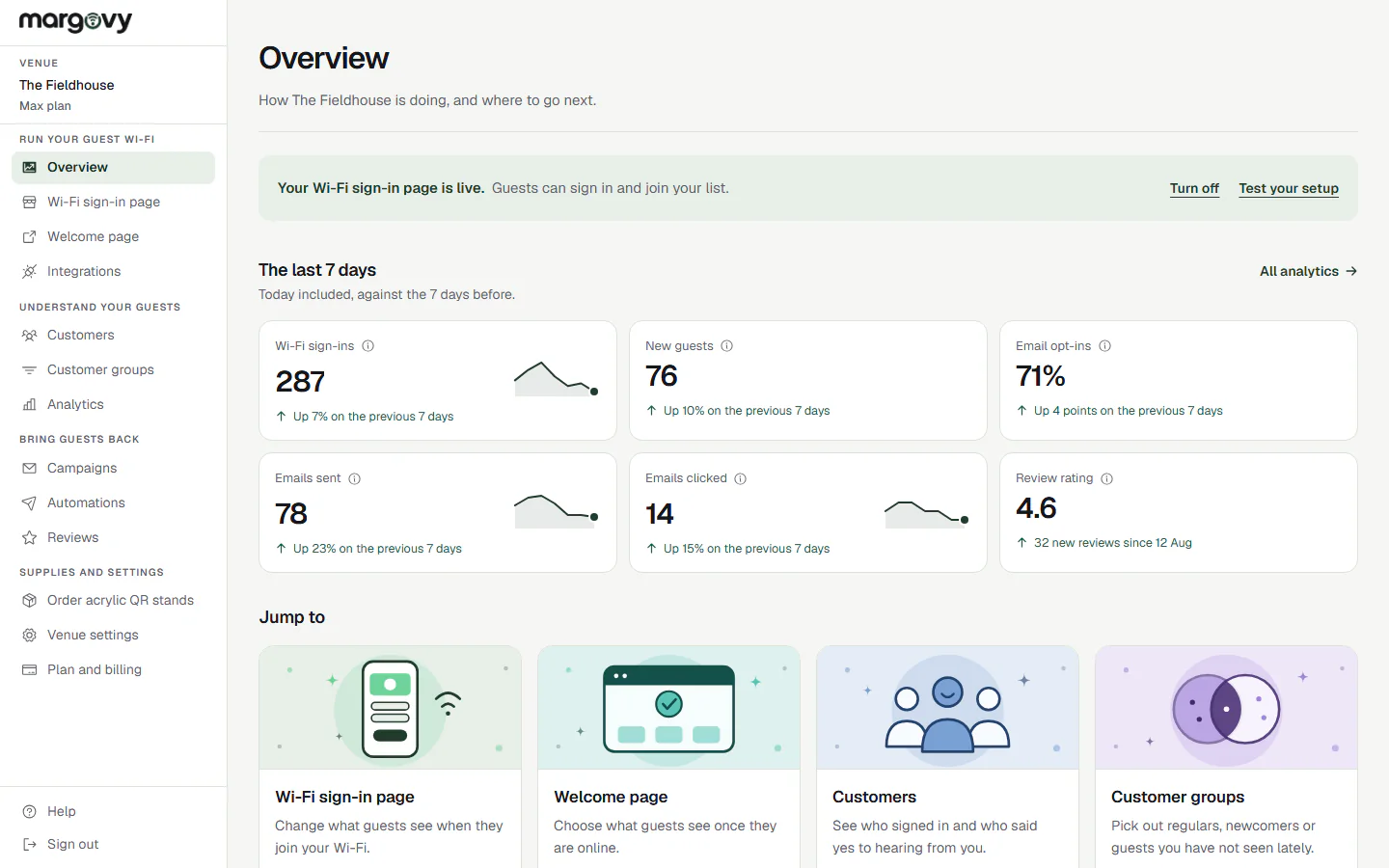
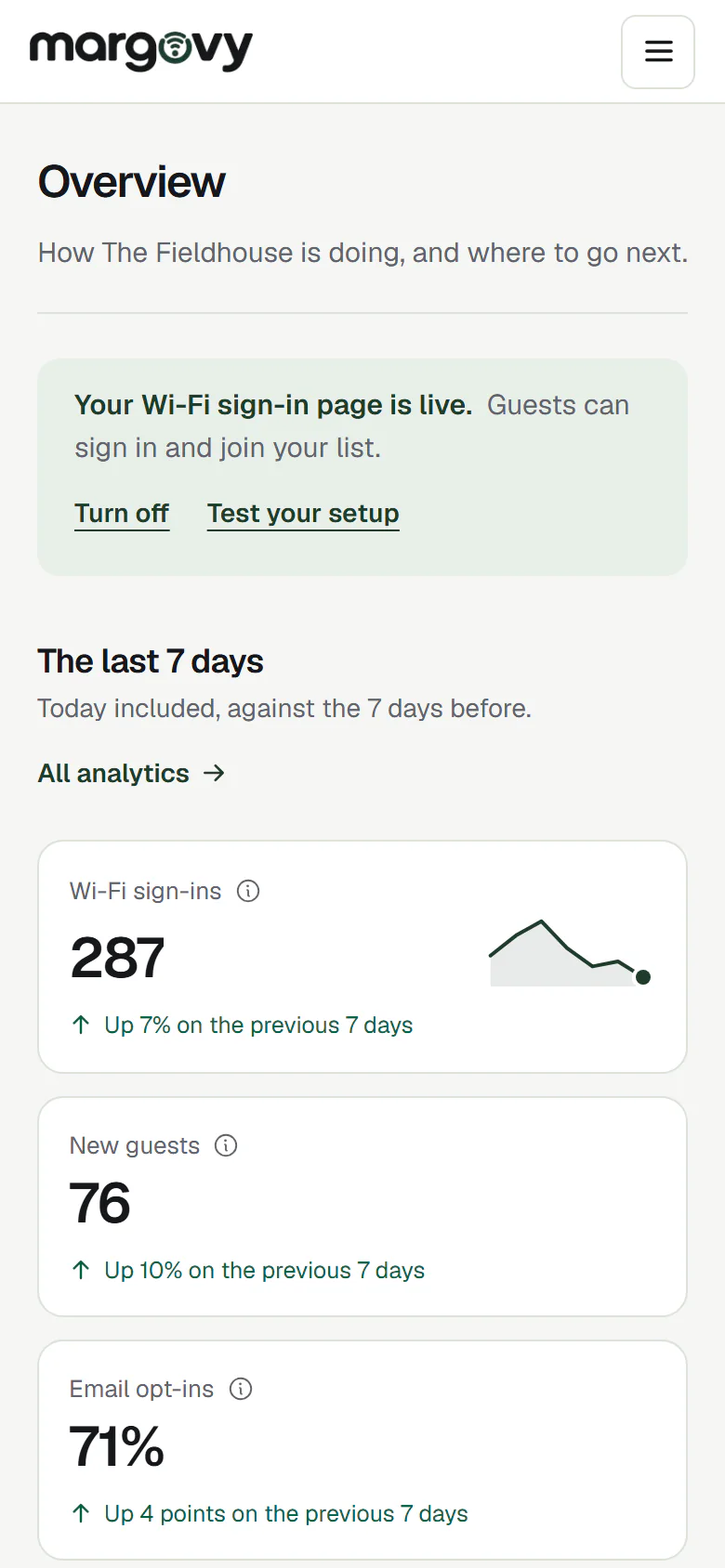
Your set-up
Choose the set-up that fits your space.
The same simple experience, whatever the size of your venue.
Small
One box included
Ideal for small cafés, restaurants and independent bars.
Medium
One box and a Wi-Fi extender · +£10/month
Great for larger venues, split areas or multi-room spaces. The extender carries your guest Wi-Fi and sign-in page further in.
Large
One box and two Wi-Fi extenders · +£20/month
Designed for venues with more than one room or floor. The extenders carry your guest Wi-Fi and sign-in page further in.
Illustrative layouts only. These are not coverage surveys.
Plans start from £29/month, including the baseline equipment.
Build your customer list.
A simple setup, happier guests and a clearer way to bring people back. The box is included.
No contract, cancel any time.
Let’s get you started.
Make your page, choose a plan and we post you the box.
Build your customer listAlready have an account? Log in