Part of our guide to hotel marketing ideas
What to put on a hotel Wi-Fi welcome page

A guest opening your hotel Wi-Fi welcome page may be looking for breakfast times, a restaurant menu or a way to contact reception. They should not have to work through a sales message first.
Choose the content around the stay. A clear page can also introduce future bookings, but the immediate information needs a prominent place.
Begin with recurring reception questions
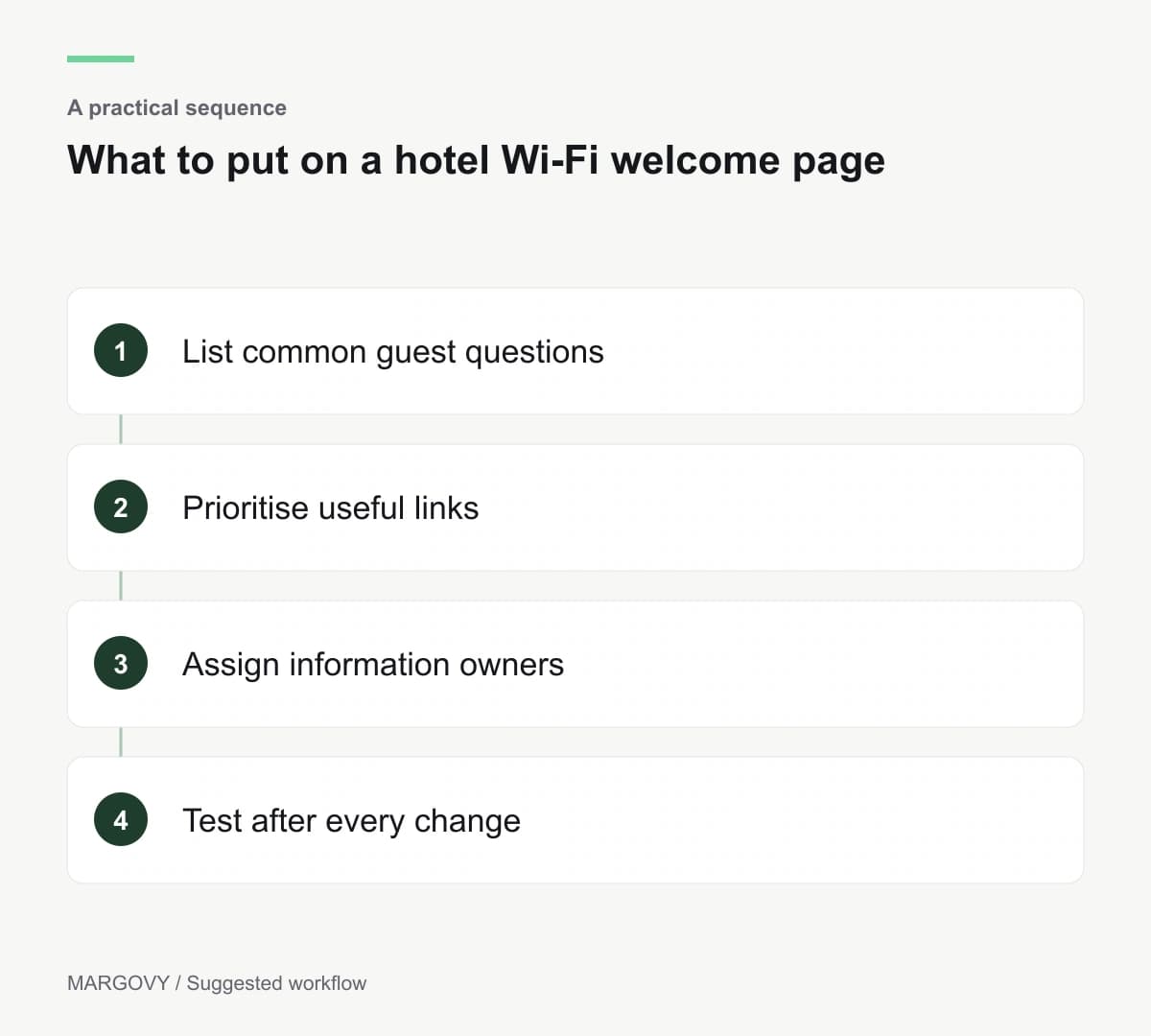
Ask reception which details guests request repeatedly. Use those questions to decide the first links.
Breakfast arrangements, checkout information and the appropriate contact route may deserve space. The right order depends on how your property operates.
Keep urgent assistance information separate and unmistakable. A promotional page should never be the only route to essential instructions.
Link to information that someone maintains. A beautiful welcome page becomes unhelpful when the restaurant hours behind it are out of date.
Keep the list short enough to scan
A guest arriving late does not need every local recommendation before finding the breakfast information.
Group related material on a useful destination page. For example, one dining link can lead to current menus and service arrangements.
Use direct labels. "Breakfast information" is clearer than a slogan about starting the day.
Margovy's hotel guest Wi-Fi lets you link to stay information and your existing booking destination. Arrange those links according to the guest's likely task.
Add commercial information where it helps
A restaurant reservation link is useful when guests are deciding where to eat. A direct booking link helps when they are planning another stay.
Do not suggest that a link automatically checks room availability or recognises an existing booking. Those functions belong to the destination system.
If you promote a package, explain what it includes and keep its dates current. Review scheduled blocks alongside the underlying page.
You can see the guest-page content controls before deciding how much information belongs on the first screen.
Give updates a clear owner
Assign responsibility for each destination. Reception might maintain stay information while the restaurant team checks dining details.
After a change, test the route from the welcome page on a phone. Check the text as well as the button.
Keep a simple review schedule that matches operational changes. Seasonal service hours need a check before the season begins, not after the first complaint.
For a property with separate wings or buildings, discuss the layout with Margovy. The quality of the welcome page and the suitability of the Wi-Fi setup both need attention.