Part of our guide to visitor attraction marketing
Visitor attraction updates when the weather changes

A change in weather can affect what visitors expect to do without closing the whole attraction. Your information needs to explain that difference.
Visitor attraction weather updates should name the affected activity and state what customers can do next. A vague notice about disruption leaves families and group organisers trying to interpret it.
Plan the update process before the weather forces a hurried decision.
Decide who confirms the operational status
The person responsible for activities should establish what is open, changed or cancelled. Marketing then communicates that confirmed position.
Keep the decision time visible where it helps visitors judge whether the information is current. Do not copy a forecast into a promise about what will operate.
If an activity has an alternative, explain it accurately. Avoid presenting an indoor option as equivalent without describing any material differences.
Direct customers to the applicable booking terms for changes or refunds. Staff need to know the actual process before enquiries arrive.
Keep one current information page
Use a maintained page for the latest arrangements. Link to it from relevant emails and social posts.
Check opening hours, arrival advice and the effect on booked activities. A general closure banner may be misleading if only part of the attraction is affected.
Keep old notices clearly archived or remove them from current navigation. Customers searching quickly can otherwise find an outdated answer.
Use ticketing records for necessary communications to affected booking holders.
Help visitors already on site
A guest Wi-Fi welcome page can link to current activity information and the appropriate help point.
Margovy's guest-page features provide a route to that information. The page should support staff and signs, especially when guests are already moving around the site.
Do not rely on Wi-Fi to reach everyone. Some visitors will never connect, and some areas may have different coverage.
A scheduled promotional block needs a manual review when the promoted activity changes.
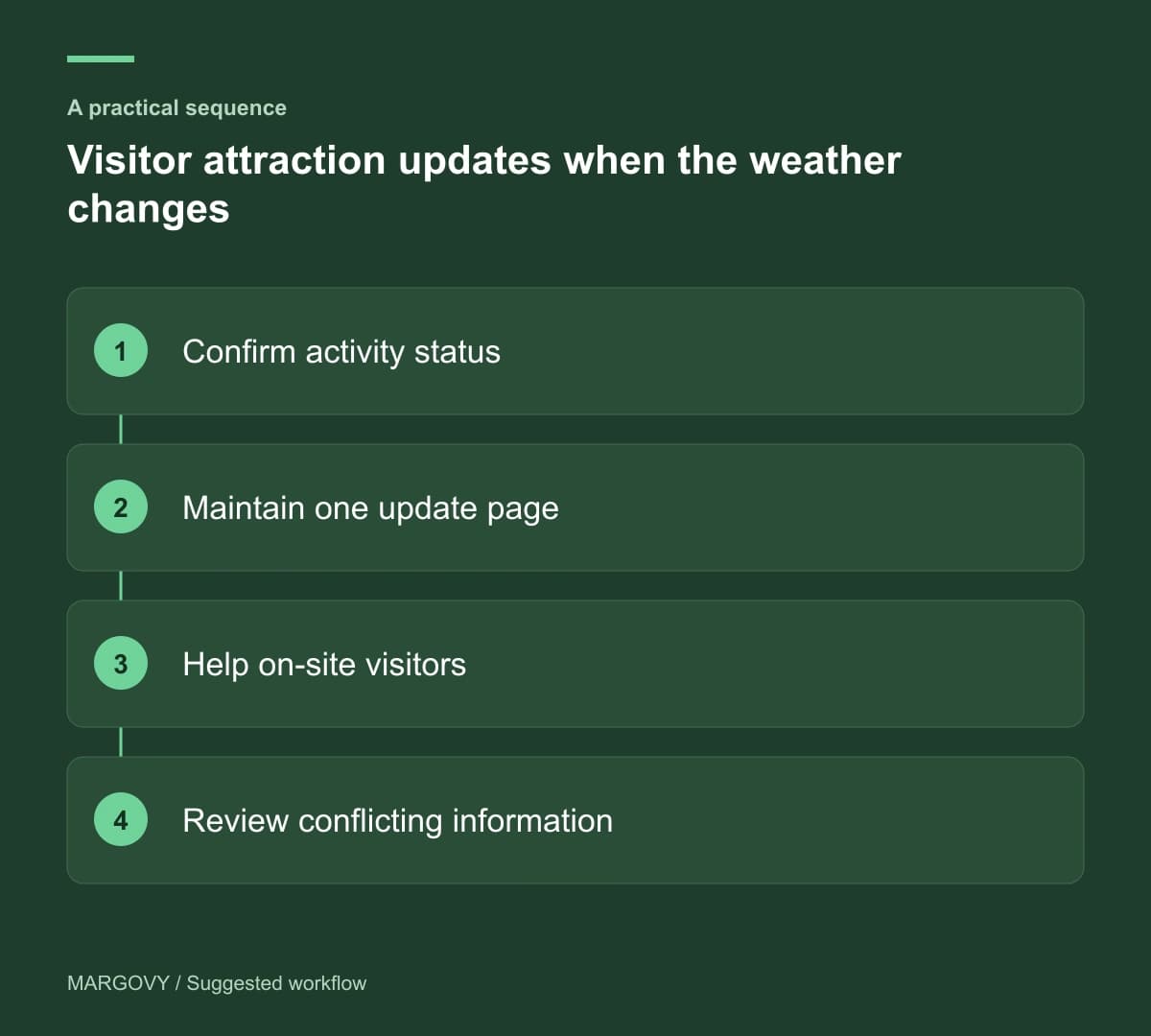
Review the communication after the event
Ask staff which questions were difficult to answer and where visitors found conflicting information.
Record the sources that need updating, such as a saved email or third-party listing you control. Correct the process while the details are fresh.
Wi-Fi clicks can show interest in an update, but they cannot establish that everyone read or understood it.
Read how Margovy's setup works, then discuss the attraction's layout if you want guest Wi-Fi to support information across public areas.