
Guide · 8 articles
Hotel and B&B marketing for more direct bookings
A guest checks out and the relationship usually ends there, until they search for somewhere to stay and find a booking site. Hotels, B&Bs, holiday parks and campsites can do better by being useful during the stay and easy to find afterwards. These guides cover the welcome page guests see on your Wi-Fi, the emails that follow, the quiet season and the restaurant. They are written for owners and managers who run the front desk themselves.
Be useful during the stay
The first thing many guests do is connect to the Wi-Fi, so the page they see is worth getting right. What to put on a hotel Wi-Fi welcome page starts from the questions reception answers all day: breakfast times, checkout and who to call. Link to information that someone maintains, because a handsome page with last season's restaurant hours is worse than a plain one that is right.
The same thinking applies on a larger site. Holiday park welcome pages for useful guest information and campsite guest information that stays useful all season cover arrival details, facility hours and local links, and who checks them before the season starts.
Stay in touch after checkout
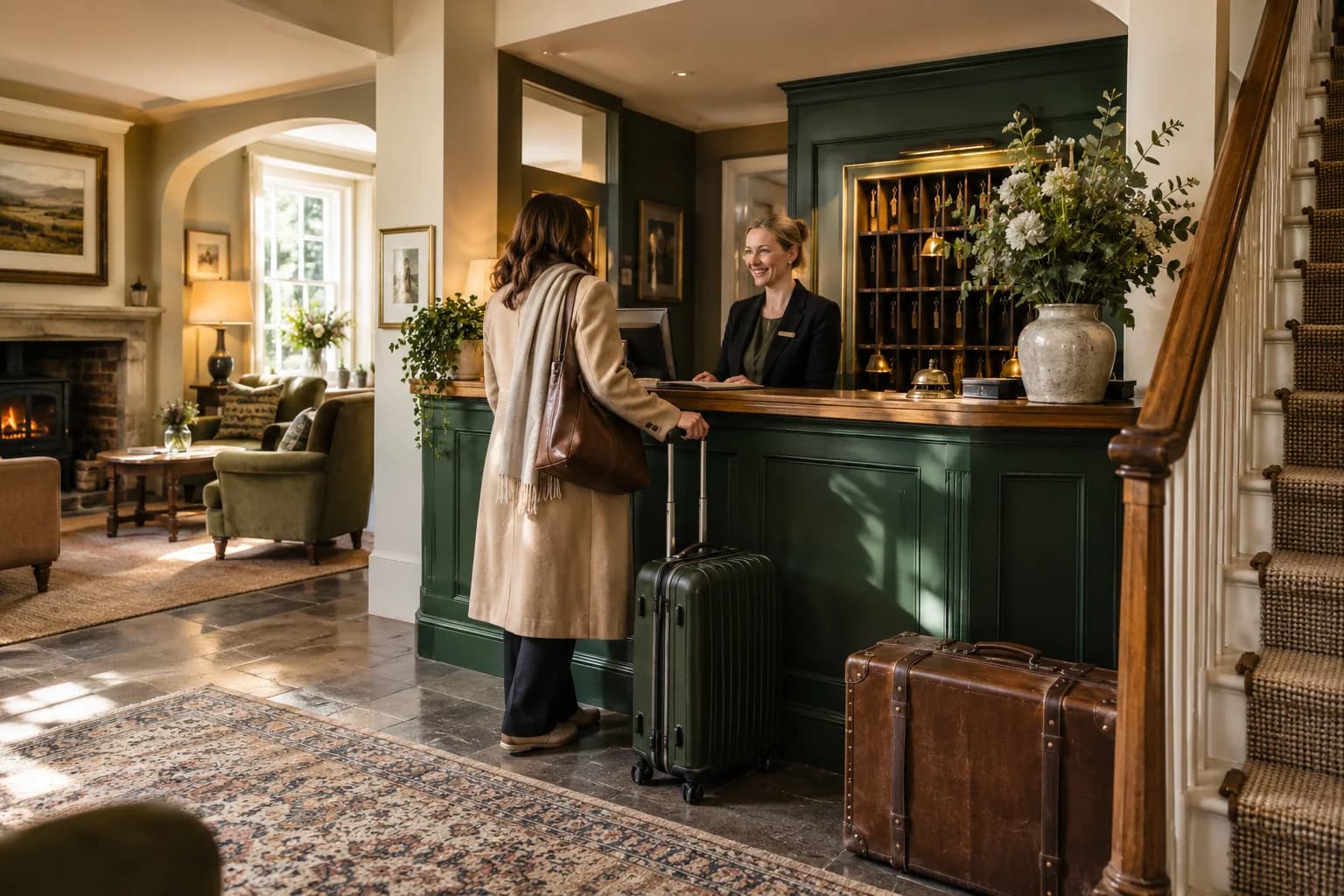
Checkout ends the stay, but a previous guest still knows your rooms. Hotel guest retention is about giving them a straightforward way to book direct and a specific reason to do it, without assuming why they came.
Then comes the question of how often to write. Hotel email frequency that respects different guests starts with listing everything a guest already receives, so your own message doesn't land on top of a booking confirmation and a receipt.
Fill the quiet season and the restaurant
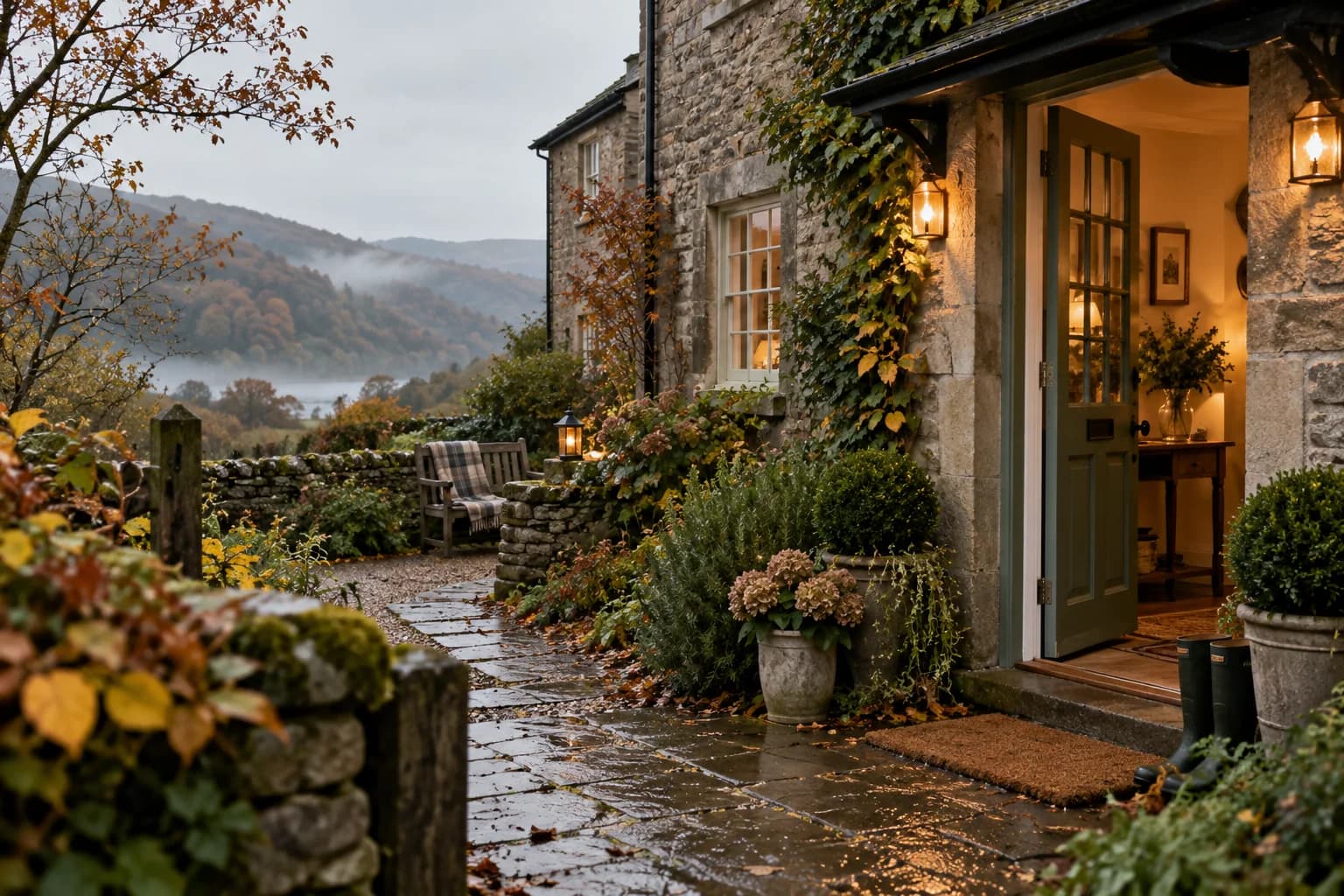
A B&B in a quiet month needs a specific reason to visit. B&B marketing for a quieter season shows how to describe one honestly and check the local details before you publish them.
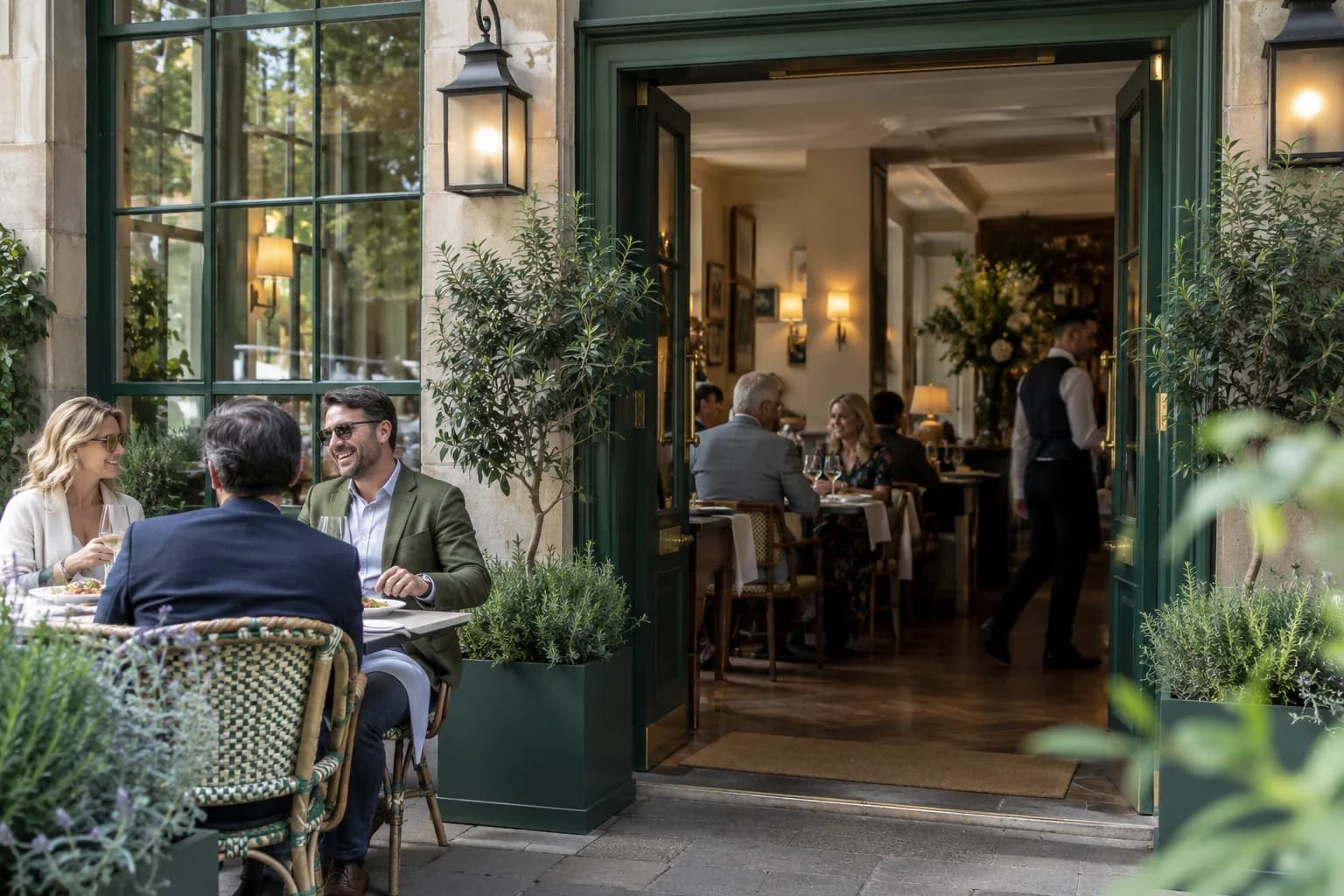
If your dining room is open to non-residents, say so clearly. Marketing a hotel restaurant to local diners covers the entrance, the parking, the menu and a reservation link kept separate from room booking, so a local customer never has to arrive at bedroom reception to find the right door.
Don't assume who your guest is
A Wi-Fi sign-in doesn't tell you whether someone is staying overnight, attending a meeting or eating in the restaurant. Hotel email frequency recommends neutral wording wherever the visit type is unknown, and marketing a hotel restaurant to local diners shows the difference: "Thank you for visiting" is safer than "We hope you enjoyed your stay". For stays themselves, hotel guest retention points to your booking records, since Wi-Fi sign-in history is not a complete record of who stayed and when.
Say what a link really does
A direct booking link takes guests to the booking service you already use. It doesn't check availability or recognise an existing booking, and the retention guide warns against describing it as an integration with your hotel system. If you promote a package, the welcome page guide says to explain what it includes and keep its dates current, and if you offer a direct-booking benefit, reception must be able to honour it.
Essential information needs a route that doesn't depend on a promotional page. Holiday park welcome pages keep a non-digital way to reach essential information, because not every guest uses Wi-Fi or a smartphone.
Give every page an owner and a check date
Put a name against each page behind a link: reception for stay information, the restaurant team for dining. The welcome page guide suggests a review schedule that matches operational changes, with seasonal hours checked before the season begins rather than after the first complaint. Campsite guest information applies the same rule to local recommendations: a café that operated last season may not be open this one, so someone should check the links before the main season. Seasonal messages need an expiry too, so an ongoing email doesn't keep announcing a season that has ended.
Describe your site before you ask for equipment
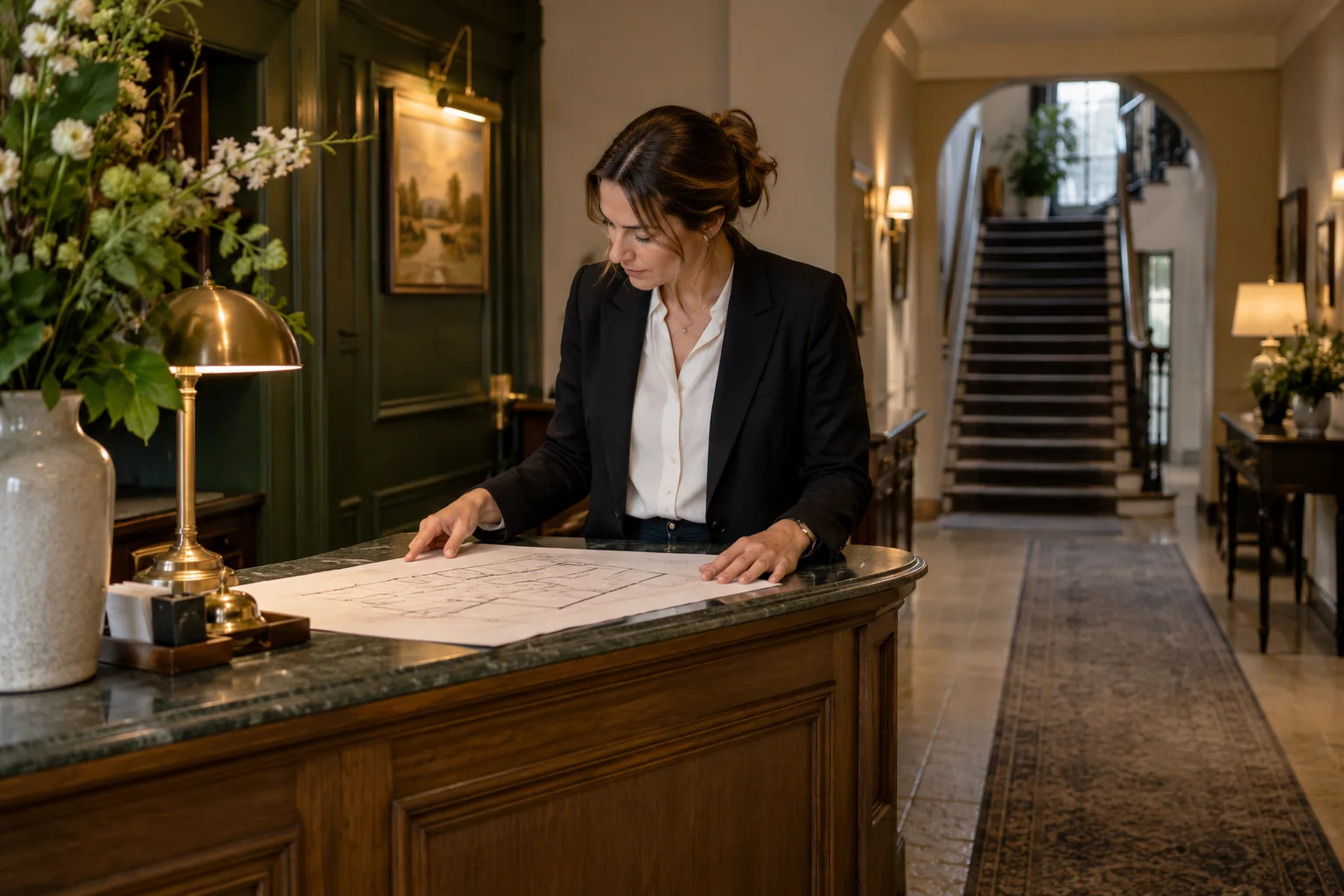
If you are thinking about guest Wi-Fi across several floors or separate buildings, a clear description of the property gets a better answer than a bedroom count. Preparing a hotel guest Wi-Fi enquiry lists what to gather first: a simple plan, where guests have reported problems and what the current setup is.
Where guest Wi-Fi fits
Guest Wi-Fi gives you a branded page at the moment a guest is looking at their phone, and a way to send an automatic welcome or thank-you email to guests who choose to hear from you. Read the guide to guest Wi-Fi marketing for the basics, then see Margovy for hotels and B&Bs. The pricing page lists the plans.
Every guide in this topic
- Hotels
2 min read
Hotel guest retention: keep the connection after checkout
Checkout ends the stay, but it does not have to end the relationship.
Read the guide - Hotels

2 min read
What to put on a hotel Wi-Fi welcome page
A guest opening your hotel Wi-Fi welcome page may be looking for breakfast times, a restaurant menu or a way to contact reception. They should not have to work through a sales message first.
Read the guide - Hotels
2 min read
Marketing a hotel restaurant to local diners
A hotel restaurant may welcome local diners while its website gives the impression that everything is intended for overnight guests.
Read the guide - Hotels
2 min read
B&B marketing for a quieter season
A quieter season needs a reason to travel that makes sense for the guest. A lower room rate alone may not explain why they should come.
Read the guide - Hotels

2 min read
Hotel email frequency that respects different guests
A hotel guest may receive a booking confirmation, arrival instructions and a receipt before your marketing email appears. Each message can make sense individually while the overall experience feels…
Read the guide - Hotels
2 min read
Preparing a hotel guest Wi-Fi enquiry
A hotel Wi-Fi enquiry is more useful when it describes the property rather than only the number of bedrooms.
Read the guide - Hotels
2 min read
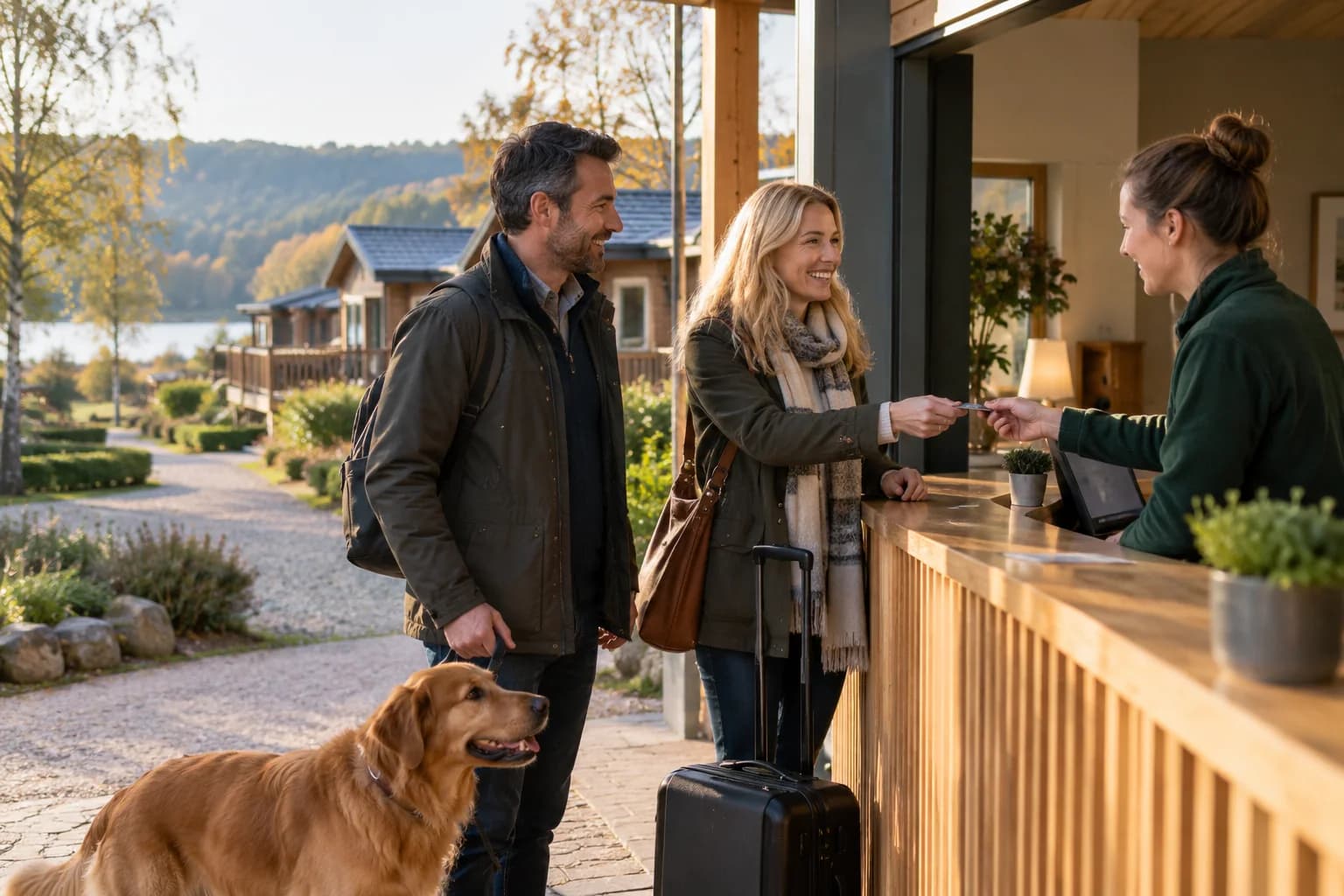
Holiday park welcome pages for useful guest information
A holiday park guest may need several pieces of information soon after arriving: where to find reception, when facilities open and how to book an activity.
Read the guide - Hotels
2 min read
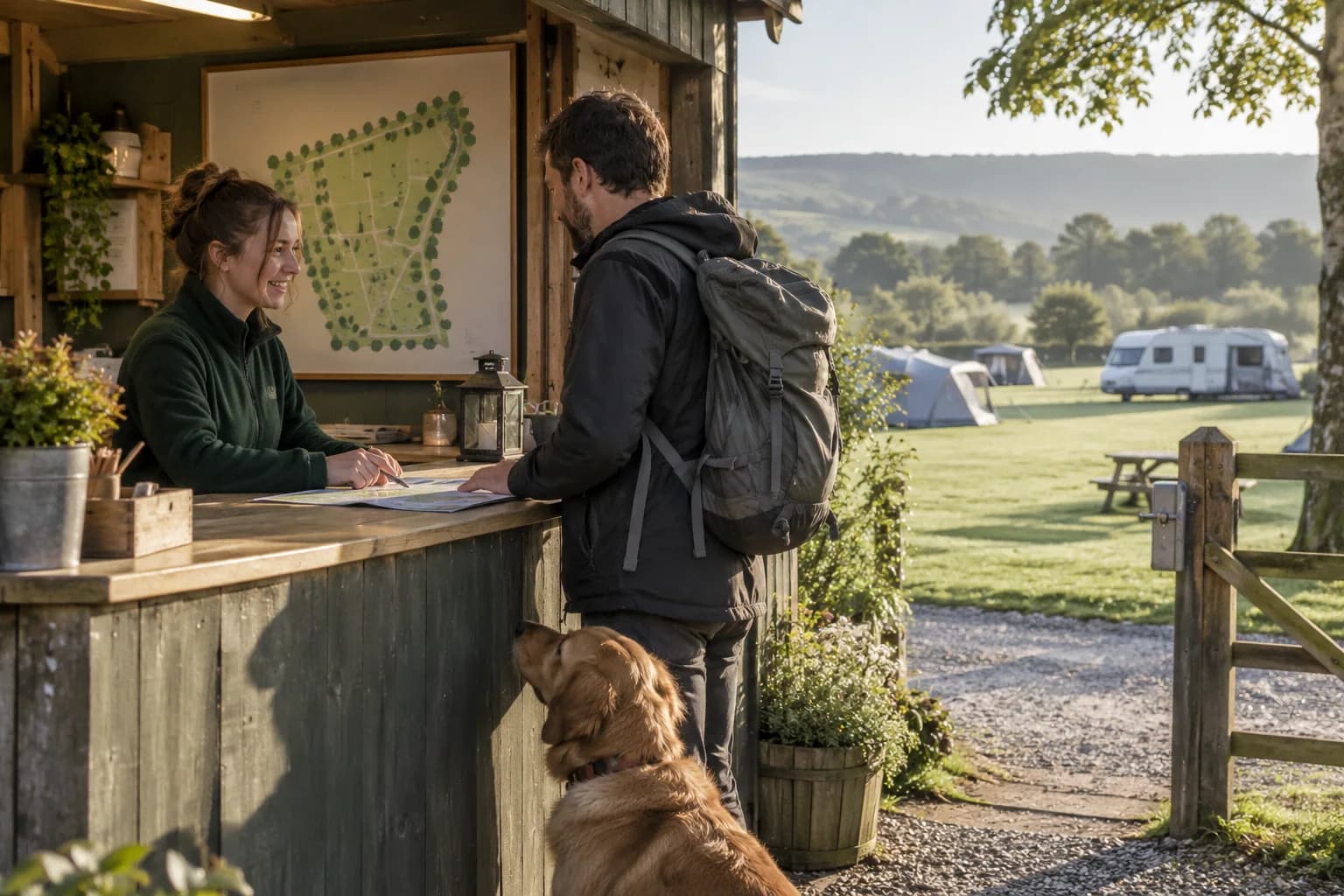
Campsite guest information that stays useful all season
Guests arriving at a campsite may be tired, unfamiliar with the layout and using a phone with limited charge. They need practical information quickly.
Read the guide
See it in a venue like yours
Margovy turns your guest Wi-Fi into a branded page and a customer list you own.
More guides
Build your customer list.
Create your account, make your page and choose a plan. The box is included.
No contract, cancel any time.
Let’s get you started.
Make your page, choose a plan and we post you the box.
Build your customer listAlready have an account? Log in