Part of our guide to hotel marketing ideas
Holiday park welcome pages for useful guest information
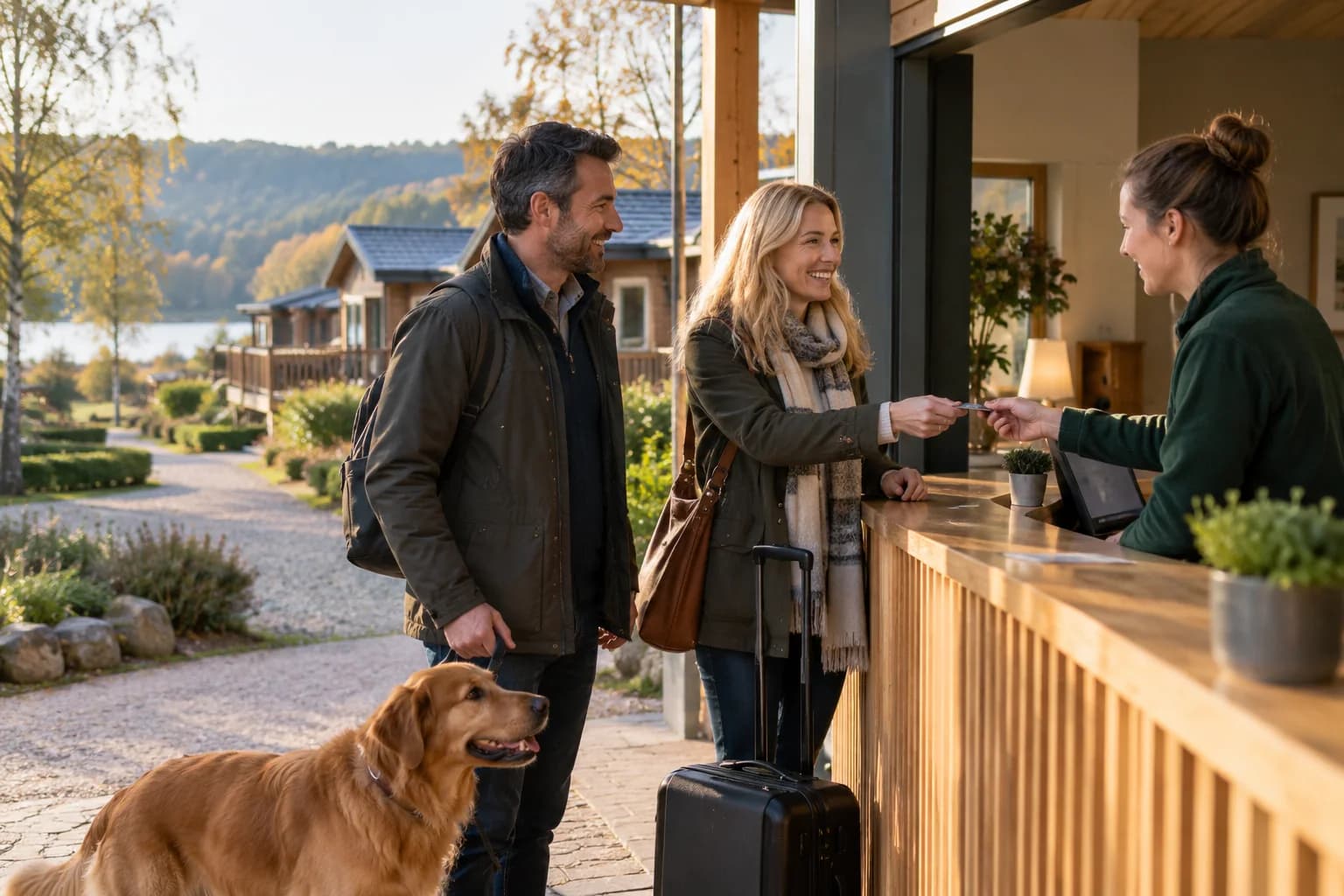
A holiday park guest may need several pieces of information soon after arriving: where to find reception, when facilities open and how to book an activity.
A holiday park welcome page should organise those tasks without becoming a long digital brochure.
The most useful starting point is the set of questions your reception team answers repeatedly.
Put immediate stay information first
Identify the details guests need during the first part of their stay. Give essential contact and assistance information a clear place through your established guest-information process.
Link to facility opening hours and current activity arrangements. Distinguish what is included in the stay from what requires another booking or payment.
Where different accommodation areas have different arrangements, label the information clearly. Guests should not follow instructions intended for another part of the park.
Keep a non-digital route available for essential information. Not every guest will use Wi-Fi or a smartphone.
Use a maintained programme destination
Seasonal entertainment changes quickly. Link to a programme that someone owns and updates rather than copying dates into several welcome messages.
Explain age or booking restrictions using the responsible team's checked wording. Avoid assuming every event is suitable for every family.
If an activity is cancelled, update the destination and the promotional block that points to it. Scheduling content does not replace checking operational changes.
Margovy's guest-page features can provide the links and planned visibility controls.
Introduce another stay without distracting from this one
A direct booking link can sit below the information guests need now. It gives satisfied visitors somewhere to return when planning another trip.
For people who choose marketing, an automated thank-you can link to current accommodation information. Keep the wording broad if Wi-Fi records do not establish their booking type.
Do not treat every connection as a unique holiday booking. Several people in one party may use the network, while others do not.
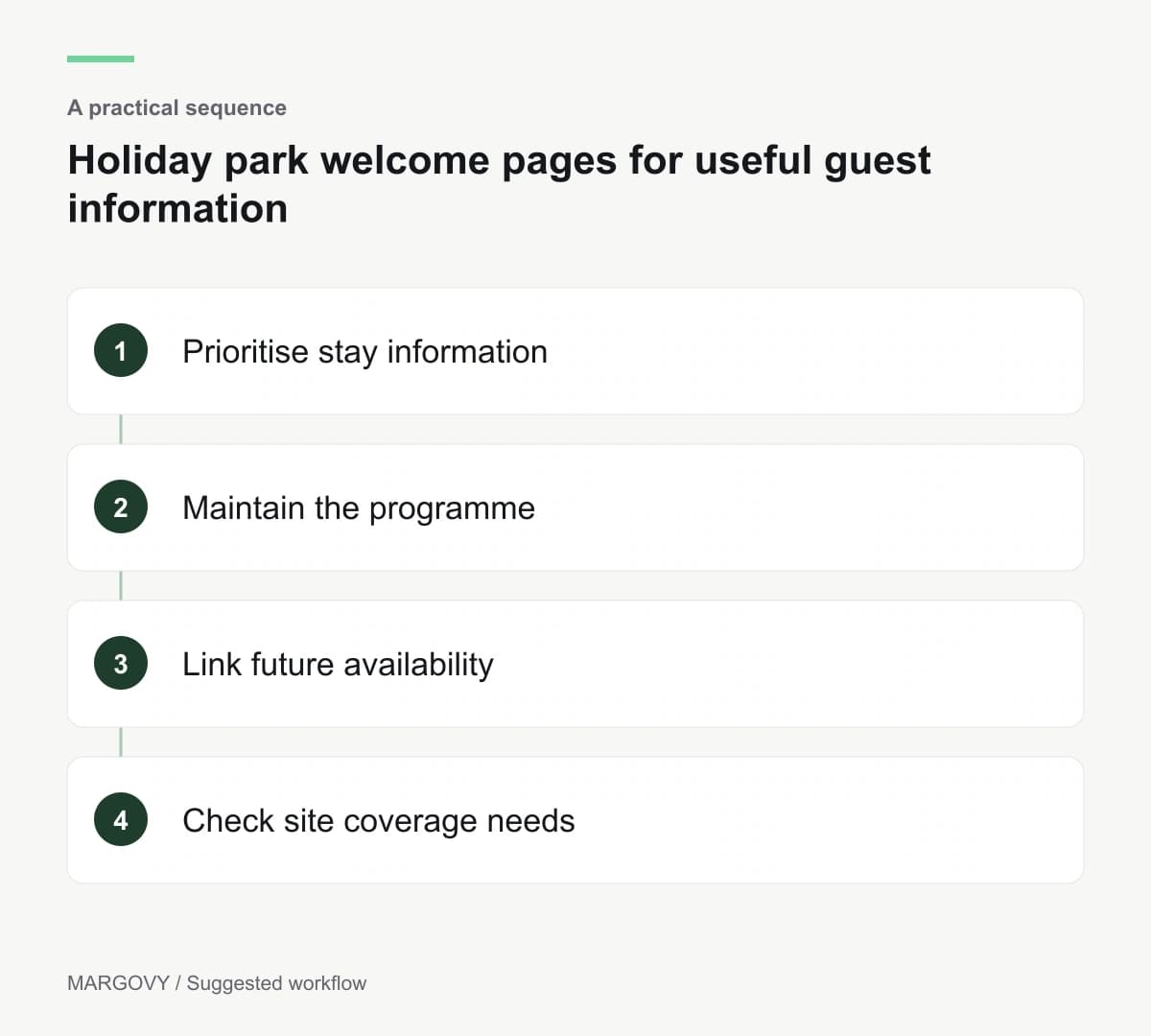
Plan the network around the actual park
Reception, indoor leisure areas and separate accommodation units may have very different coverage needs.
Read how Margovy works with existing broadband, but do not assume a standard indoor arrangement covers an entire outdoor site.
Discuss the layout with Margovy, including where guest access is expected and which systems already operate.
Assign an owner to the welcome page before launch. Review the information before each season and whenever a facility changes its hours. The page should remain a dependable reference throughout the stay.