Part of our guide to gym marketing ideas
Golf clubhouse marketing for non-member visitors
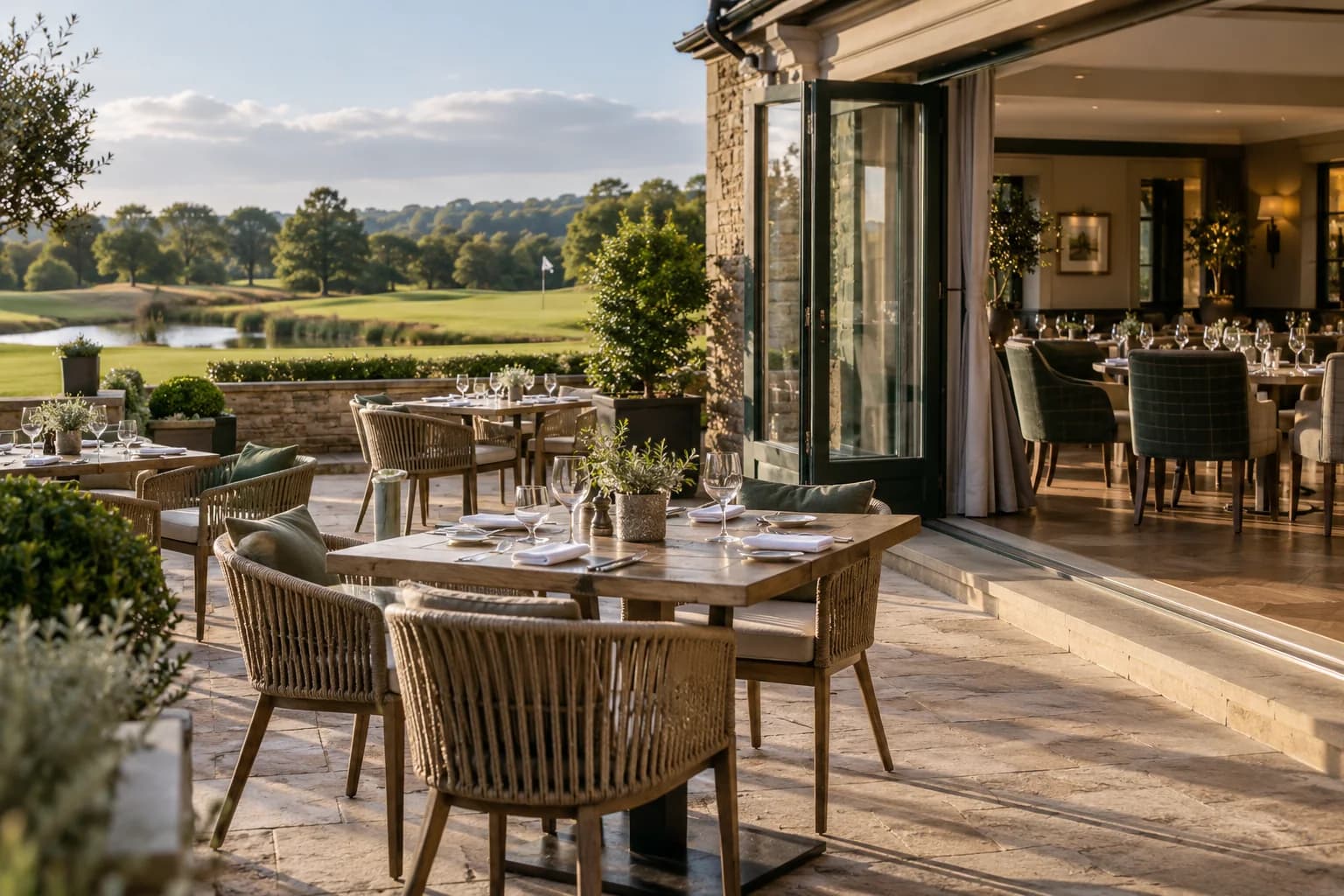
A clubhouse may welcome non-members for lunch or events while its public information reads as though every visitor already belongs to the club.
Golf clubhouse marketing should explain who can use each service and how to arrange a visit.
That clarity helps local diners and event organisers decide whether to enquire without feeling they need an introduction.
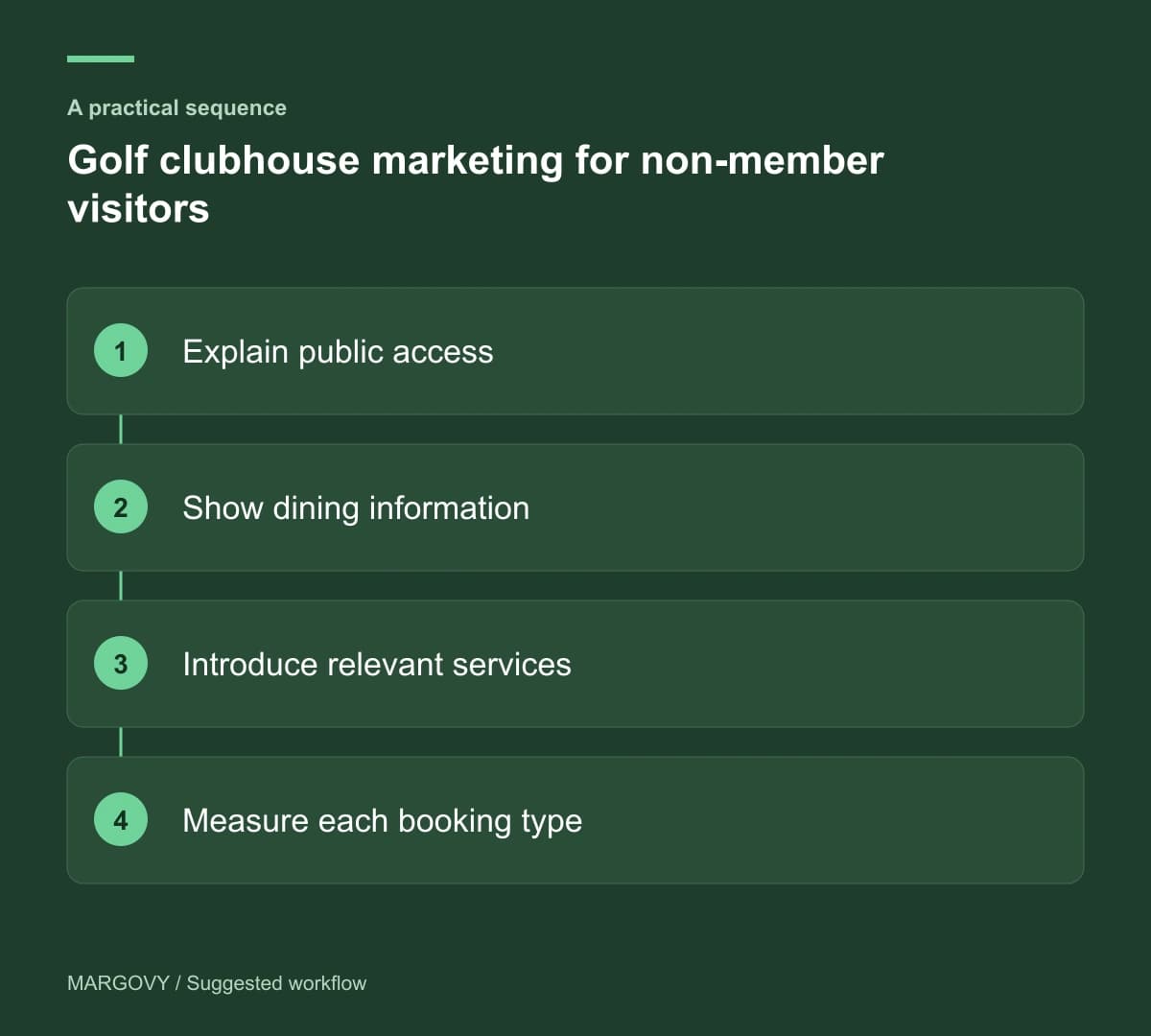
Separate the services and access rules
State which dining or event facilities are open to non-members. Explain where different arrangements apply to golf, private functions or member-only areas.
Do not let a general "visitors welcome" statement carry all of that information. Customers need to understand the service they are considering.
Publish relevant opening times and the correct booking route. A restaurant enquiry should not disappear into a golf reservation form.
Include arrival and parking information using the club's current arrangements.
Give diners enough detail to choose
Show the current menu and describe the dining setting accurately. Explain whether particular services require reservations.
Where a dress policy applies, make it visible before the visit and use the club's agreed wording. Avoid leaving staff to explain unexpected conditions at the door.
If you promote private hire, link to a separate page describing the space and enquiry process.
Have the clubhouse team review the information against the questions they actually receive.
Introduce other services during a visit
A guest using Wi-Fi in the clubhouse can find dining and event information on a welcome page.
Margovy's venue-page features let you link to existing destinations without combining unrelated booking systems.
For guests who choose marketing, an automated thank-you can introduce the public dining programme. Keep the wording suitable for someone who may not play golf.
Do not infer membership or sporting activity from a Wi-Fi connection. A visitor may be attending a meal or accompanying someone else.
Review enquiries by service
Track dining reservations and function enquiries separately. Interest in one service does not establish demand for another.
Ask first-time visitors what was unclear before arrival. Repeated uncertainty about non-member access should be addressed prominently on the relevant page.
Use reservation and sales records to assess results. Wi-Fi activity adds context but cannot identify every booking.
See how Margovy works alongside existing broadband. For a clubhouse with separate dining and event areas, ask about the venue layout before choosing a guest setup.
Keep future invitations specific to the services the audience can actually use.