Part of our guide to gym marketing ideas
Tennis club open days with a clear booking route
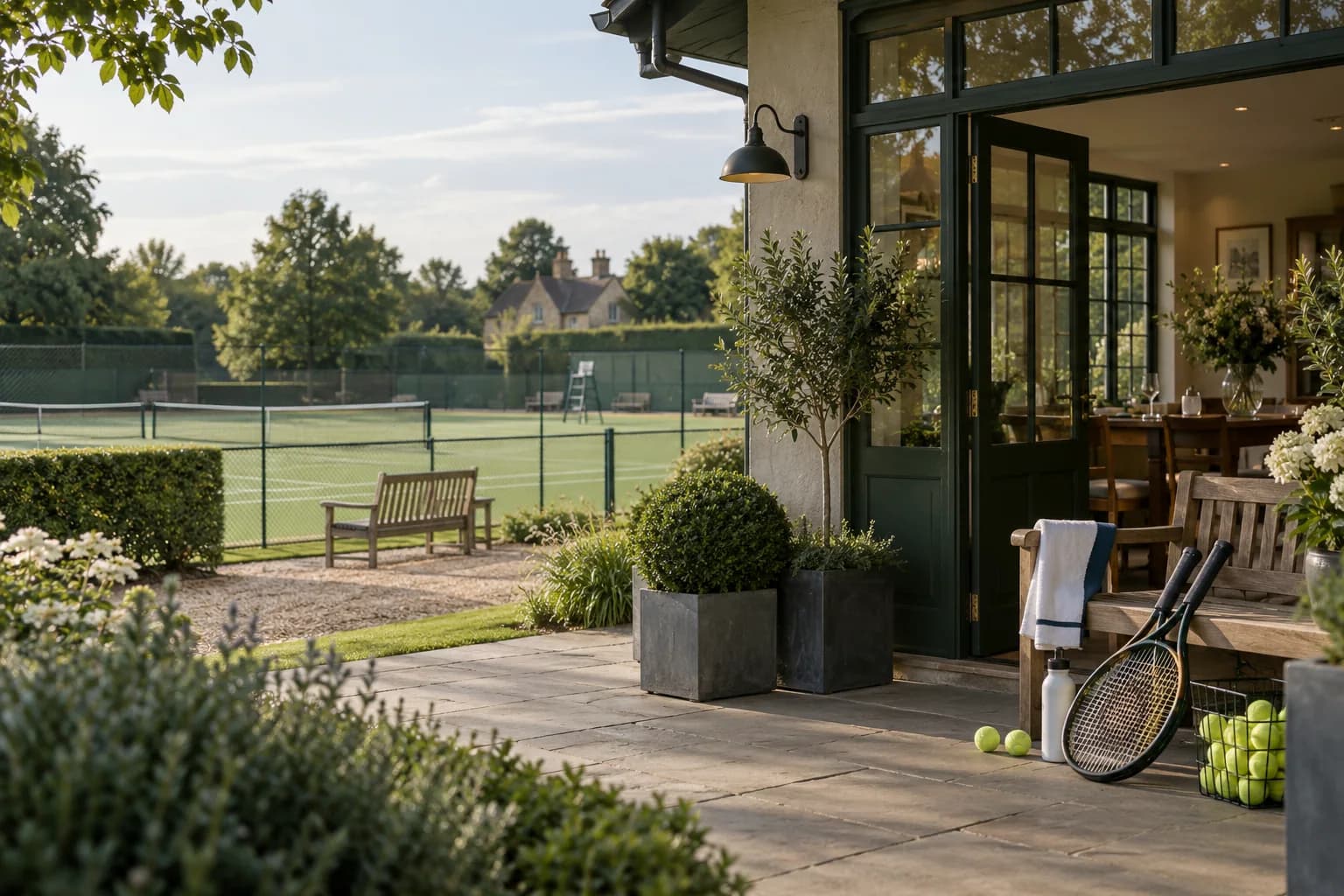
An open day should help a prospective visitor understand what the club offers and how to try an appropriate session.
Tennis club open day marketing needs practical detail about the event. A broad invitation to "come along" may leave people uncertain about equipment or the level expected.
Prepare the information with the coaches and volunteers responsible for the day.
Define the sessions
State the date, times and booking arrangements. Explain which sessions are intended for adult beginners and which have other requirements.
Publish checked information about equipment provision and what to bring. Direct personal participation questions to the qualified team.
If children have a separate programme, provide the relevant route and requirements rather than implying the adult information applies to everyone.
Explain what happens if the event changes because of weather. Use the club's actual process and identify where updates will appear.
Make arrival straightforward
Show the correct entrance and where visitors should check in. Tell volunteers which session each registration relates to.
Clarify whether booking a place guarantees participation in a particular activity or only entry to the open day. Customers should not discover that distinction on arrival.
Keep a contact route available for access questions. Important information should be accessible before the visitor reaches the venue.
Test the registration process from a phone.
Present the next step at the right time
After the session, help visitors understand the appropriate follow-on options. Someone trying the sport for the first time may need course information before membership details.
A guest Wi-Fi welcome page can link to the maintained programme and enquiry route. Margovy's guest-page features support those links where guest connectivity is part of the setup.
For adults who choose marketing, a follow-up can point to current introductory sessions. Do not imply a coach has assessed their needs unless that conversation occurred.
Use registration records for essential event communications.
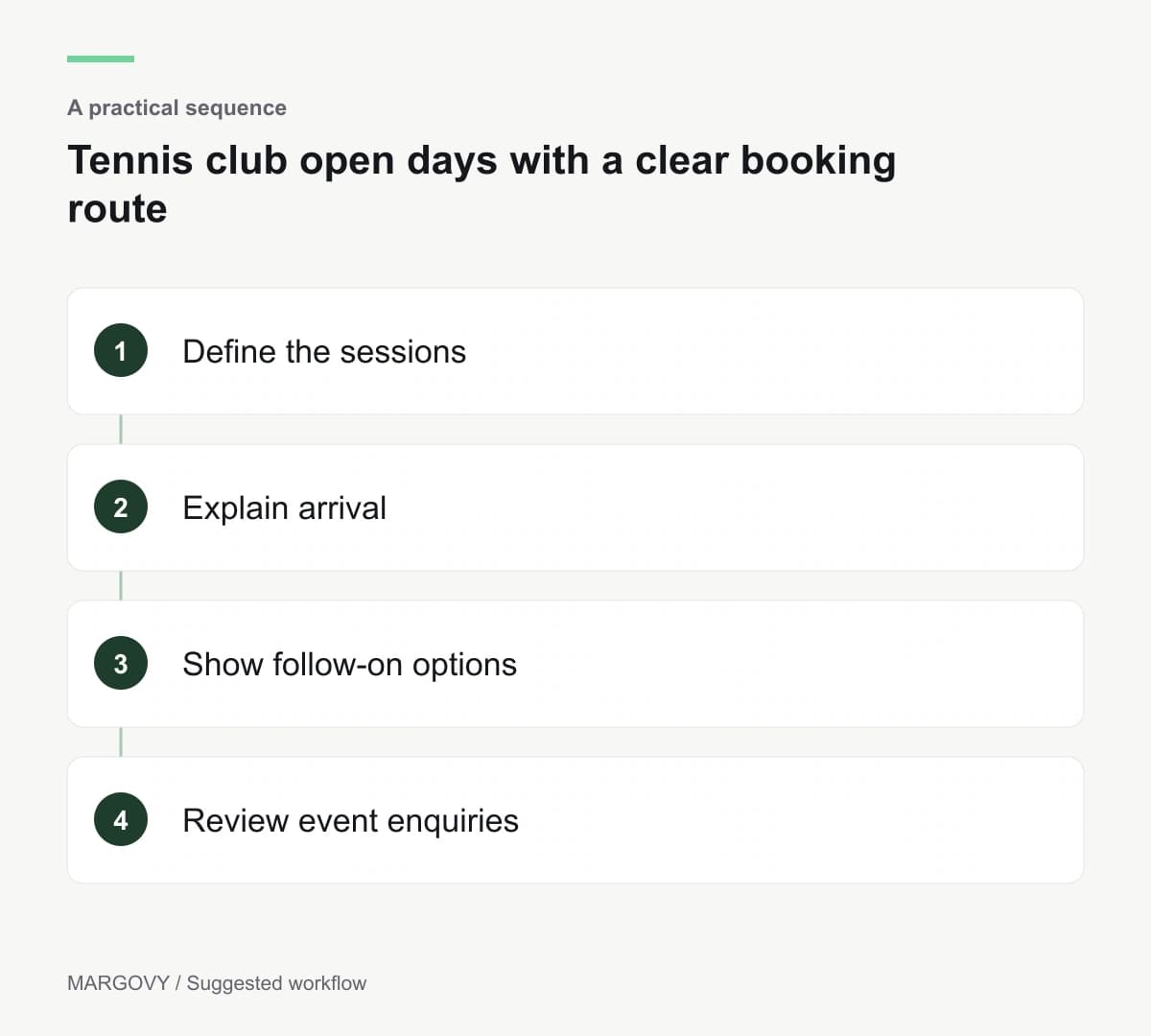
Review suitable enquiries and attendance
Count bookings and arrivals through the event process. A Wi-Fi connection does not confirm that someone took part.
Ask volunteers which questions visitors repeated. Improve those parts of the event page before the next open day.
Track later enquiries by the option people asked about. A beginner course enquiry and a full membership application represent different decisions.
Read how Margovy works and discuss your clubhouse layout if you want guest Wi-Fi to support public information. Do not assume a clubhouse installation covers every outdoor court.