Part of our guide to café marketing ideas
Launching a seasonal café menu without outdated emails
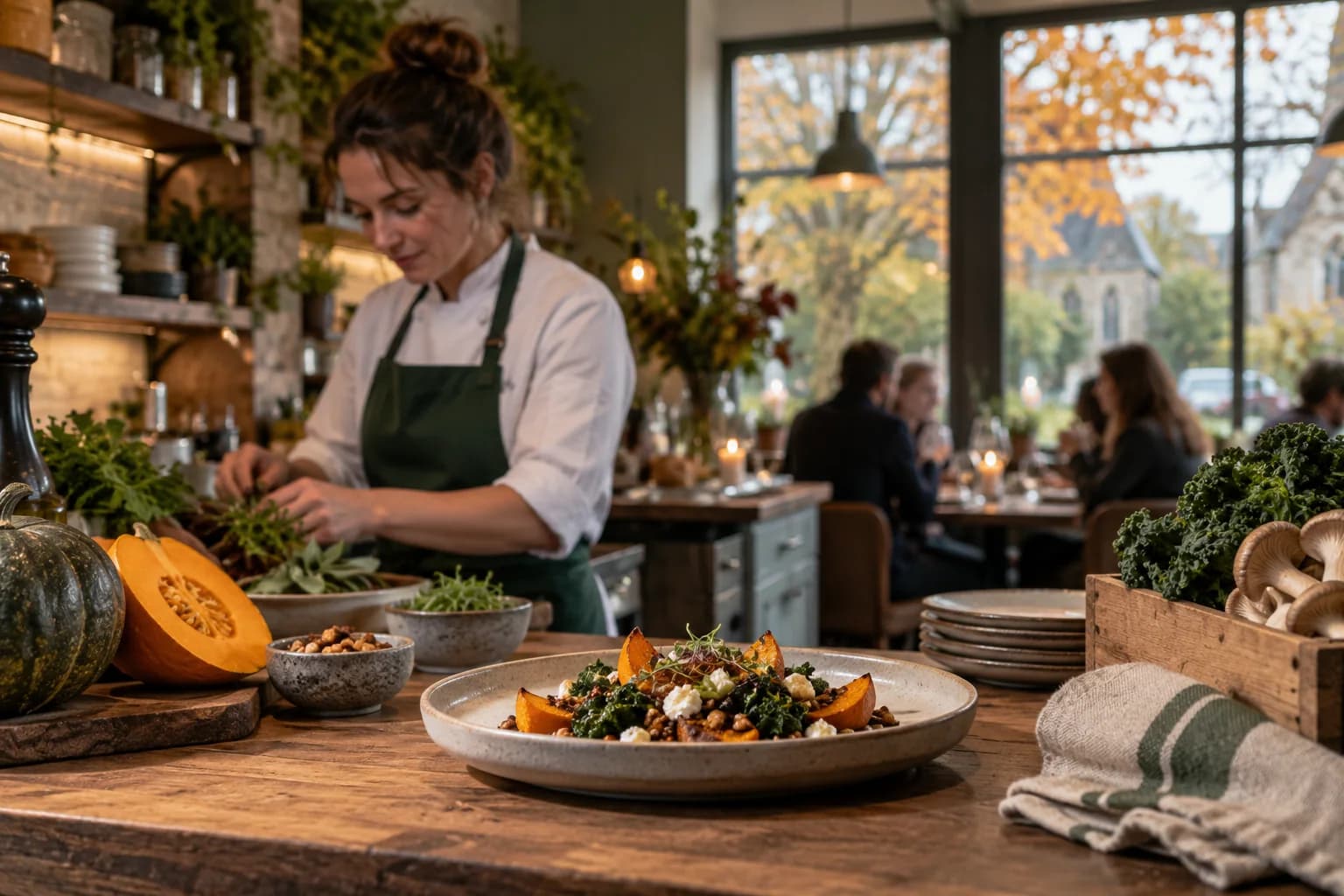
A new seasonal menu gives regular customers something fresh to consider. It also creates a maintenance task across your website, signs and automated messages.
Seasonal café menu marketing is easier to manage when each channel points to the same current menu. That keeps a short-lived dish from appearing in a welcome email months later.
Separate the launch announcement from ongoing information
A launch message can name the new dishes and the date service begins. Confirm those details with the kitchen before writing.
An ongoing thank-you email should usually link to the current menu without promising a particular seasonal item. It can continue to work after the next change.
For example, "See what's on our current lunch menu" is appropriate for an automation. "Our summer specials start tomorrow" belongs in a dated announcement.
Keep the two purposes distinct when reviewing your customer communications.
Prepare the menu destination first
Publish accurate descriptions, prices and service times. Explain how customers can ask about allergens and dietary needs without making unverified suitability claims.
Check the page on a phone. Customers should be able to read dish names and prices without enlarging a photograph.
If you use a downloadable menu, make the version and availability clear. Update the linked file rather than leaving several competing versions in circulation.
Brief counter staff before the announcement reaches customers. They need to understand substitutions and any items still awaiting delivery.
Update the guest Wi-Fi route
The menu link on your café Wi-Fi welcome page should lead to the new destination when the menu becomes available.
Review promotional blocks as well as the main menu button. An old special can remain visible even after the menu itself changes.
Margovy's welcome-page scheduling can help with planned visibility. It does not check kitchen stock, so assign someone to handle unexpected changes.
For email marketing, contact customers who have chosen to receive it. Keep the announcement focused on the reason to visit and the menu link.
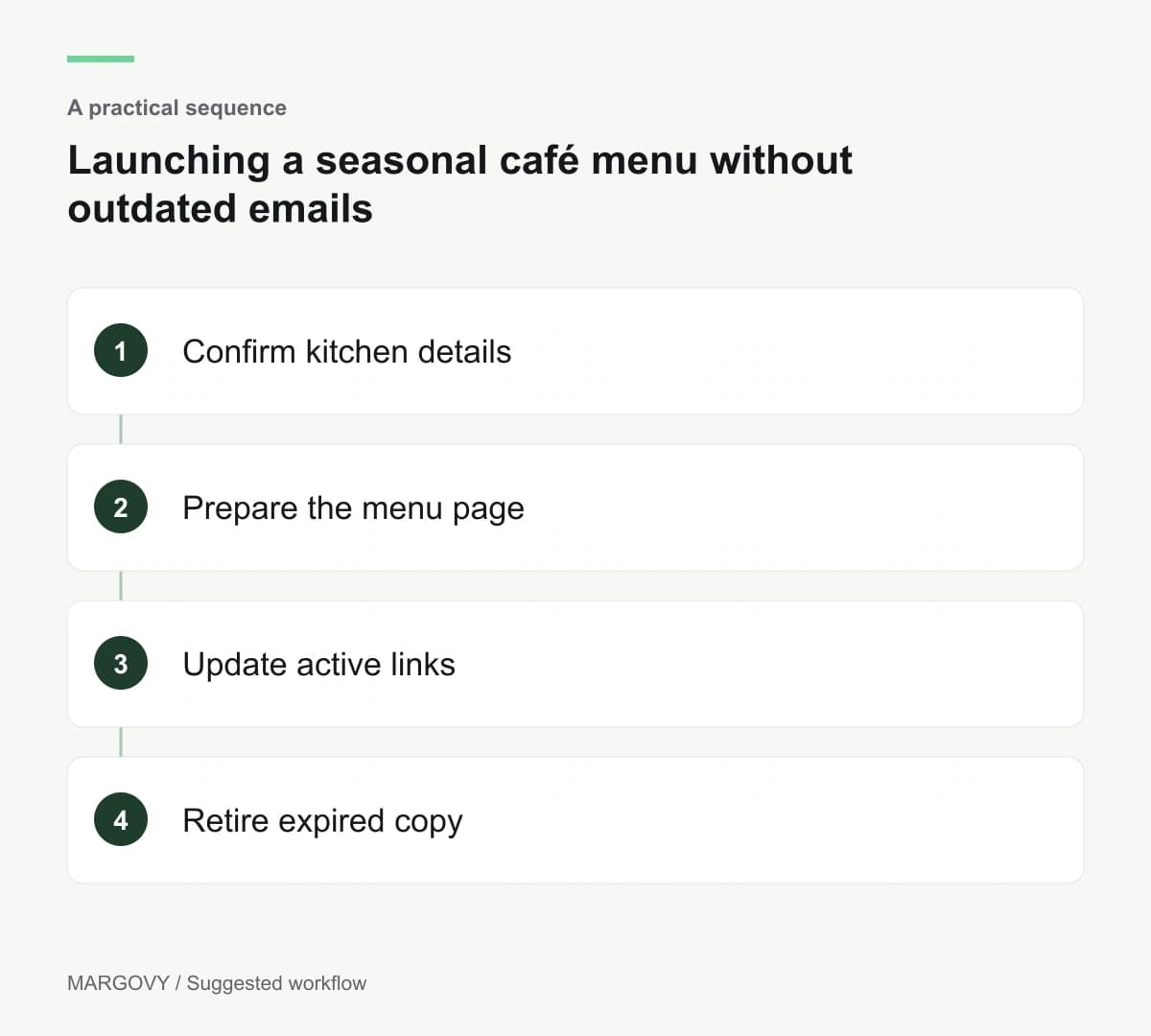
Run a short retirement check
When the season ends, search your active emails and pages for the outgoing menu name. Remove expired claims and check the links again.
Review orders and customer comments to understand what worked. Wi-Fi sign-ins and email clicks cannot tell you which dish someone chose.
If the menu attracted interest but generated repeated questions, improve the description before repeating the campaign.
See how Margovy's guest Wi-Fi works if you want the menu route to be part of the customer experience from connection onwards.