Part of our guide to restaurant marketing ideas
Planning a restaurant menu launch customers can act on
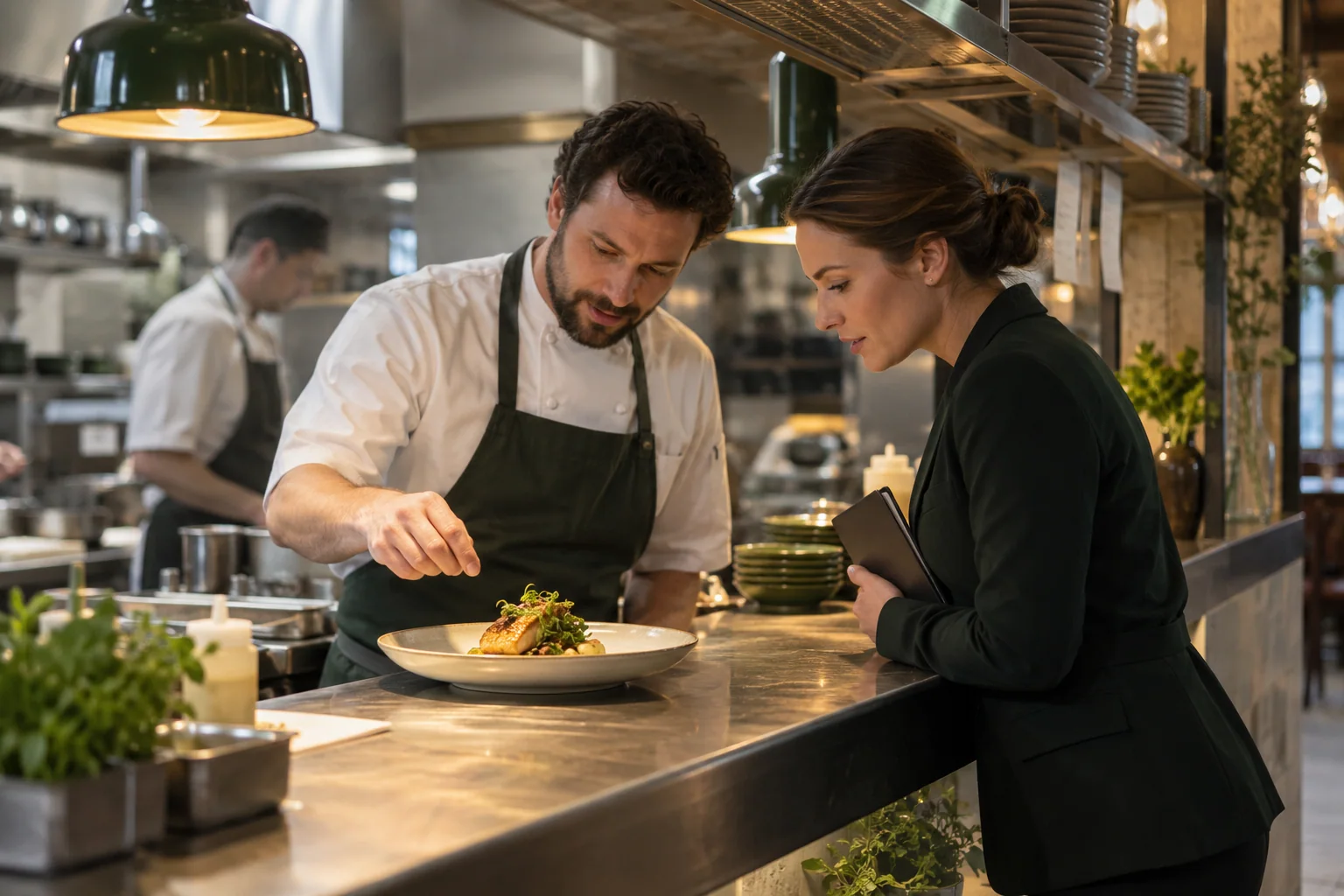
A menu launch gives previous diners a reason to reconsider the restaurant. The announcement needs enough detail to help them choose a date and book.
Start with the operational plan. Marketing should describe the service the kitchen and dining room are ready to deliver.
If the new menu begins on Thursday evening, an email should not imply it is available at Wednesday lunch.
Confirm the launch boundaries
Agree the first service, available sittings and any separate lunch arrangements. Check the dishes and prices with the kitchen before publishing them.
Choose a small number of representative dishes for the announcement. Explain them accurately rather than filling the message with claims such as "our best menu ever".
Use current photographs with permission. When an image shows a tasting portion or styled presentation, consider whether it fairly represents what the customer receives.
Give diners a reliable route to ask about allergens and dietary requirements. Do not infer suitability from a short ingredient description.
Prepare the booking destination
A diner interested in the menu should reach relevant availability without another search. Test the route from the announcement to a suitable reservation.
Check what happens when the promoted sitting is full. The page should still help customers find another appropriate date or contact the restaurant.
If the launch is a ticketed event, explain what the ticket includes and where its terms are shown. Keep that separate from normal table bookings.
Connect the launch with existing guests
Your restaurant guest Wi-Fi welcome page can introduce the new menu to people already visiting.
Update both the menu link and any promotional blocks. Schedule content around the confirmed launch, then review it when the initial announcement is no longer timely.
For opted-in customers, a dated email can describe the menu and link directly to booking. An ongoing automated thank-you should link to the current menus without retaining the launch date.
See Margovy's welcome-page and follow-up features for those different placements.
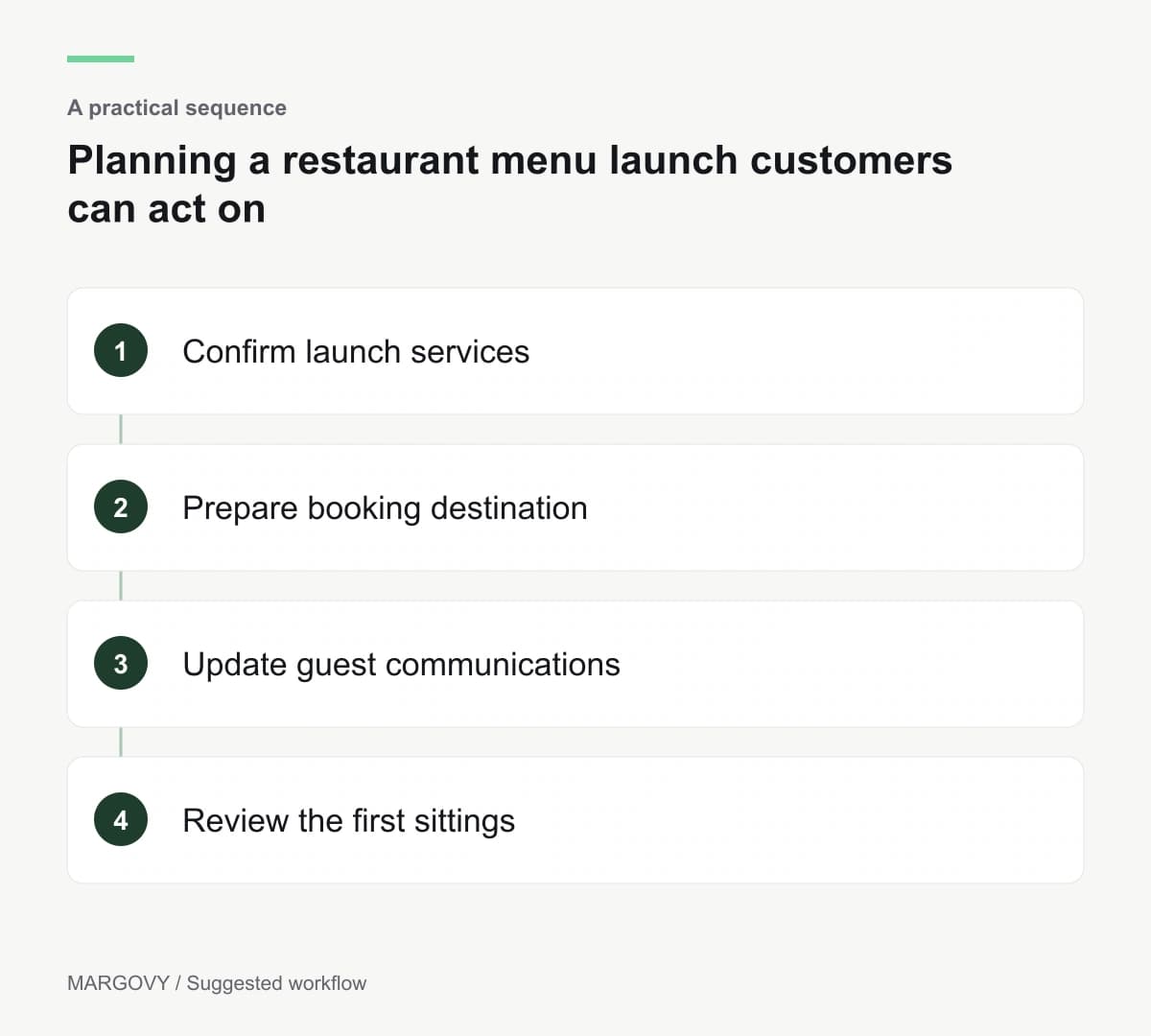
Review the first services before sending again
Ask the floor team which questions diners raised. Look for dishes that required more explanation or availability claims that caused confusion.
Use bookings and till records to assess response. Email clicks show interest, while completed services show what the restaurant delivered.
Correct the information before repeating the announcement. If a dish changes, update the menu destination and any active messages that name it.
Compare Margovy's plans if you want to add guest Wi-Fi and customer follow-ups to the restaurant's existing booking journey.