Part of our guide to café marketing ideas
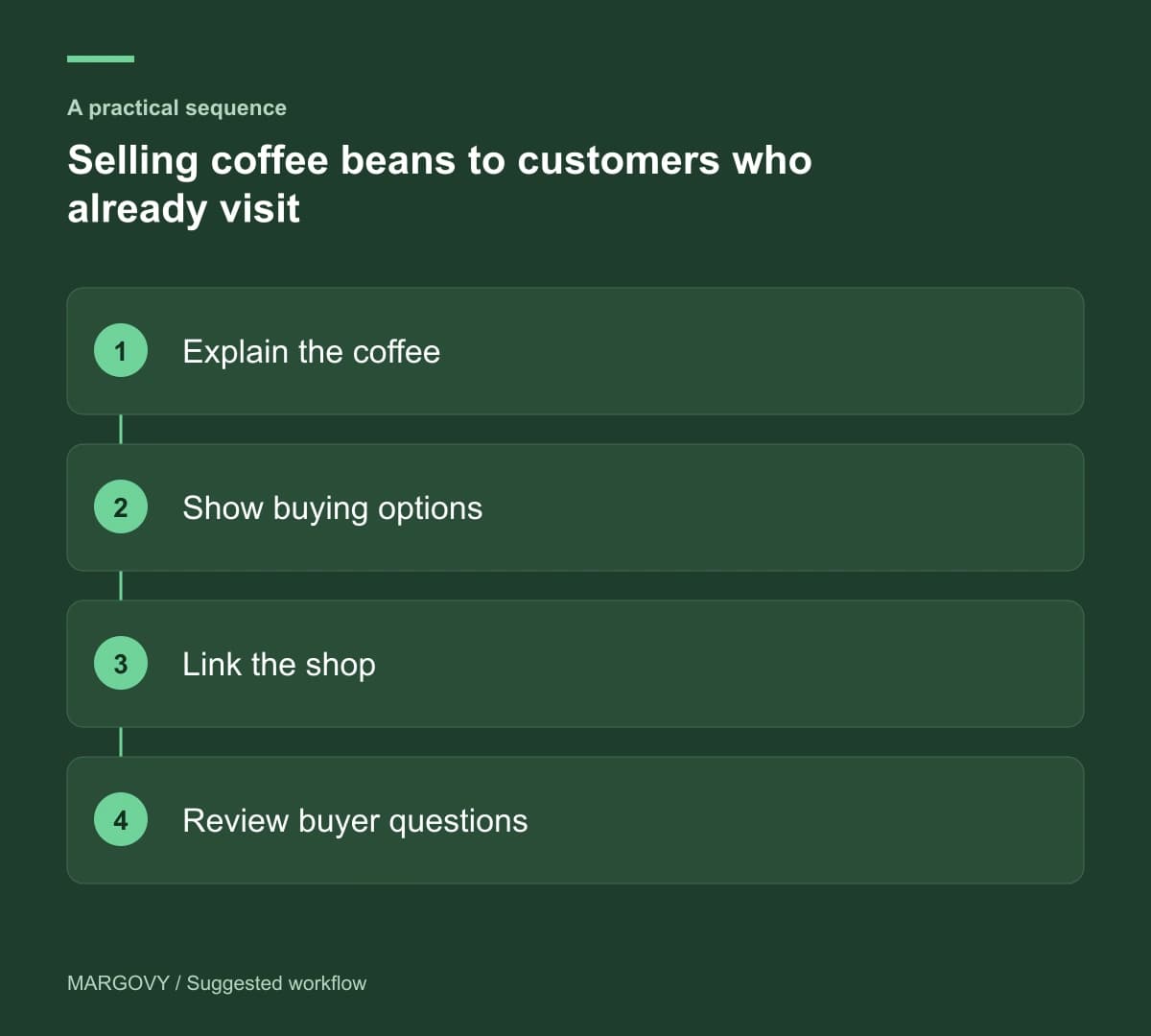
Selling coffee beans to customers who already visit
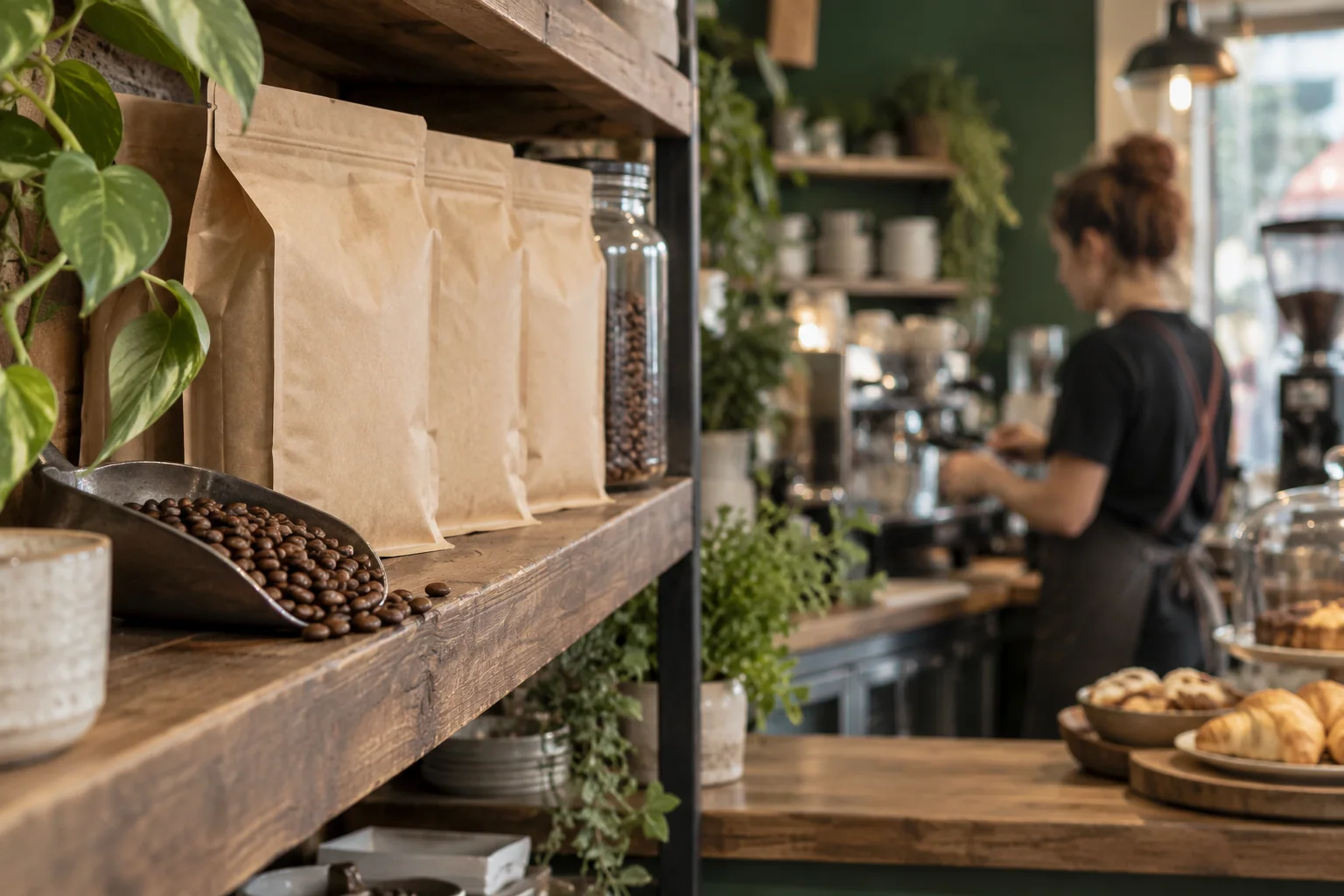
A customer enjoying your coffee may be interested in making it at home. They still need help deciding which bag to buy and whether it suits their equipment.
Selling coffee beans in a café involves that conversation as much as the display. A short product page can extend the advice beyond a busy counter interaction.
Answer the first buying questions
Explain which coffee is being served and whether the same product is available to buy. If the retail range differs, make that clear.
Show pack sizes and current prices. Where you offer grinding, explain the available options and how a customer should choose.
Use descriptions your team can support. Avoid claiming a product is suitable for every brewing method unless that advice has been checked.
For people buying a gift, explain what information they need about the recipient's setup. This helps prevent a well-intentioned purchase that cannot be used as expected.
Let guests find the product while they are seated
Your guest Wi-Fi welcome page can link to the coffee information or an existing online shop.
Through Margovy's café guest pages, the customer can explore without waiting for a quiet moment at the counter.
Label the destination accurately. "Coffee beans to take home" can lead to a range page; "Buy online" should lead to a working shop.
Check whether displayed availability refers to the café, the online shop or both. Customers should not assume every online item is on the shelf.
Margovy supplies the link to your destination. Stock control and checkout remain with your retail systems.
Follow up with useful product guidance
For customers who have chosen marketing, a thank-you message could introduce your retail range and link to a short buying guide.
A suggested line is: "If you enjoyed today's coffee, you can explore our take-home range and find advice on choosing beans for your brewer."
Do not claim to know which coffee a Wi-Fi guest ordered. Their sign-in records a connection, not the contents of their cup.
Use Margovy's email and welcome-page features to support discovery, while keeping product recommendations accurate and current.
Review questions as well as sales
Track retail purchases in your till or shop system. Look at the questions customers ask before and after buying.
Repeated uncertainty about grinding points to missing information. Returns or complaints about unclear pack sizes call for a different fix.
Give staff a simple way to feed those observations into the product page. Then test the shop link again whenever the range changes.
Compare Margovy's plans if you want to connect the café visit with your existing retail destination.