Part of our guide to guest Wi-Fi marketing
Guest Wi-Fi analytics without confusing sign-ins and sales

A dashboard can show a busy period for Wi-Fi sign-ins without proving it was your busiest period for sales.
Guest Wi-Fi analytics are useful when each measure is interpreted according to what the system actually records. The problems begin when a connection is silently turned into a customer, a visit or a purchase.
Start with a short definition for every figure you plan to report.
Distinguish the records
A sign-in records an interaction with the guest Wi-Fi journey. A customer record holds the details and preferences associated with that interaction.
Returning-guest information describes the repeat activity the system can recognise. It will not include every person who returns without connecting.
An email delivery indicates that a message reached the recorded delivery stage. A click indicates interaction with a link, not a completed reservation.
Margovy's analytics and customer-list features explain the activity available in the dashboard. Use those definitions consistently when discussing results.
Match the measure to the question
If you want to know which hours attract Wi-Fi use, a sign-in view is relevant. If you want total dining covers, use the restaurant's records.
For a booking campaign, compare email activity with the booking system where reliable attribution is available. State when the connection between them is incomplete.
Avoid dividing revenue by Wi-Fi sign-ins and calling the result average customer spend. The numerator and denominator may describe different groups.
Likewise, an increase in sign-ins after changing signage does not prove attendance increased. Existing visitors may simply have found the network more easily.
Investigate changes before explaining them
Compare equivalent periods and note operational differences. A closure, event or altered opening time can change the pattern.
Check whether the sign-in journey or equipment changed. A missing period may be a recording or access issue rather than a drop in visitors.
Ask staff what happened during an unusual session. Their account can suggest questions to investigate, but it should not be treated as a measured explanation by itself.
Record what is known and what remains uncertain.
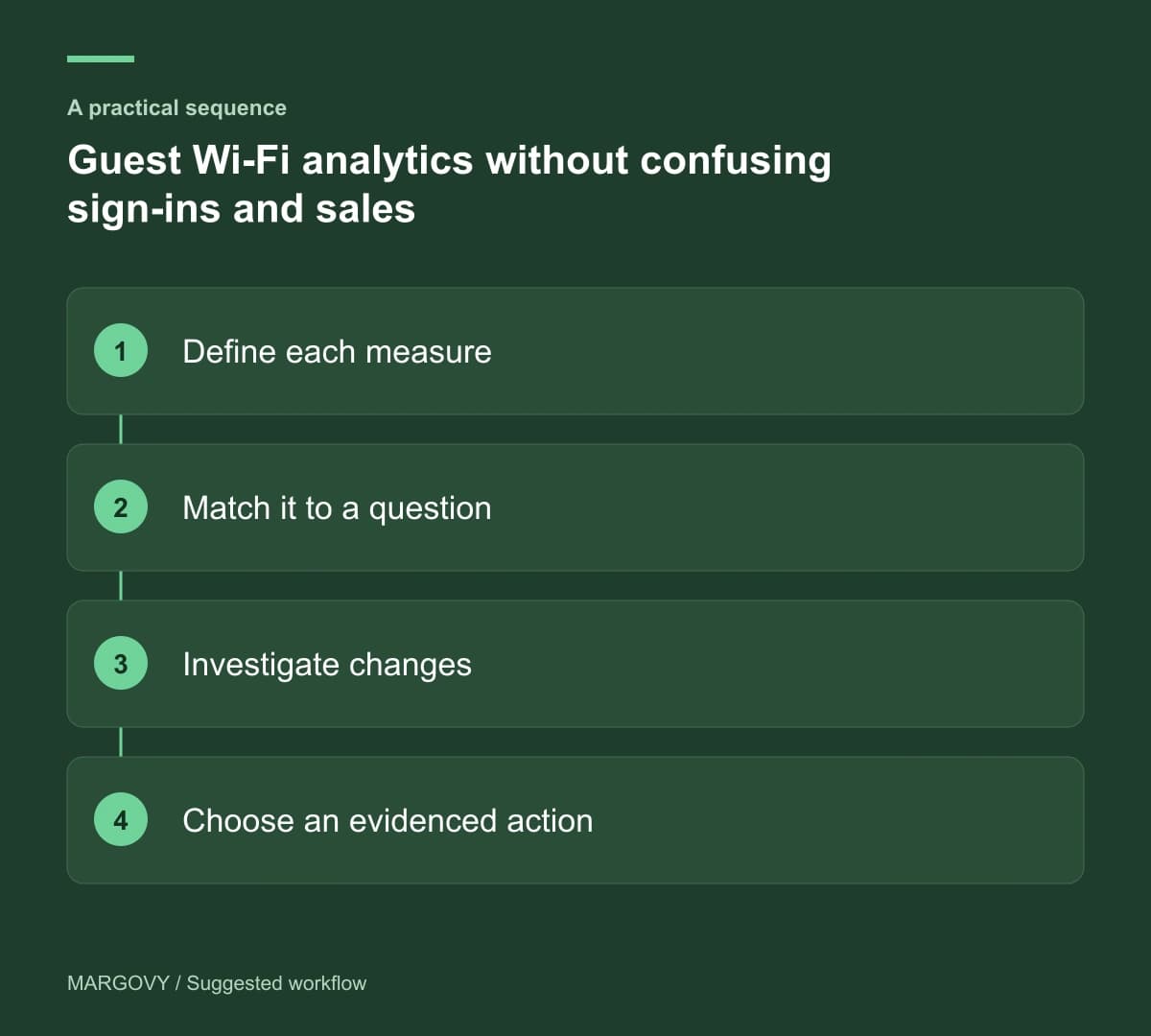
Use a small reporting note
For each review, write the question, relevant measure and intended action. An example is: "Fewer guests found the event page this week; check that its welcome-page link is still visible."
Choose an action the evidence supports. Do not attribute a revenue change to one email simply because both happened in the same week.
Review how the guest Wi-Fi journey works and compare the reporting features by plan before deciding what you want to measure.
A clear definition beside a number makes the next decision easier to defend.