Part of our guide to pub marketing ideas
How to promote a pub quiz and secure team bookings
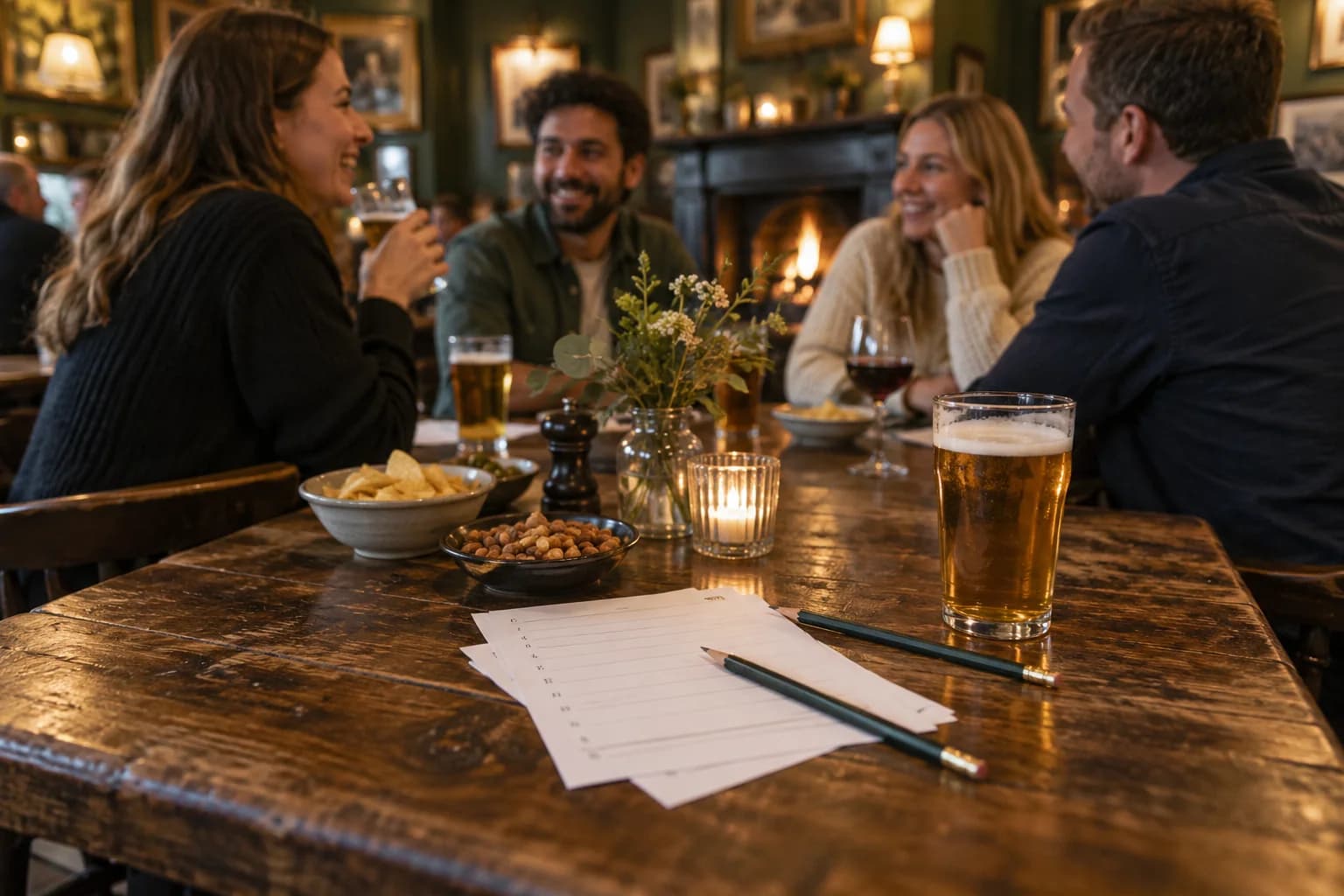
A quiz announcement can attract attention without producing a single booking. People still need to organise a team, agree a time and understand what the evening involves.
When deciding how to promote a pub quiz, start with the information a team organiser needs. That person is doing the coordination for everyone else. Give them a page they can share without adding their own explanation.
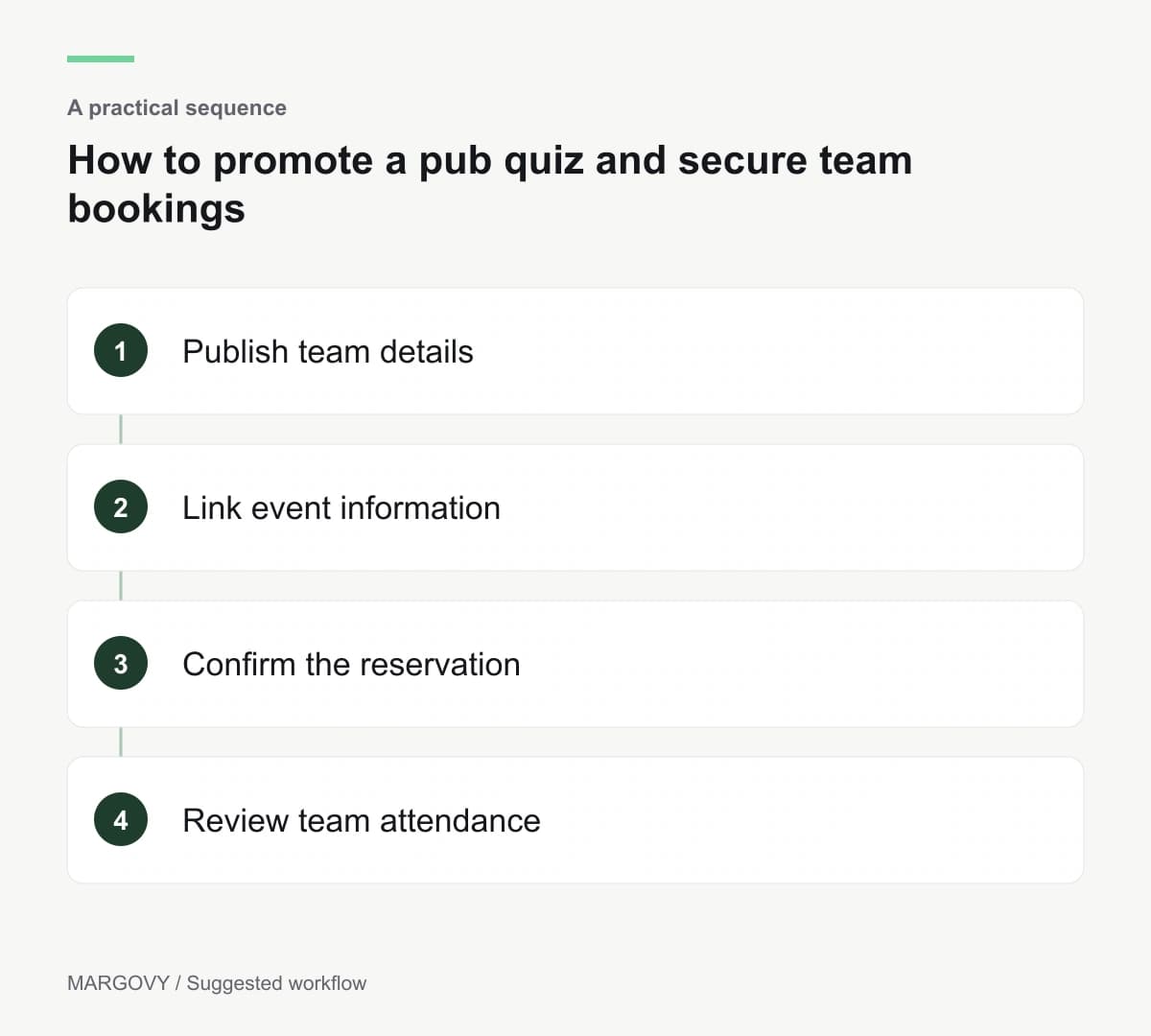
Publish the details that settle a decision
State the start time and expected finish, team-size rules and any entry charge. Explain whether people should book, whether food is available and when the kitchen closes.
If there is a prize, describe it accurately. Avoid changing the terms between the poster and the booking page.
Someone considering their first quiz may also want to understand the format. A short description of the rounds is useful. You do not need to reveal the questions.
Include a contact route for access requirements or other practical queries. Answering those enquiries helps someone decide whether the night suits their group.
Reach people who have already enjoyed the pub
Your weekend visitors are a useful audience for a regular event. A guest Wi-Fi welcome page can put the quiz in front of them during their visit.
With Margovy's guest Wi-Fi for pubs, you can link to the event page after customers connect. Use a direct label such as "Wednesday quiz details and bookings".
Keep the destination current. A recurring event page should show the next confirmed date and flag cancellations promptly.
An automated thank-you email can point opted-in guests towards the same maintained events page. Avoid embedding a single date in a message that will continue sending after it passes.
The welcome-page and email features provide the routes; the event page supplies the changing details.
Make booking and arrival agree
Decide what a reservation actually guarantees. Is the whole team booked, or does each person need a ticket? Does the pub hold the table until a stated time?
Give the organiser a clear answer in the booking confirmation. Brief the team so callers receive the same explanation.
On the night, record booked teams, arrivals and walk-ins separately. A team name is a more useful operational record than the number of people who clicked an email.
If enquiries are healthy but attendance is weak, investigate timing and confirmation before spending more on promotion. Ask a few organisers what made booking easy or difficult.
Compare Margovy's plans if you want to connect your event information with a customer list and automated follow-ups.