Part of our guide to visitor attraction marketing
Garden centre workshop bookings with fewer questions
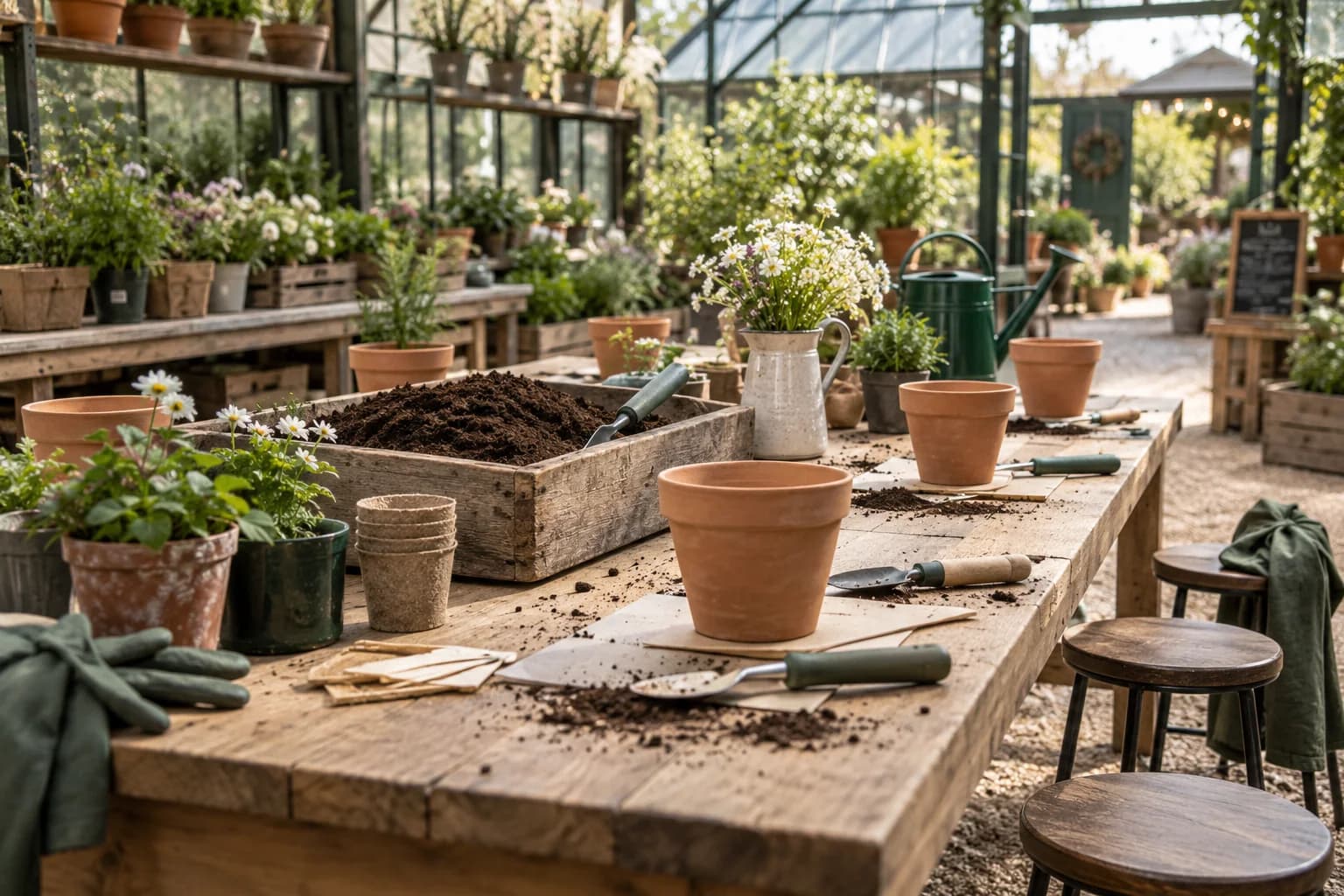
A workshop listing can look attractive while leaving customers unsure what they will make, what is included or whether they need experience.
Garden centre workshop bookings become easier when the event page answers those questions before asking for payment.
Write the page with the person delivering the session. They know which details affect preparation and the customer's experience.
Describe the actual session
Explain the activity, expected duration and finished outcome where there is one. Show an accurate example without promising identical results from every participant.
State which materials are supplied and what customers should bring. Include practical arrangements such as suitable clothing when relevant, using the instructor's checked advice.
Clarify whether refreshments are included. If the café is separate, link to its current information rather than implying a combined package.
Make any participation restrictions and access arrangements clear before booking. Give a contact route for questions you cannot resolve through a general description.
Make capacity and booking status explicit
Confirm whether customers are buying an individual place or a group booking. Explain what the confirmation includes.
If there is a waiting list, describe the process accurately. Joining an interest list should not look like a reserved place.
Show the cancellation arrangements at the appropriate point in the purchase journey. Staff answering enquiries should know where those terms are published.
Keep the booking system responsible for availability. A promotional page should not promise spaces after the session fills.
Promote the workshop to people already visiting
A link on the guest Wi-Fi welcome page can introduce the session to café visitors and other customers.
Margovy's venue-page features let you link to an event destination and control when the invitation appears.
Use a maintained programme page for ongoing automated emails to eligible marketing recipients. A specific workshop date belongs in content that will be reviewed or retired.
Read how Margovy's guest Wi-Fi works when planning how customers find the information during a visit.
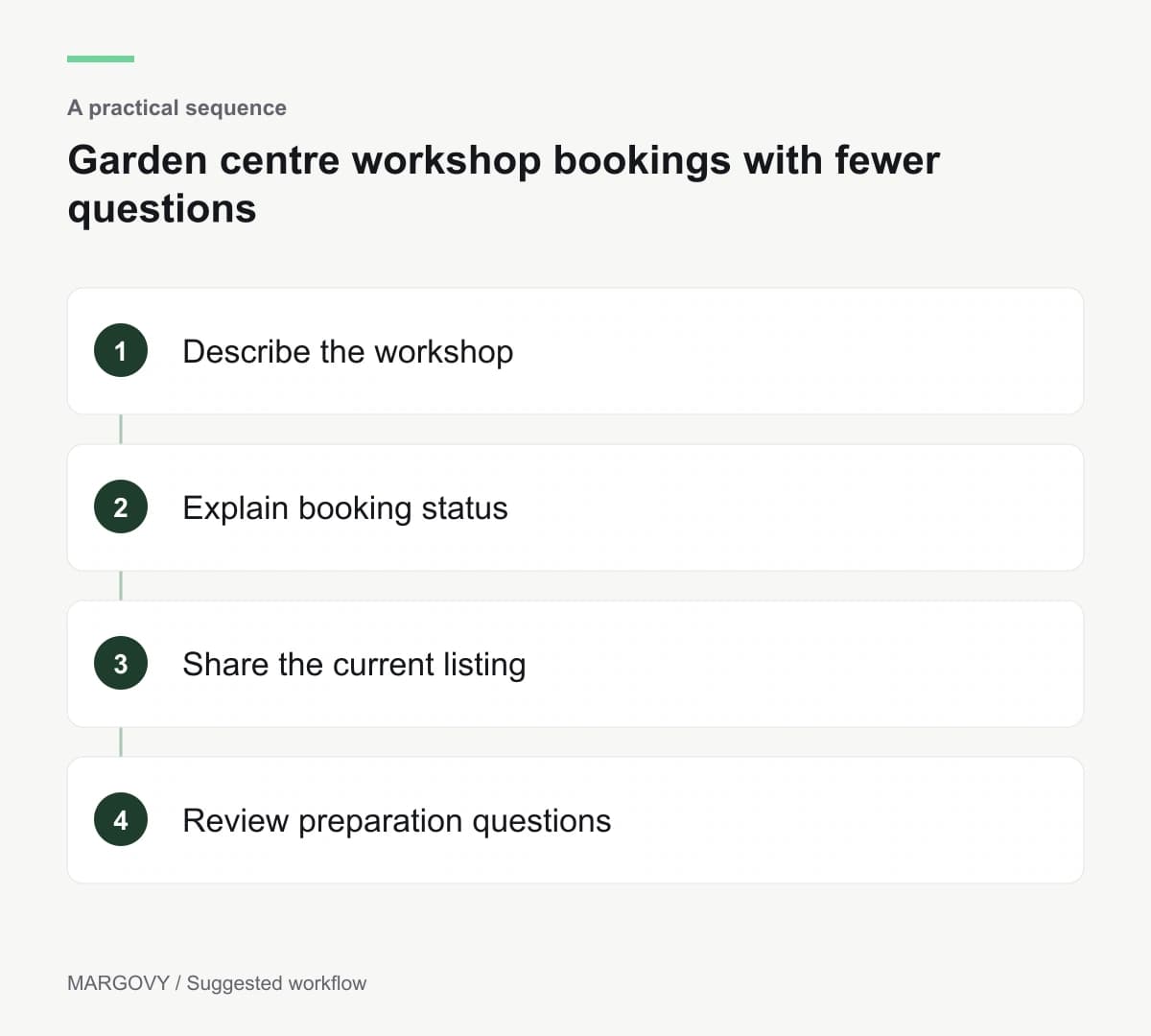
Use early questions to improve the listing
Record what customers ask after reading the page. Several questions about taking the finished item home indicate missing practical detail.
After the session, ask the instructor whether participants arrived prepared. Review bookings and attendance using the event records.
Do not treat every Wi-Fi connection as workshop interest. The garden centre serves several different visit purposes.
For a setup across retail, café and teaching areas, discuss your venue layout with Margovy before selecting equipment.