Part of our guide to visitor attraction marketing
Independent cinema emails for special screenings
A special screening may offer something beyond the normal programme: a discussion, an introduction or a confirmed guest appearance. Customers need to know exactly what is included.
Independent cinema email marketing works best when the event information is settled before the announcement is sent.
A recognisable title attracts interest, but the practical details help people book.
Confirm the event description
Check the film title, date and screening time. Distinguish the advertised start from any earlier arrival or introduction time.
If a speaker is involved, verify their participation and how their name and image may be used. Do not imply an appearance based on an invitation that has not been accepted.
State the confirmed format and any relevant access information. Use the cinema's approved classification and admission details.
Keep film imagery and promotional assets within the permissions available to your venue. The existence of an online image does not make it yours to republish.
Give each message a clear event route
An email about one screening should take readers to that screening's page. Include a current booking link and explain any separate ticket options.
For a programme roundup, organise events so readers can identify the dates quickly. Avoid making them open every listing to discover when it takes place.
Check what the page shows after tickets sell out. Customers should understand the status and any genuine alternatives.
Use your ticketing process for operational communications to existing ticket holders.
Build future interest during the visit
Guests in the foyer or café can find the programme through a link on the Wi-Fi welcome page.
Margovy's guest-page features allow links to your existing listings and booking destinations. Keep the public programme as the source of current details.
For visitors who choose marketing, an automated follow-up can point to upcoming screenings. Use a maintained programme link so the message remains relevant.
The connection itself does not tell you which film a guest attended. Avoid claiming viewing preferences without appropriate information.
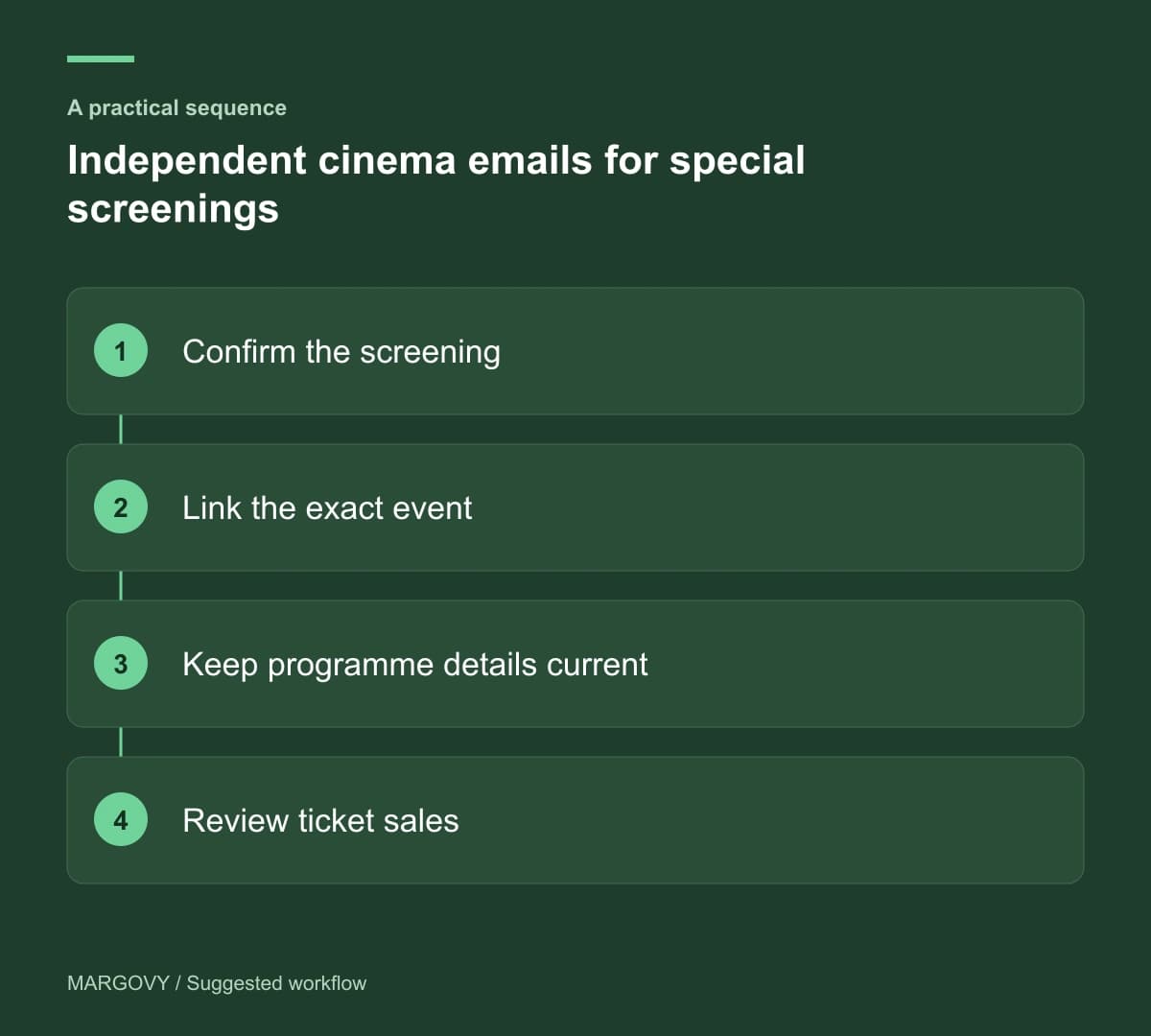
Review interest against ticket sales
Use ticketing records to measure bookings. Email clicks help show which listings attracted interest, but they do not prove attendance.
Look at questions sent to the box office. Confusion about introductions, guest appearances or timings should lead to a clearer listing.
See how Margovy works if you want a branded guest Wi-Fi route to the programme. For a venue with several screens and shared spaces, discuss the layout with the team before choosing a setup.