Part of our guide to gym marketing ideas
Explaining Pilates studio waiting lists to clients

A full Pilates class does not necessarily end the customer's interest. They may be happy to wait for a place if they understand what joining the waiting list means.
The difficulty comes when a customer assumes they have a reservation, or misses a notification because the process was never explained.
A clear waiting-list page should describe the system your studio actually uses.
Explain the sequence
Tell clients how to join, how they will be notified and what happens when a space becomes available.
If the booking system requires a response within a set period, state the actual arrangement. If staff contact people manually, explain that instead.
Do not imply a guaranteed place or a particular position unless your process provides that information reliably.
Include any action required to leave the list. Someone whose plans change should be able to avoid receiving unnecessary availability messages.
Separate interest from a confirmed booking
Use distinct language for waiting-list confirmation and class confirmation. The subject line and opening sentence should make the status clear.
A waiting-list message might say: "Your request is recorded. You do not yet have a place in this session."
The eventual booking confirmation needs the session details and the relevant attendance arrangements. Check that staff use the same distinction when answering enquiries.
Where the process is manual, keep one agreed record so two team members do not offer the same place independently.
Make the information accessible in the studio
Your gym and studio guest Wi-Fi page can link to the current timetable and waiting-list instructions.
Use labels that match the booking system. A customer should not have to translate between different names for the same class.
Margovy's welcome-page features provide the link; your class system or studio team manages allocation and notifications.
Avoid suggesting that signing into Wi-Fi places someone on a waiting list. The customer needs to complete the actual process.
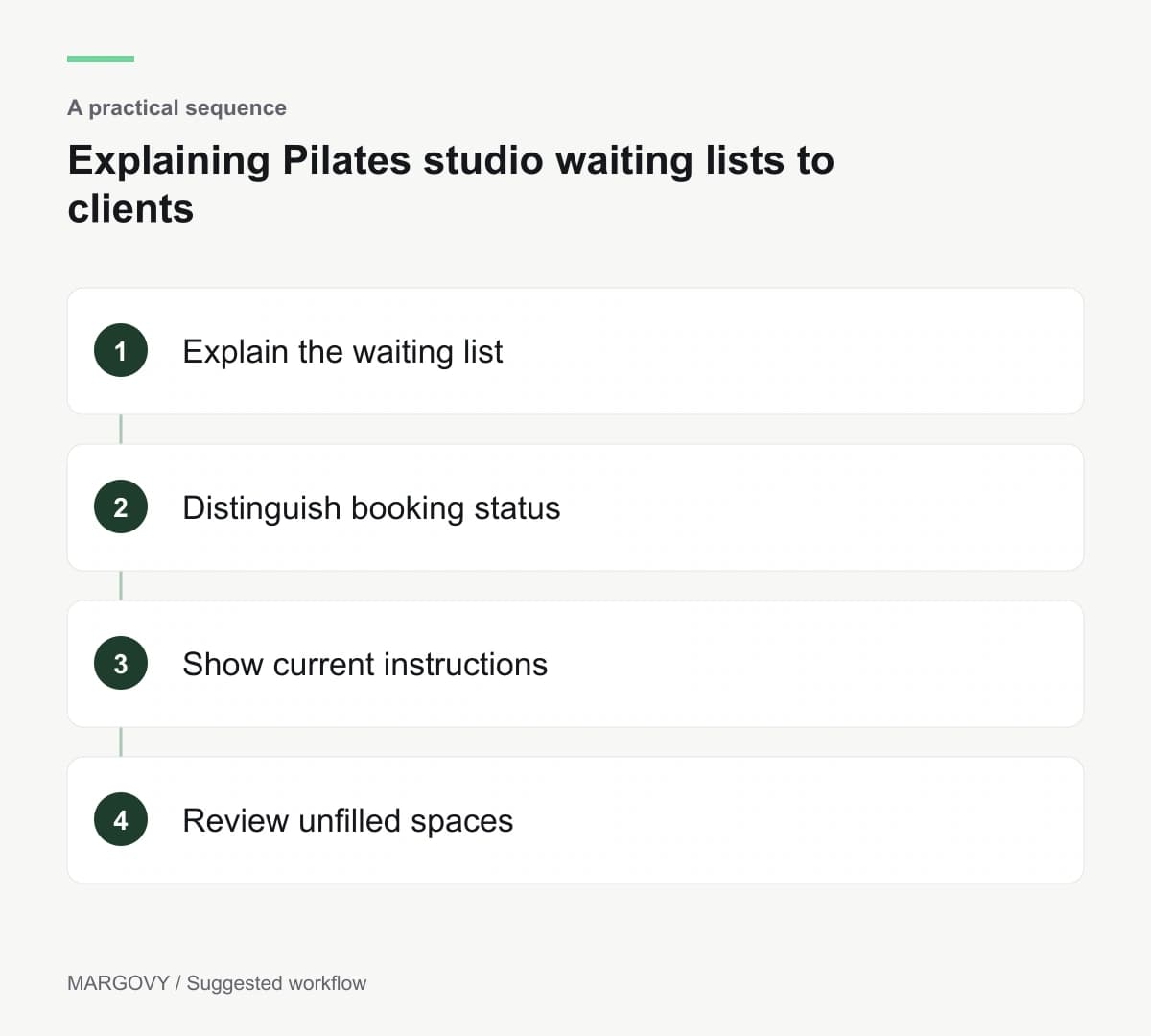
Learn from unfilled spaces
Review occasions where a class had a waiting list but still ran below capacity. Possible causes include late notification or an unclear confirmation step.
Ask affected clients what happened without assuming they ignored the message. Keep the review focused on the process you can improve.
Track bookings and attendance through the class system. Guest Wi-Fi connections cannot tell you who accepted a released place.
If the venue needs a clearer route to online information, discuss the guest Wi-Fi setup with Margovy while retaining the waiting-list tools already responsible for bookings.