Part of our guide to restaurant marketing ideas
Building a customer list from walk-in restaurant guests
A reservation gives you a booking contact. A walk-in table may leave without any practical way to hear from you again.
Building a walk-in restaurant customer list starts with offering guests a clear choice during the visit. Guest Wi-Fi can provide that opportunity without asking the floor team to collect addresses between tables.
The process needs to be understandable from the guest's perspective.
Make the reason for the form clear
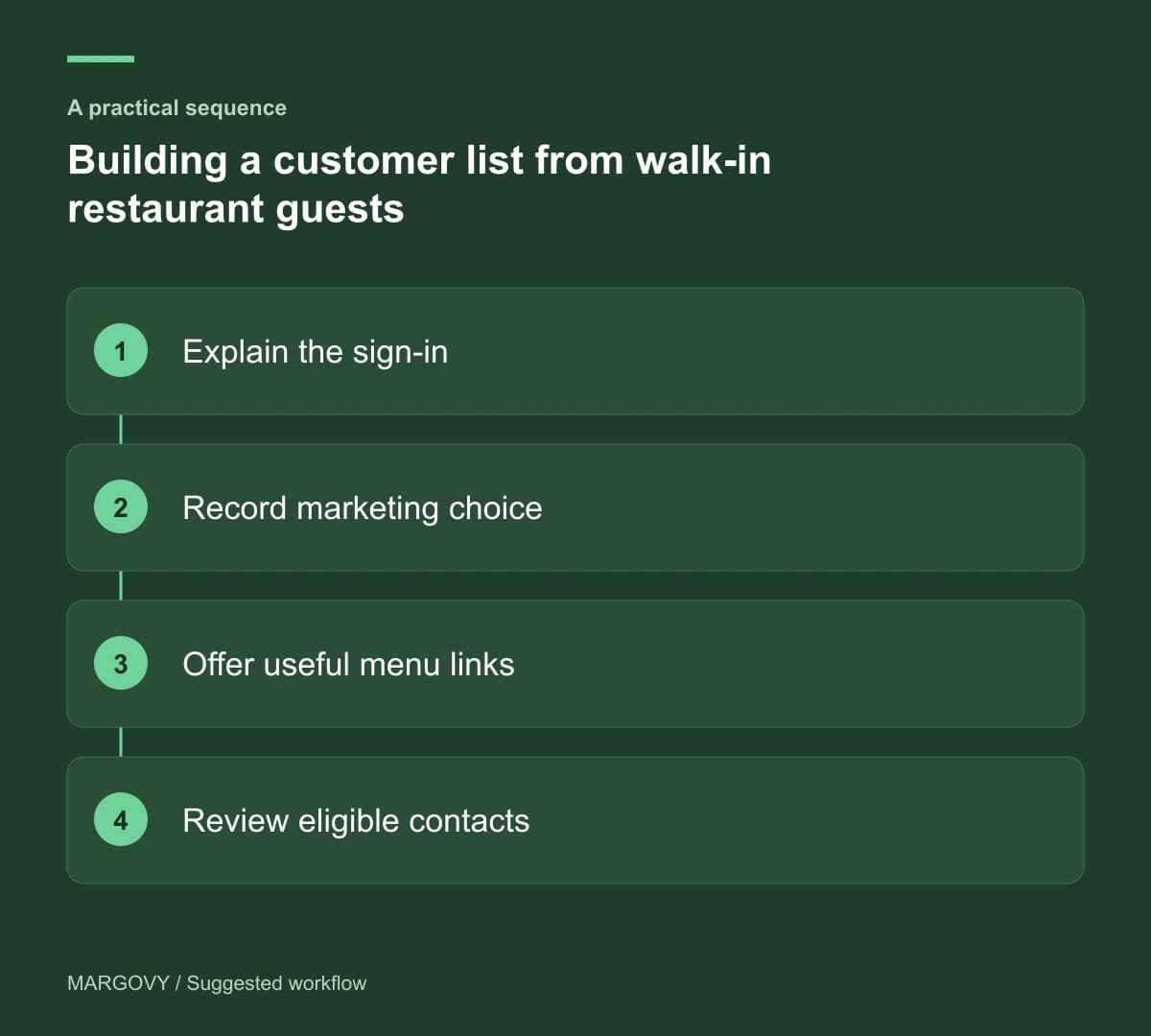
Use your restaurant's name and recognisable branding on the sign-in page. Explain which details are needed to connect and show the marketing choice separately.
Avoid asking for information simply because a field is available. Each extra question should have a purpose you can explain.
Margovy's restaurant guest Wi-Fi records sign-in details and marketing preferences. Guests can get online whether or not they opt into future messages.
That distinction matters operationally. A customer record is not automatically an eligible recipient for every marketing message.
Offer something useful once guests connect
Link to the current menu and a booking page for a future visit. If you promote private dining, include it only where it deserves a place in the guest journey.
Use a menu destination that works on a phone. Someone who is already seated should not need to download a large file to find basic information.
The welcome page can also help another person at the table discover the booking route. Do not assume the person who connects is the person who paid.
Check the whole journey with a fresh device
Before relying on the setup, follow the process as a first-time guest:
- Find the correct guest network using the information available in the room.
- Read the sign-in form and understand the marketing choice.
- Connect after declining marketing.
- Open the menu and future booking links.
- Check the follow-up wording using your normal preview or test process.
Use Margovy's setup guide alongside the checks. Ask the team what guests find confusing during an ordinary service.
Review list quality rather than a headline total
Look separately at people signing in and those choosing marketing. A larger contact list may include guests who do not want promotional emails.
For opted-in guests, an automated welcome can introduce your booking page. Keep the message relevant to the restaurant and easy to unsubscribe from.
Compare customer-list activity with booking records cautiously. Neither a connection nor an email click proves a later reservation.
The customer-list and follow-up features explain what Margovy records, so your team can interpret the information correctly.