Part of our guide to restaurant marketing ideas
Restaurant private dining pages that answer enquiries
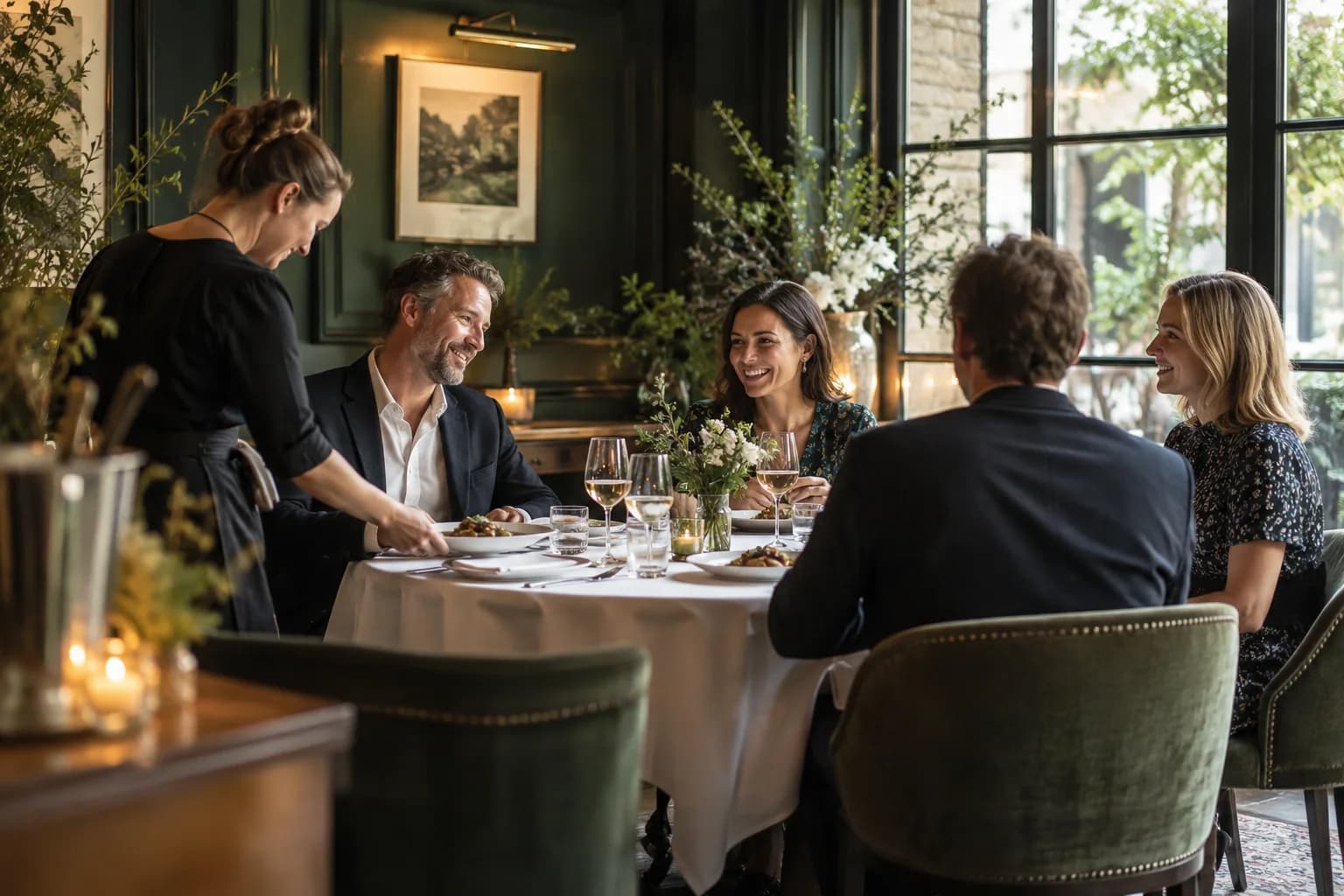
Private dining enquiries often arrive before the organiser knows exactly what they need. They may have a rough date and guest count, but no clear idea of the menu or layout.
Your private dining page should help them make those first decisions. It also needs to identify requests the restaurant cannot accommodate before the team spends time preparing a proposal.
Describe the room and the service together
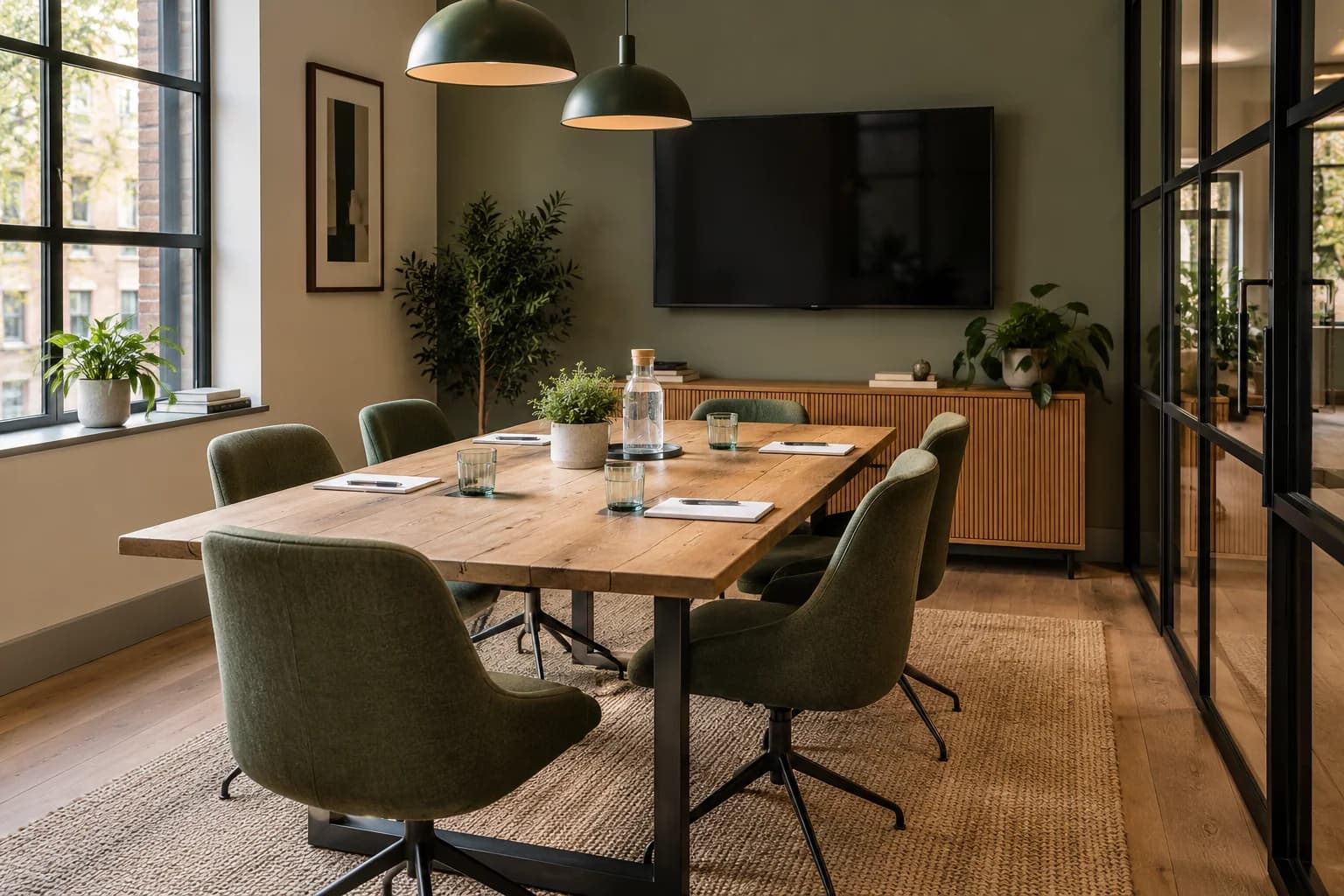
Show photographs of the actual space. Explain whether it is fully private, partly screened or within the main restaurant.
State capacities for the layouts you genuinely offer. A single maximum number can mislead an organiser planning a seated meal.
Describe how food is served and which menu choices are available. If everyone must choose from a set menu, make that clear before the enquiry.
Explain material booking conditions in plain language. Customers should understand the basis of room charges, minimum spends or deposits where they apply.
Have the person responsible for bookings check the page against the arrangements they currently quote.
Ask questions that improve the first response
The enquiry form should establish the preferred date, approximate numbers and occasion. A space for essential requirements can identify access or timing needs early.
Do not force the organiser to select a complete menu before checking availability. Offer a route to discuss uncertain details.
Tell them when to expect a response and whether the date is being held. Make sure the inbox has cover when the usual coordinator is away.
A short, informed response is more useful than a long generic brochure sent without checking the enquiry.
Introduce the space to ordinary diners
People who already enjoy the restaurant may be considering a work meal or family celebration. A link on your restaurant guest Wi-Fi page can introduce the private dining option.
Use a destination with the room information, not a blank contact form. Guests need enough context to decide whether to enquire.
An automated thank-you can also include a relevant link for customers who have opted into marketing. Review Margovy's guest-page and email features when choosing the placement.
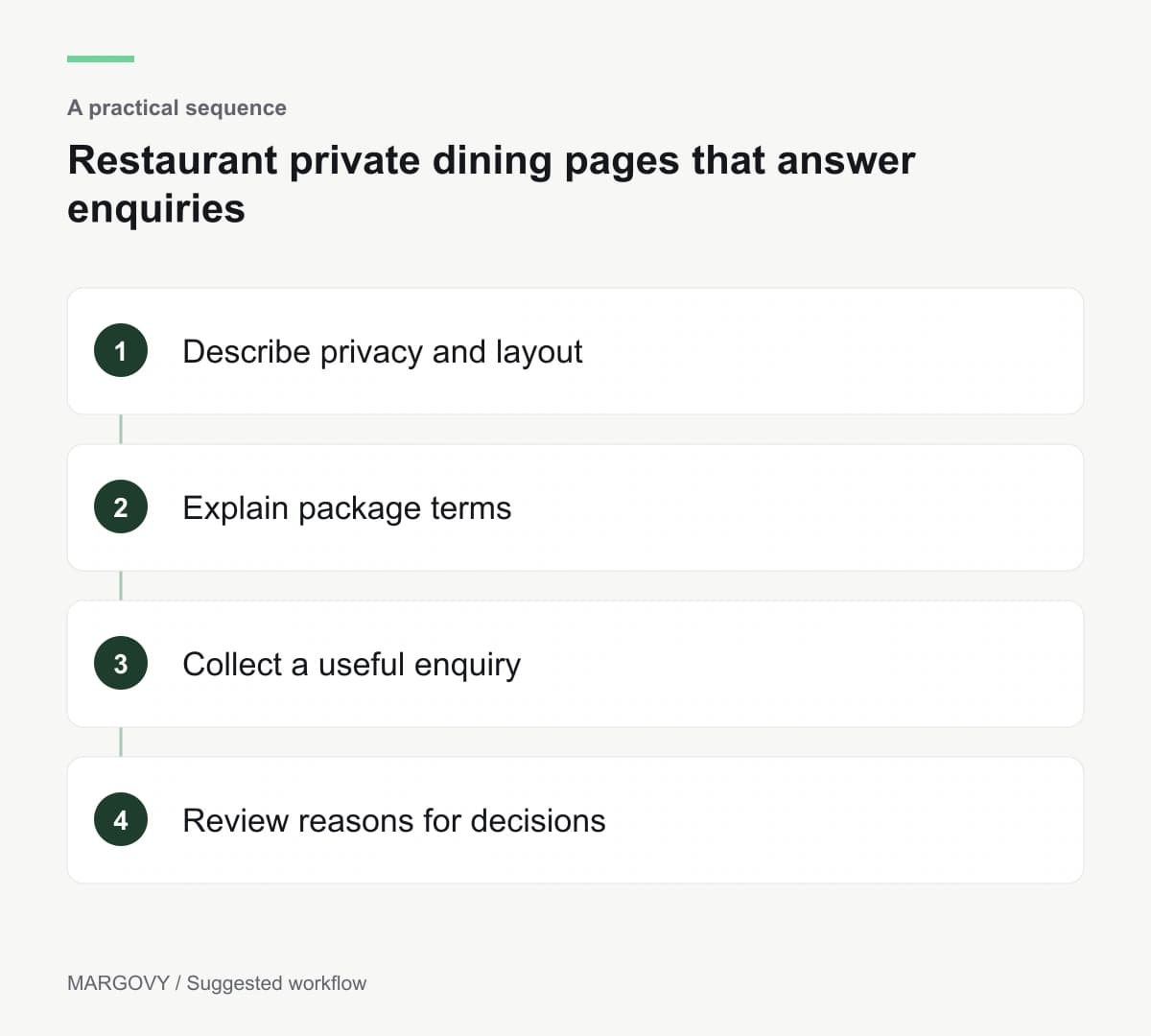
Record why enquiries progress or stop
Track suitable enquiries and confirmed events separately. Note recurring reasons for losing a booking.
A lack of available dates needs a different response from slow replies or unclear pricing. Repeated questions about privacy may indicate that the photographs or descriptions are insufficient.
Use those findings to revise the page before increasing promotion.
If the private room is separate from the main dining area, ask Margovy about the layout before assuming the existing guest Wi-Fi setup will serve both.