Part of our guide to salon marketing ideas
Helping first-time barbershop clients choose a service
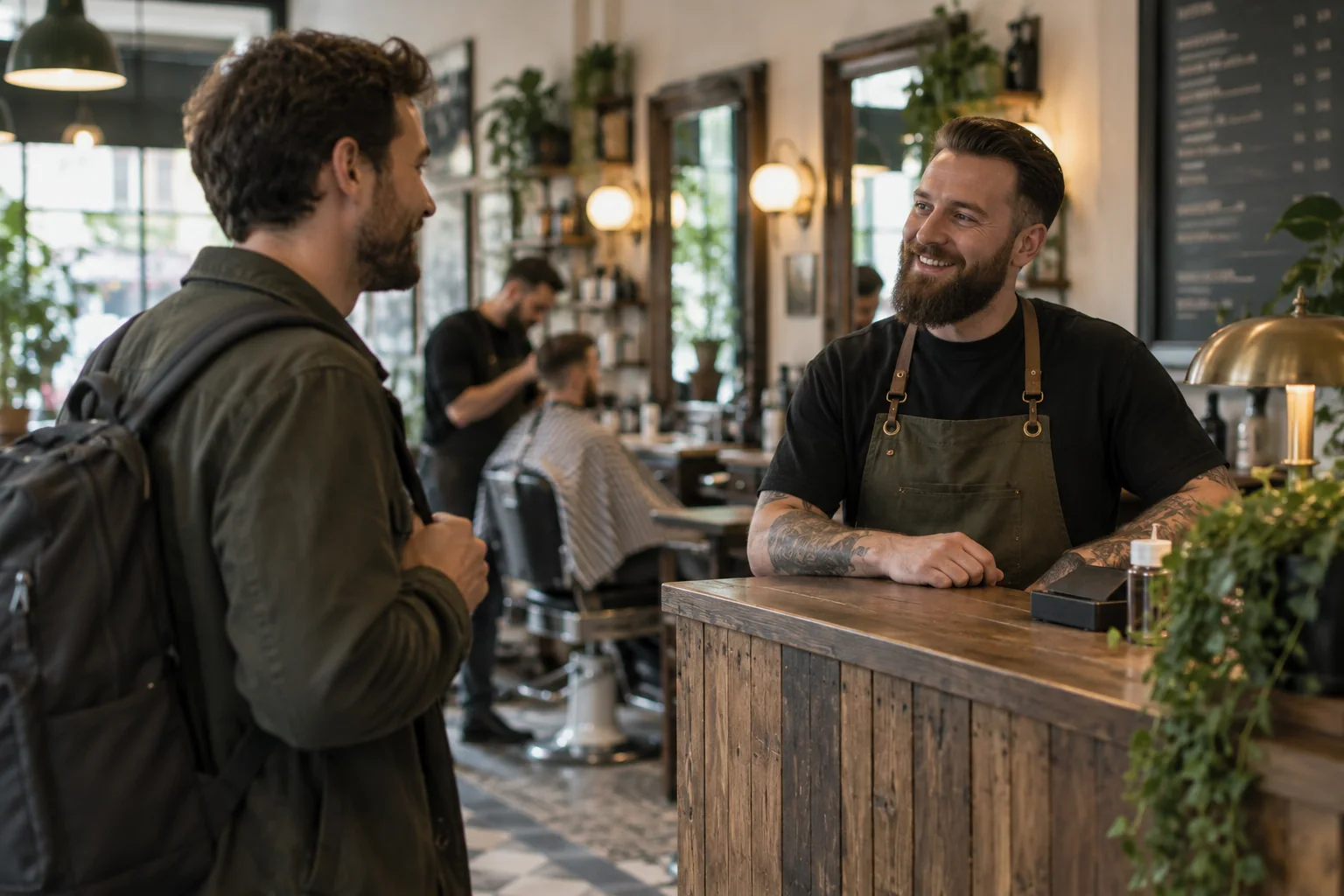
A regular client may know exactly which booking option to choose. Someone visiting your barbershop for the first time may be comparing several services that sound similar.
Your barbershop service menu should help them select an appropriate appointment without needing inside knowledge.
Clear descriptions also give the team a better chance of receiving a booking with enough time allocated.
Explain what each option includes
Review the names in your booking system. Describe the work included in each service using language customers recognise.
Where options differ by consultation, beard work or a substantial style change, explain the distinction. Avoid assuming that the shortest name is automatically clear.
Show relevant price and duration information. If a price depends on the service agreed, explain how that is established.
Ask the team which incorrect selections cause difficulty. Those are the descriptions to improve first.
Provide a route for uncertainty
Some first-time clients will still need advice. Put the contact option beside the booking information rather than hiding it in a general footer.
Explain what they should tell the team, such as the kind of change they want. Do not request unnecessary personal information.
Where a consultation is required, say so before the client reaches the diary. Staff should receive the same instructions that appear online.
A useful menu reduces uncertainty without pretending every request can be resolved through a short description.
Keep the menu accessible during a visit
The person accompanying a client may be considering their own booking. Your guest Wi-Fi page can help them explore the service menu while they wait.
Margovy's Wi-Fi for salons and barbers can link directly to your existing booking destination.
Check that the link opens the right location and current services. A link copied from an old promotion may lead to a restricted or expired option.
An automated follow-up to eligible marketing recipients can include the same reliable route. Review the guest-page and email features when deciding where it belongs.
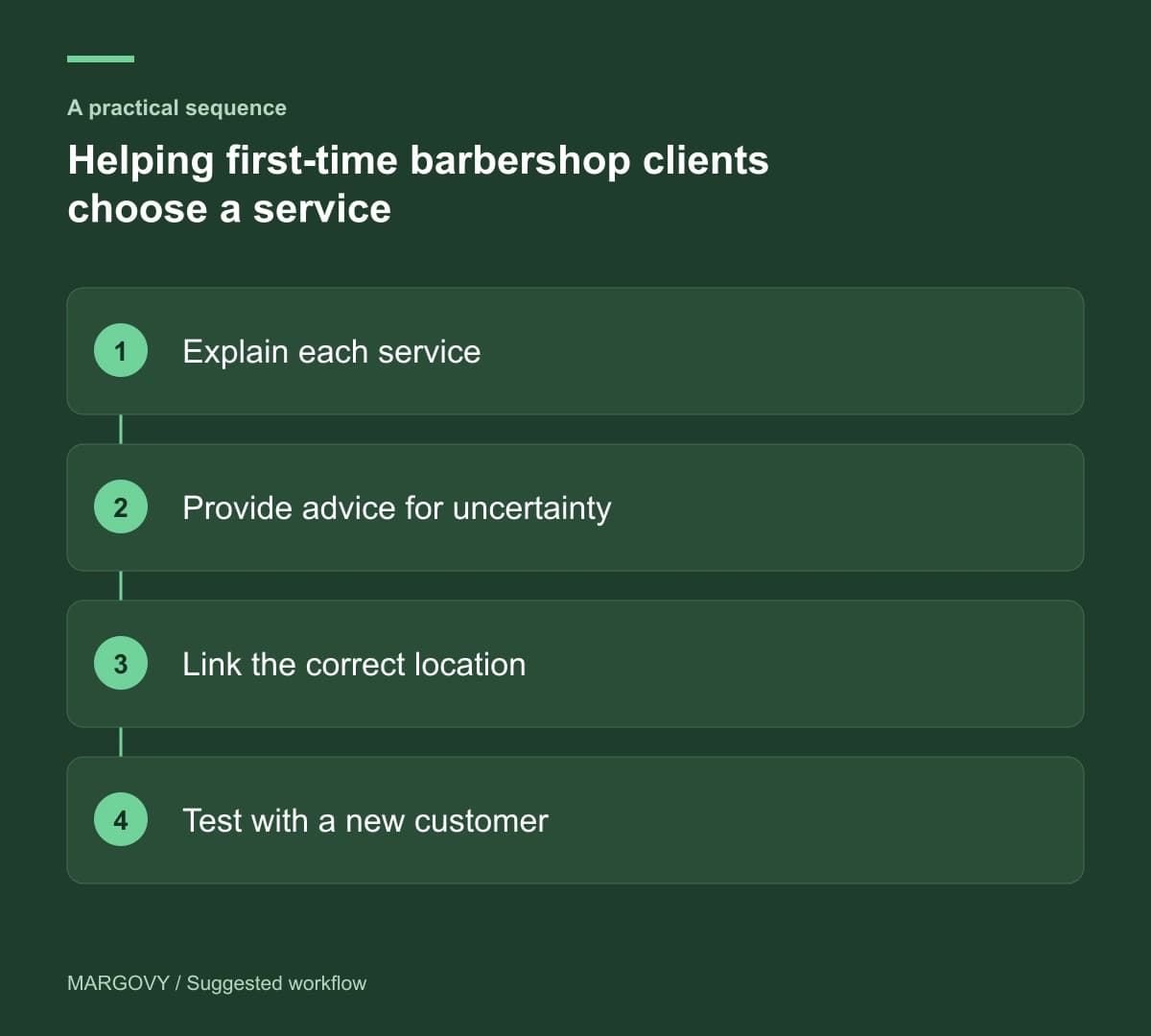
Test with someone unfamiliar with the shop
Ask a person who does not know your menu to find the appropriate route for a plausible booking. Let them explain what they understand before helping.
Record where the labels leave them uncertain. You do not need to rename everything if one ambiguous option causes most of the confusion.
After editing, watch for fewer service-selection questions and more suitable bookings. Use booking records and staff observations, not Wi-Fi connections, to assess the change.
See how Margovy works if you want the service menu to be available through branded guest Wi-Fi.