Part of our guide to café marketing ideas
Writing a café laptop policy customers can understand

A café can welcome people working on laptops and still need tables for lunch customers. Problems arise when the arrangements are unclear until a member of staff has to intervene.
A café laptop policy gives guests information they can use before settling in. It should reflect how the room operates, including any differences between quiet periods and busy services.
Decide the arrangements with the team
Identify where laptop use is practical. Consider table demand and the needs of customers meeting for conversation.
If you reserve certain areas for dining, describe those areas clearly. Avoid a policy that depends on customers guessing which table counts as a dining table.
Discuss calls as well as laptops. A person working silently creates a different experience from someone holding an extended video meeting.
Agree how staff should explain the arrangements. Consistent wording is easier for guests to accept than a different answer from each shift.
Write the policy as useful information
Use direct language and specify the times or areas that matter. For example: "Laptop use is welcome at the window counter. During lunch service, we keep the larger tables available for dining."
Only use that example if it matches your actual setup. If arrangements change according to demand, explain how staff will communicate the change.
State any purchase or time conditions clearly before customers commit to working. Keep the tone professional; signs should not sound irritated with people you have invited inside.
A short policy with a contact route is easier to use than a long list of exceptions.
Make it visible before and after connection
Put the information on your website where customers planning a working visit can find it. Repeat the relevant link on your guest Wi-Fi welcome page.
Guest Wi-Fi for cafés gives you a place to link to the policy alongside the menu. It should be available without opting into marketing.
A welcome-page link is helpful during the visit, but it should not be the first notice of a material restriction. Use clear signs where seating choices happen.
Review Margovy's guest-page features for the way you want to present venue information.
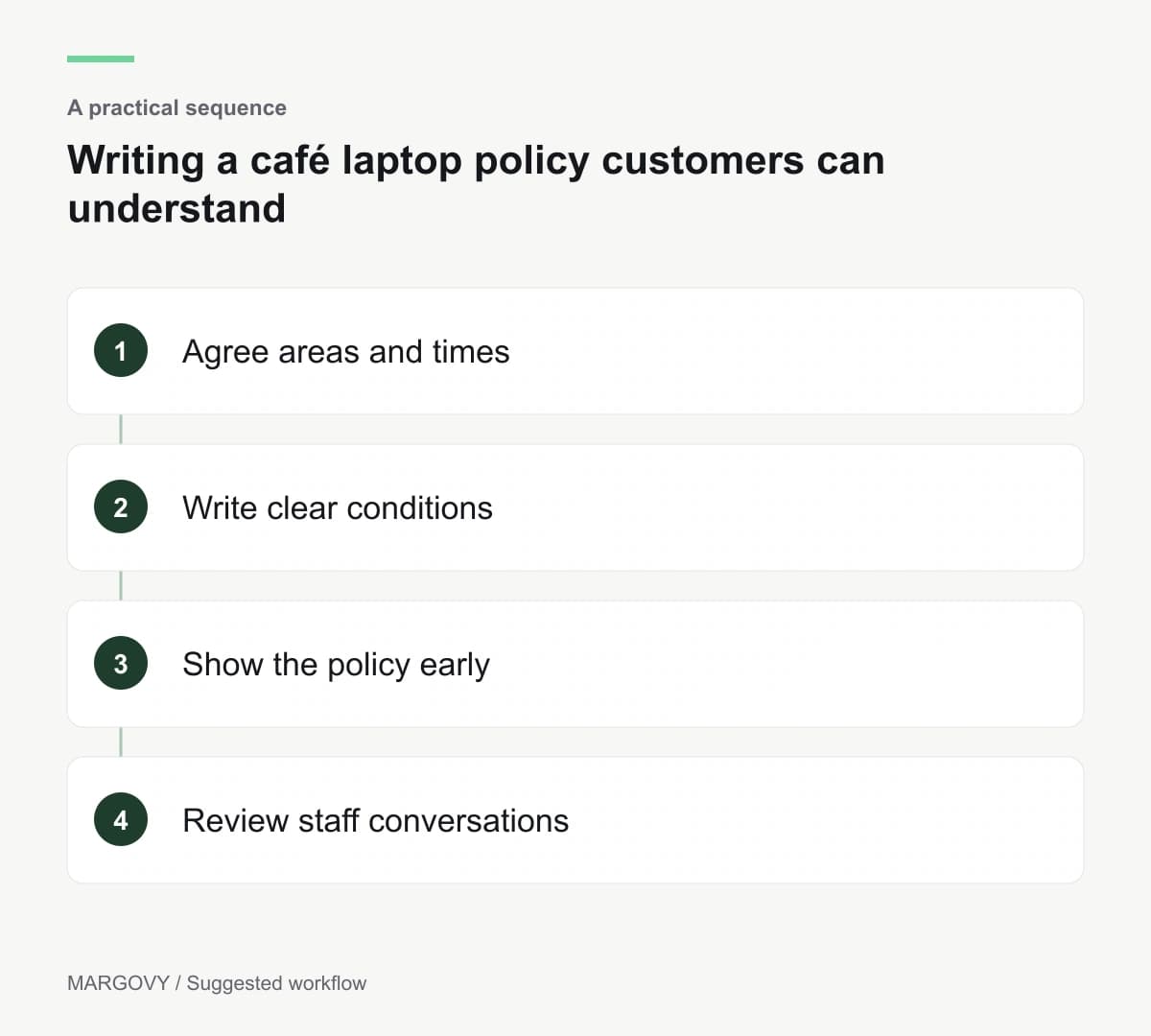
Review the policy through real conversations
Ask staff what customers misunderstand and whether the designated areas work in practice. Note complaints without treating every disagreement as a reason to rewrite the rules.
If lunch tables are still unavailable, review the seating arrangement as well as the wording. If quiet periods feel unwelcoming, the policy may be broader than necessary.
For questions about guest access in different parts of the café, contact Margovy about your layout.