Part of our guide to coworking space marketing
Coworking meeting room pages that explain the booking
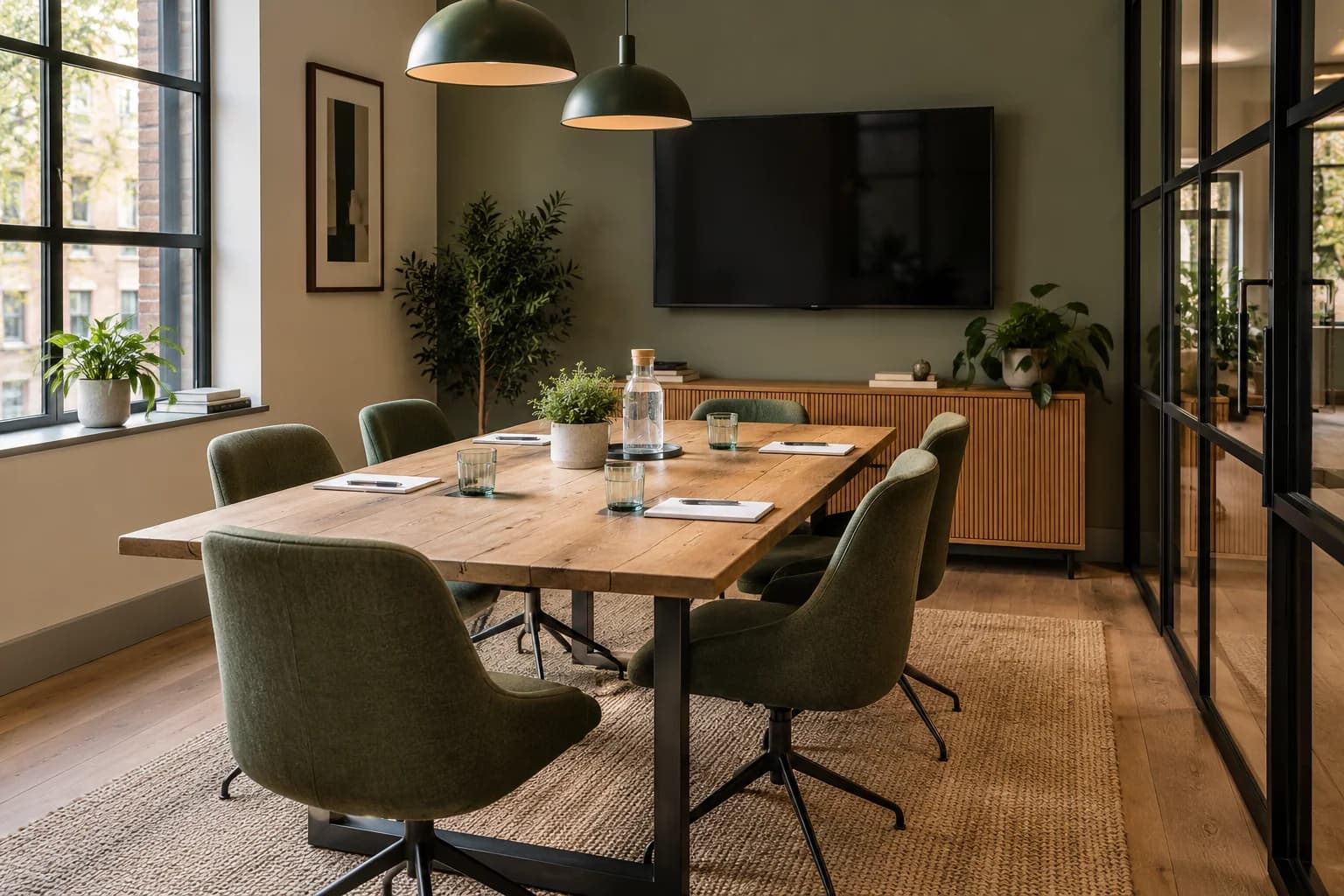
A meeting organiser needs to know whether a room fits the work they intend to do. A capacity number and an attractive photograph rarely answer the whole question.
Coworking meeting room marketing should explain the layout, facilities and booking arrangements before the organiser commits.
Start with the room as it will actually be prepared.
Describe capacity in context
State the supported layout and the number of people it accommodates in that arrangement. A room that fits a presentation may feel different around a working table.
List the equipment included and explain how customers can check compatibility or request help. Avoid assuming every visitor uses the same device or connection.
Make any additional charges clear. Refreshments, printing or extra setup time should not become surprises on arrival.
Use current photographs and identify optional arrangements separately.
Explain access for everyone attending
The organiser may know the building while their guests do not. Provide an address, entrance instructions and a clear arrival process.
State the booked time and how early setup is handled. Explain what happens if the meeting runs over, according to your actual terms.
Include a contact route for access requirements. Keep important instructions in the booking confirmation, not only on a page attendees might never see.
Test the information with a person unfamiliar with the space.
Introduce rooms during ordinary workspace visits
Day-pass visitors may need a room on a future occasion. A link from the guest Wi-Fi welcome page can help them discover the options.
Margovy's guest-page features let you link to your room descriptions and existing booking service.
The link does not allocate a room or recognise a membership entitlement. Your workspace system remains responsible for those decisions.
For opted-in contacts, a follow-up can mention meeting facilities without assuming they need a recurring office membership.
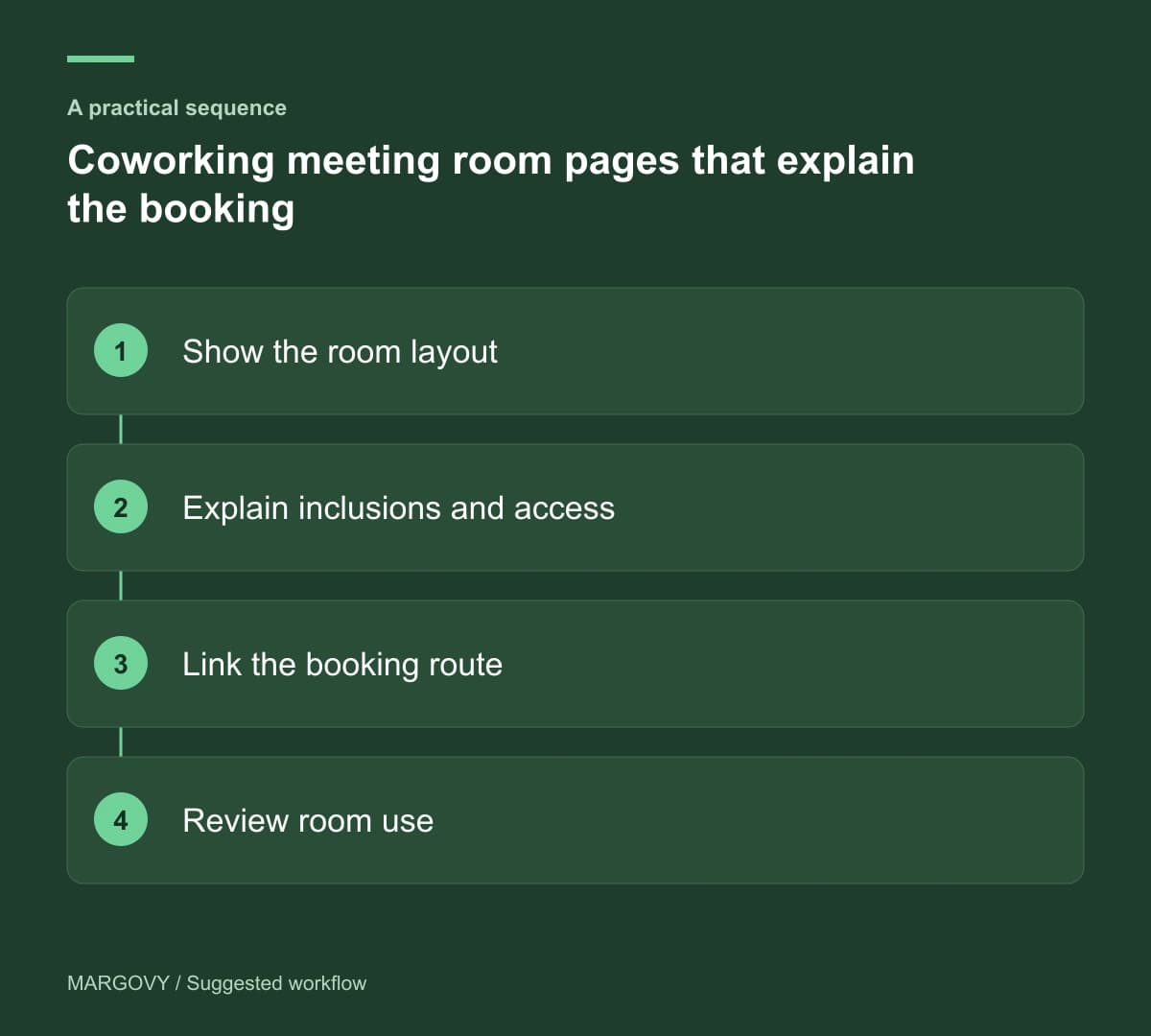
Review enquiries against the room's actual use
Record which questions organisers ask and whether the room delivered what they expected. Repeated questions about equipment indicate missing detail.
Use confirmed bookings and utilisation records to assess demand. Wi-Fi connections may include several attendees for one reservation.
If enquiries arrive for a layout you cannot support, make that limitation clearer before increasing promotion.
Read how Margovy works alongside existing broadband. Then discuss your workspace layout, including any business-network requirements, before deciding how guest Wi-Fi should serve shared rooms.