Part of our guide to visitor attraction marketing
Bowling group booking pages that help the organiser
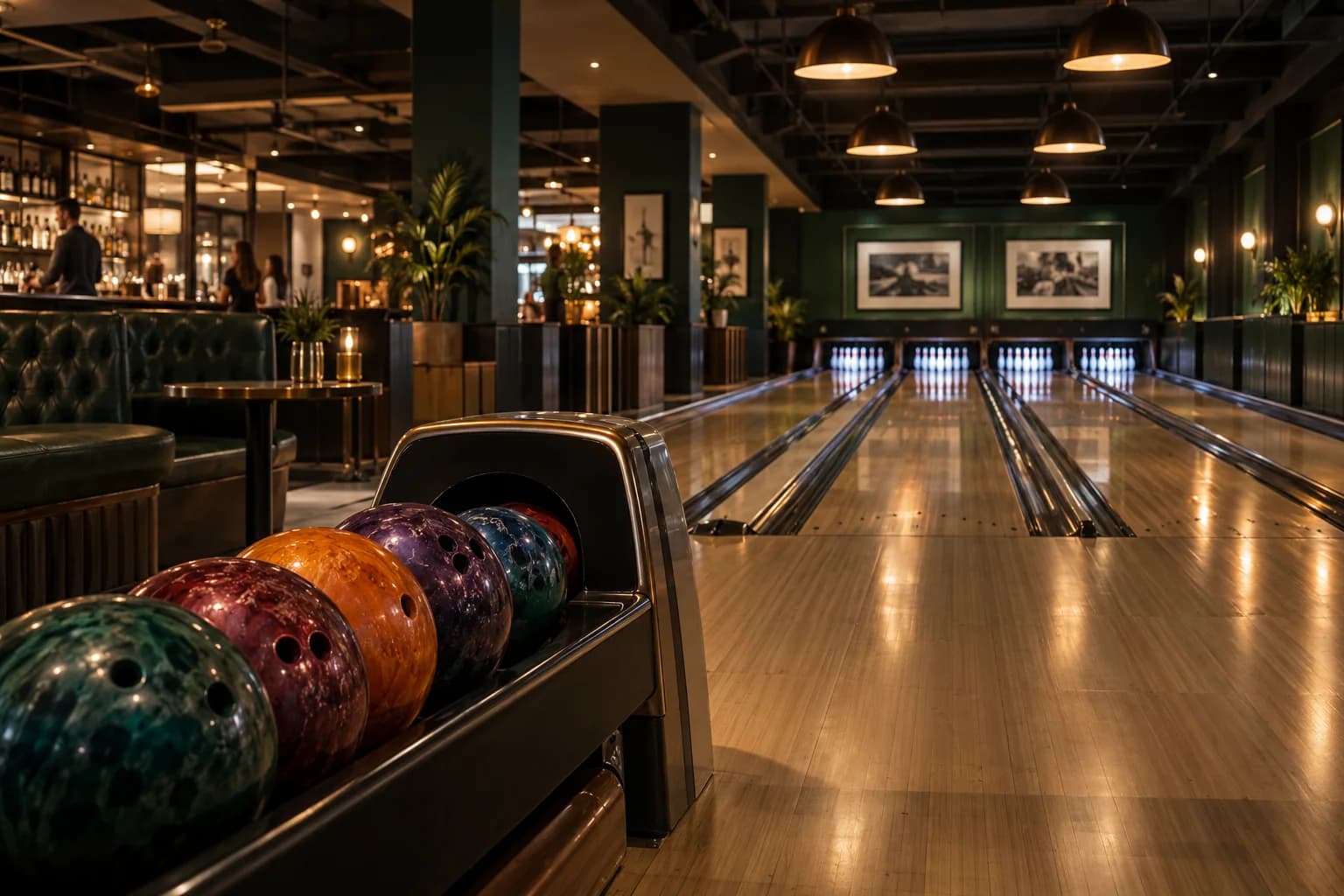
The person organising a bowling visit may be collecting answers from several people before they can book. They need something clear to share.
Bowling group booking marketing should help that organiser establish the cost and practical arrangements without repeatedly contacting your team.
Build the page around the decisions they need to make.
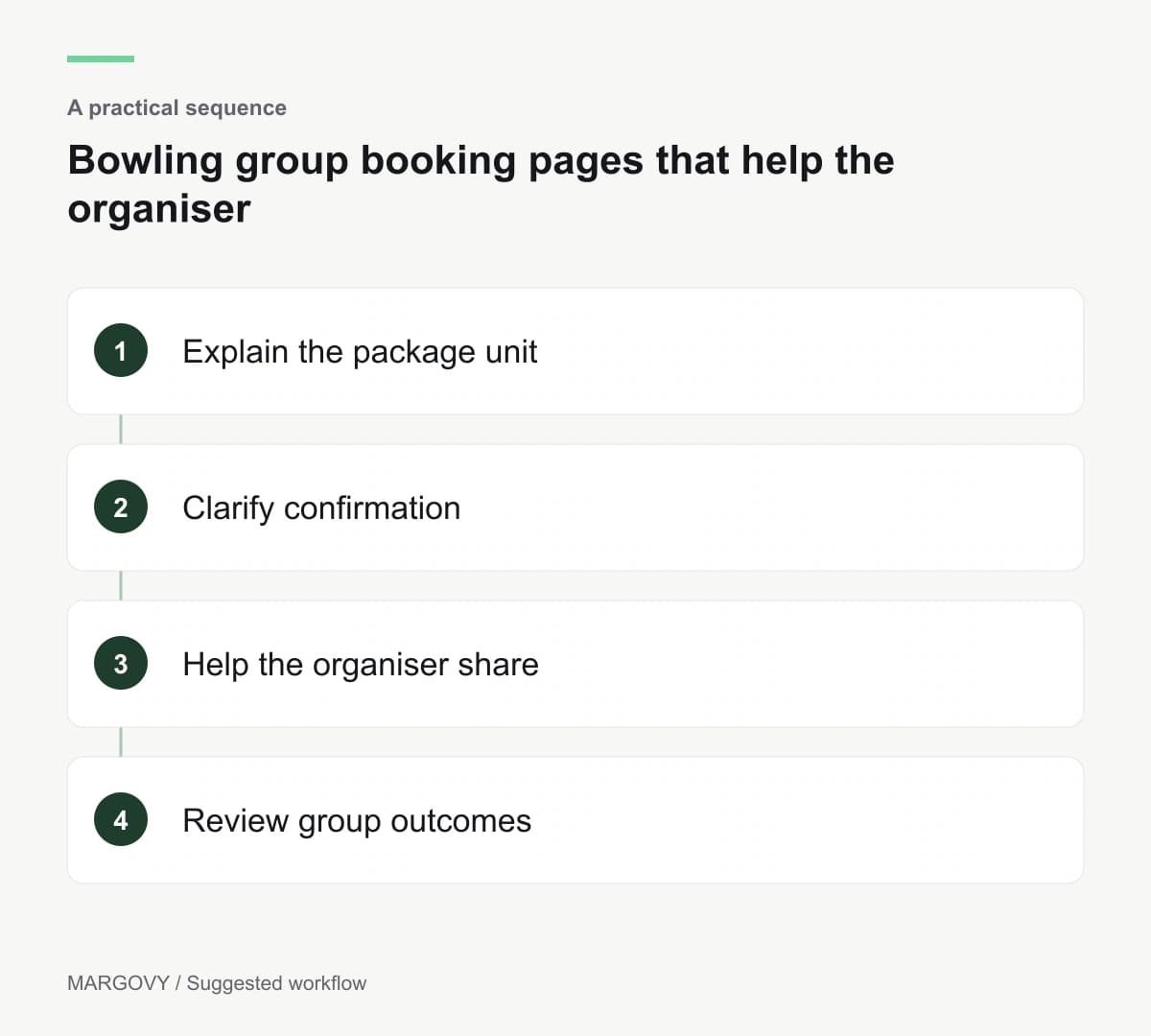
Explain the package unit
State whether the price applies per person, per lane or to a defined group. Explain the session duration or game allowance according to your actual booking model.
List what is included, such as equipment or food where applicable. Avoid showing optional extras in a way that makes them appear standard.
Clarify group-size limits and how larger parties are handled. Customers should know when to use the normal booking journey and when to enquire.
Have the operations team check the description against what they can deliver on a busy day.
Make the organiser's next step manageable
Ask for the preferred date and approximate group size early. Further details can follow once you know the request is feasible.
Explain whether an enquiry holds space and how confirmation works. If deposits or deadlines apply, show the appropriate terms before commitment.
Provide a link the organiser can share with participants. Include arrival information and a contact route for access questions.
Keep individual participant information limited to what the booking process actually requires.
Introduce group visits to existing customers
Someone visiting casually may be considering a future birthday or team outing. A link from the guest Wi-Fi welcome page can introduce your group options.
Use Margovy's guest-page features to connect visitors with the maintained package page.
For opted-in customers, an automated thank-you can mention group enquiries without implying that you know their plans.
The guest Wi-Fi page provides information and a route to booking. Your reservation system still allocates lanes and handles payments.
Review where organisers hesitate
Record recurring questions and the reasons suitable enquiries do not progress. Unclear package pricing needs a different fix from unavailable dates.
Compare confirmed groups with actual attendance and operational feedback. An event that is difficult to deliver may need a revised package.
Wi-Fi sign-ins do not identify every participant or the group they belong to. Use booking records for those measures.
Read how Margovy connects to existing broadband, and ask about your venue layout if lanes, reception and dining areas need different consideration.