Part of our guide to guest Wi-Fi marketing
Guest Wi-Fi QR signs customers can recognise
A QR code on a table does not explain itself. Customers need to know whether it opens the menu, starts an order or helps them connect to Wi-Fi.
Guest Wi-Fi QR signs should make the destination clear before someone scans. Placement and maintenance matter as much as the printed design.
Start by deciding the single task each sign supports.
Label the action accurately
Use a plain heading that explains the route, such as "Guest Wi-Fi". Add short instructions appropriate to the actual setup.
Do not reuse menu wording for a sign that leads to Wi-Fi access. If one page offers several destinations, explain what the customer will see.
Include the venue name so the sign looks intentional and recognisable. Avoid surrounding the code with several competing calls to action.
Keep the design readable at the distance customers normally use it. Test the actual printed version rather than judging only the artwork on a large screen.
Place signs where the action is comfortable
Choose positions where people can pause and use their phone without obstructing service. Consider the view from a seated position as well as from standing.
Check glare, shadows and objects that cover the code during a normal service. A sign that works on an empty table may be hidden by menus or condiments later.
Provide a practical route to staff assistance for guests who cannot or do not want to scan.
The Margovy setup explanation describes the guest connection journey. Match the sign instructions to the setup actually in use.
Test a representative sample
Use more than one available phone and check the route from scan to destination. Confirm the venue name and intended page are correct.
Test signs in their final positions. A clean digital file does not prove a small printed code will scan in the room.
Where printed materials are supplied through a service, check the current options and instructions. Margovy's pricing and feature information describes its available printed materials.
Avoid changing a destination without testing what existing signs now do.
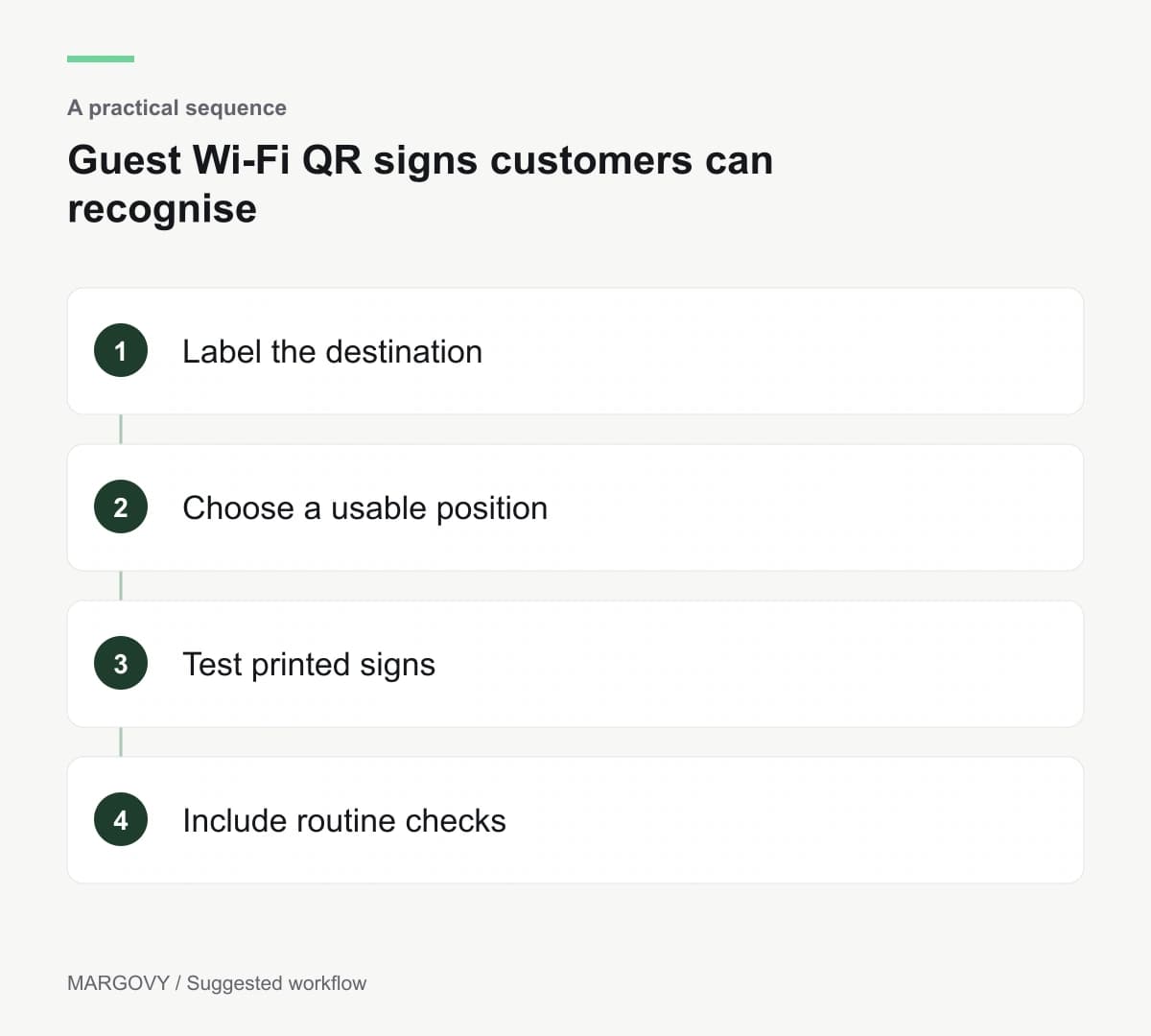
Include signs in routine checks
Ask staff to report damaged or missing signs. Replace materials that are no longer readable.
Inspect for unexpected stickers or alterations, and verify suspicious codes through your normal process before directing guests to them.
Review recurring customer questions. If people consistently expect a menu, the wording or placement may be misleading.
Contact Margovy for questions about its guest QR route. Keep a record of where signs are placed so future updates can be checked throughout the venue.