Part of our guide to coworking space marketing
Community hall hire information that reduces enquiries
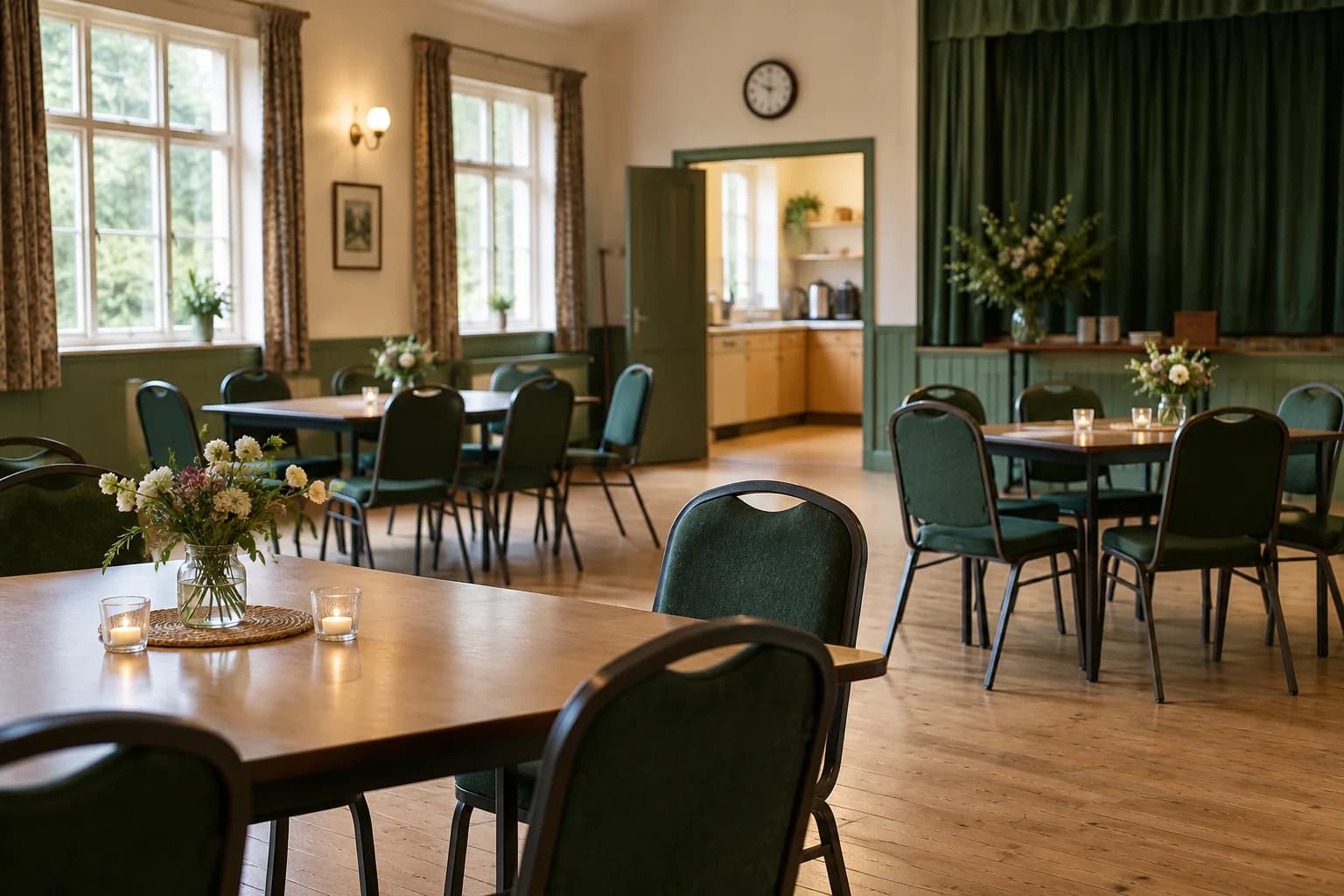
Volunteer coordinators can spend considerable time answering the same questions about a hall. Organisers need to understand the rooms, facilities and hire arrangements before deciding whether to enquire.
Community hall hire marketing should make that information easy to find and keep it consistent with what the booking team can offer.
A useful page can serve regular groups and first-time hirers without assuming they know the building.
Describe the hireable space
Show accurate room photographs and the layouts available. State capacities only after they have been checked by the responsible venue team.
Explain which facilities are included and which require separate arrangement. A kitchen photograph should not imply unrestricted use if conditions apply.
Make access information clear and provide a route for specific questions. Organisers need to assess whether the space suits their participants.
Explain the difference between a regular booking and a one-off event where the process or terms differ.
Publish the conditions that affect a decision
Set out the price basis and where the full hire terms can be read. Clarify setup and clearing time rather than discussing only the event itself.
Where activities require prior agreement, say so in the appropriate place. Do not provide a generic assurance that every event type is permitted.
Ask the booking coordinator to check the page against current practice. Old forms and copied price lists can continue circulating after a policy change.
Give each downloadable document a clear version or date.
Make enquiries easy to handle
Request the preferred date, event type and estimated attendance. Explain whether an enquiry reserves the space and when the organiser should expect a response.
Use a contact route that is monitored when the usual coordinator is unavailable. Keep personal volunteer details out of public pages where an organisational contact is available.
A guest Wi-Fi welcome page can link visitors to the maintained hire information. Margovy's venue-page features support those destinations.
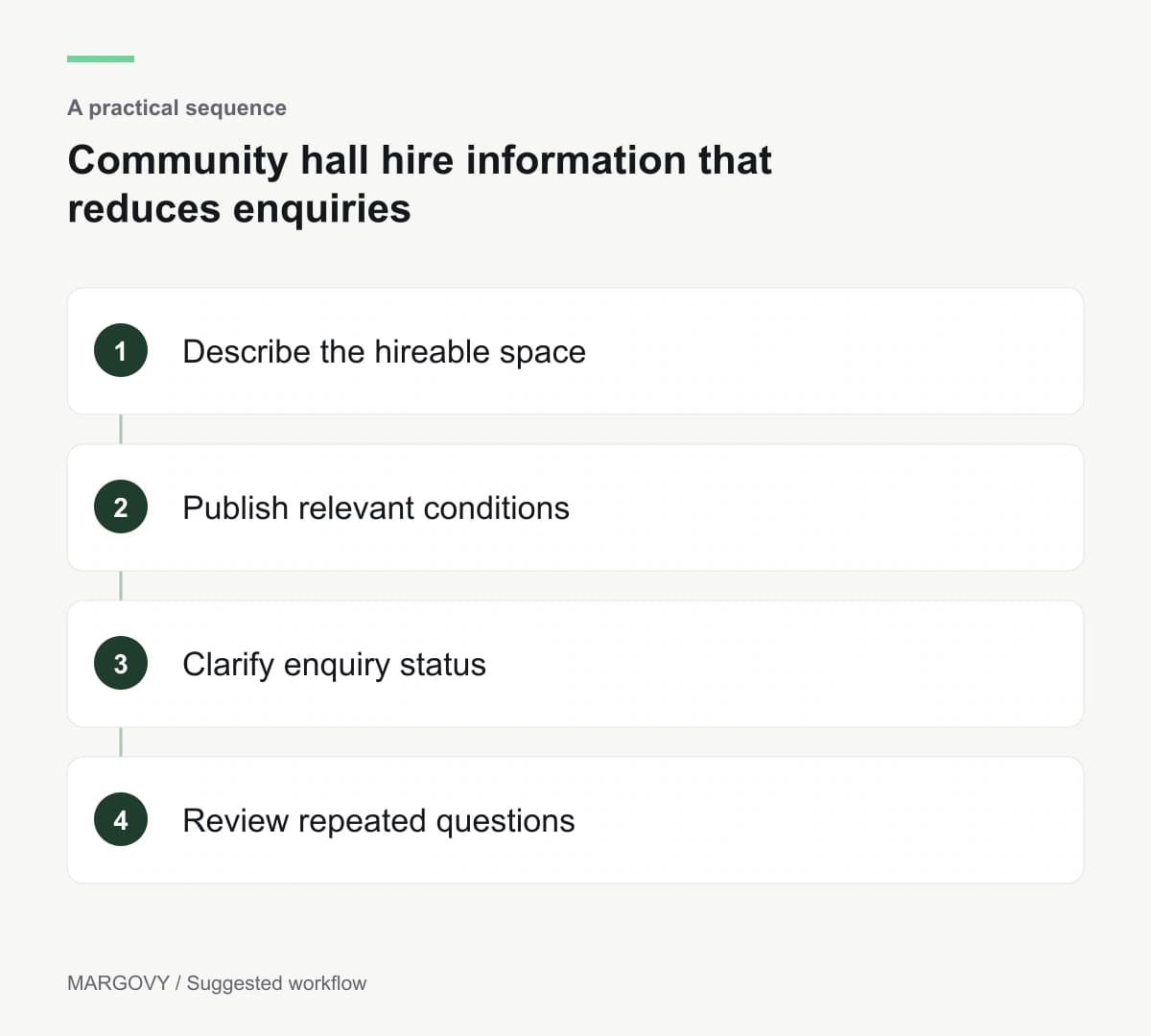
Review the repeated questions
After a period of use, collect the questions that still arrive. Improve the relevant section instead of simply extending the automatic reply.
Track suitable enquiries and confirmed hires through the booking process. Wi-Fi activity cannot tell you which organisation used a room.
Read how Margovy works with existing broadband before considering a guest setup.
For a hall with several rooms or separate groups using the building, discuss the layout and responsibilities with Margovy. Confirm who will maintain the guest page and any customer communications.