Part of our guide to salon marketing ideas
Promoting salon cancellations without booking confusion

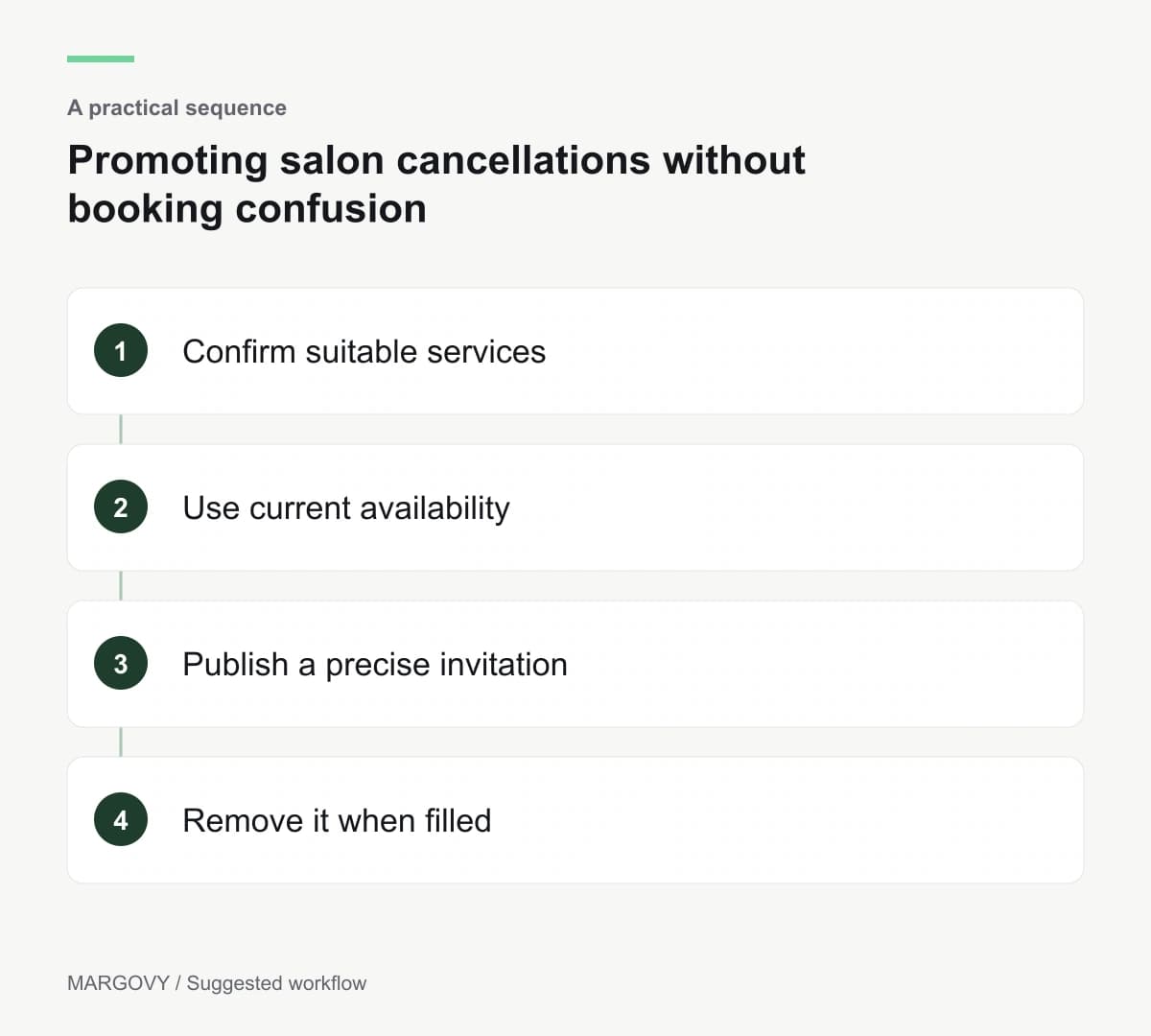
A cancelled appointment can be useful to another client, but the available time may suit only certain services. A broad "last-minute appointment available" message can create more enquiries than bookings.
Salon cancellation appointment marketing needs a short path from the announcement to accurate availability.
Decide who updates the information when the slot is taken.
Describe the appointment that can be delivered
Confirm the date, team member and services that fit the available time. Consider any consultation or preparation requirements before promoting the slot.
Do not offer a complex appointment simply because there is a gap in the diary. The service still needs appropriate time and arrangements.
Where the client must speak to the salon, make that the action. Where online booking is suitable, link to the correct service and practitioner if your system supports it.
Keep the booking system as the authority on availability.
Choose a channel you can maintain
A short-lived appointment belongs in a channel the team can update or stop quickly. Avoid placing a specific vacancy into an ongoing automated welcome email.
A guest Wi-Fi page can link to current availability without naming a slot. That link remains useful after individual appointments change.
Margovy's salon guest Wi-Fi supports links to your existing booking service. It does not, by linking, become a live appointment inventory.
The welcome-page features explain the content you control. Check any time-sensitive wording manually.
Keep the message precise
A suggested announcement is: "An appointment is available with our team on the stated date. Check the booking page for current availability and suitable services."
Include the real details when sending. If enquiries arrive by phone or message, give staff a consistent process for confirming the booking.
Do not use urgency once the opportunity has passed. Remove the announcement or mark the appointment as taken.
Only use marketing channels for recipients who are eligible for those messages. A client asking for a particular cancellation alert should not automatically be added to unrelated promotions.
Check whether the process saves time
Record whether the appointment was filled and how much staff time the announcement required. Review any duplicate bookings or disappointed enquiries.
If people repeatedly request services that cannot fit, the description needs more detail. If the appointment fills quickly but the message remains visible, the update process needs attention.
You can discuss your guest-page setup with Margovy while keeping appointment administration with the booking system that already manages it.