Part of our guide to gym marketing ideas
Communicating gym timetable changes clearly

A class can move by half an hour while an old timetable remains on a reception poster or welcome email. Members then receive two plausible answers about the same session.
Communicating gym timetable changes starts with deciding which schedule is authoritative and how every other channel points to it.
The aim is to help people arrange their next visit without contacting reception to resolve contradictions.
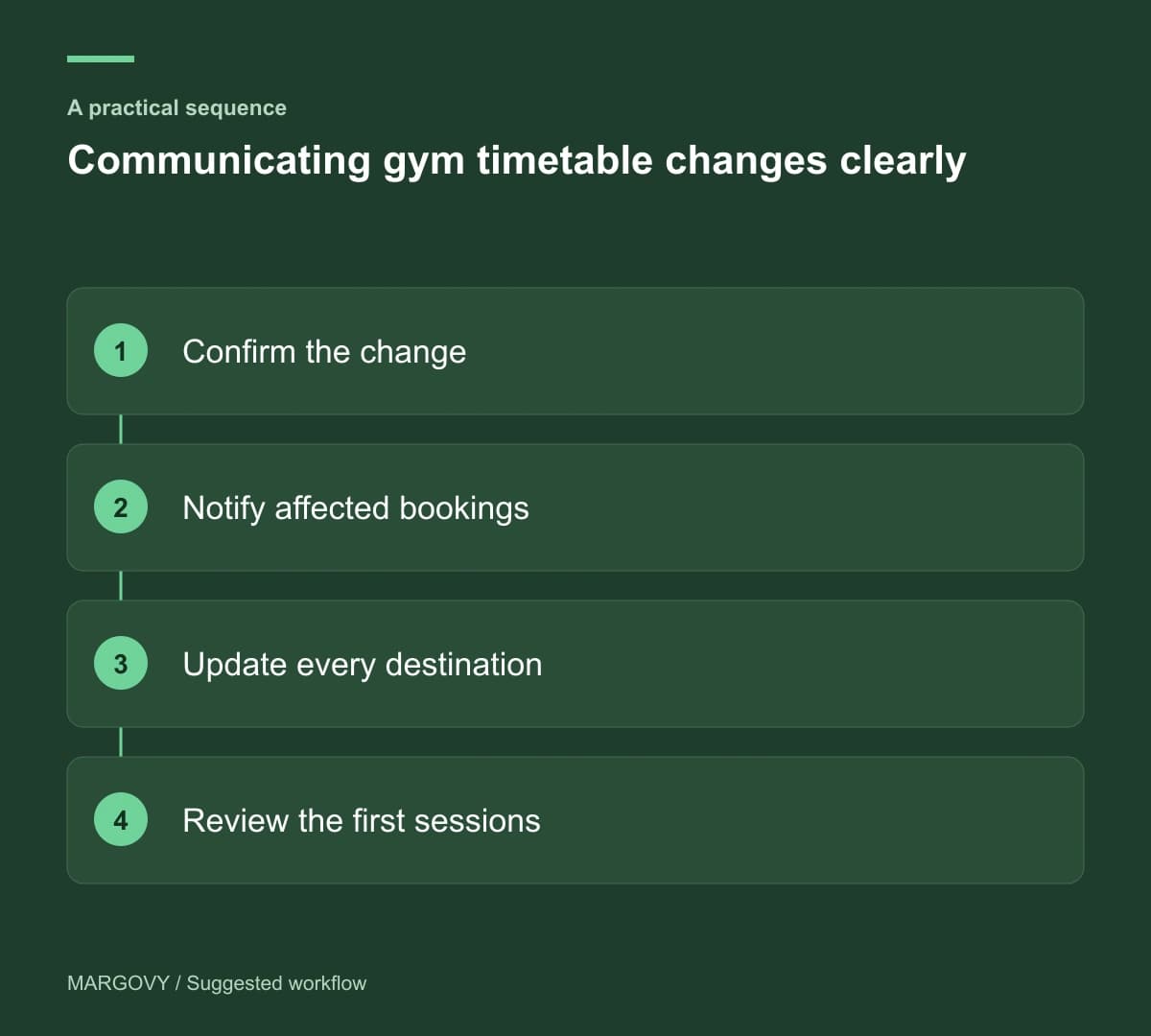
Establish the change record
For each affected class, record the previous arrangement, the new arrangement and the date it takes effect. Confirm the instructor and room with the relevant team.
Identify existing bookings that need attention. The booking system should manage those records through the process your gym uses.
Do not rely on a general marketing email to reach everyone with an affected reservation. Some members may not subscribe, and day visitors may not be on that list.
Assign someone to confirm the change has been applied everywhere that matters.
Publish a useful announcement
Lead with the class and effective date. Explain what an already-booked member needs to do, using instructions checked against your booking process.
A suggested structure is: "From the stated date, this class moves to the new time. Current booking holders will receive confirmation through our booking system."
Use that statement only if the booking confirmation process is in place. Otherwise explain the actual arrangement.
Link to the current timetable and give a contact route for unresolved questions.
Replace copied schedules with maintained links
Check your website, signs and active emails for old times. Where possible, point recurring messages towards the maintained timetable.
Your gym guest Wi-Fi welcome page can make that destination easy to reach inside the venue.
Margovy's scheduled guest-page content can display a relevant announcement. Someone still needs to remove it once the change is familiar and the announcement is no longer useful.
A dated notice and the ordinary timetable should not contradict each other during the transition.
Review the first affected sessions
Ask reception which questions arrived and whether anyone attended at the old time. Record the source of misleading information where the member can identify it.
Check attendance in the class booking system. Wi-Fi sign-ins do not establish who took part in a particular class.
If confusion remains, correct the source before sending another general reminder. A repeated email cannot fix an unchanged poster or outdated link.
See how Margovy's guest Wi-Fi works if you want members to have a consistent route to the timetable during each visit.