Part of our guide to salon marketing ideas
Barbershop marketing ideas for quieter weekday appointments
If Saturday is full and Tuesday afternoon is quiet, promoting the barbershop more widely may add demand to the wrong session.
Useful barbershop marketing ideas start with the appointments you want to fill and the customers who could use them.
For someone working nearby, a convenient weekday appointment may be enough reason to change their routine. Make that option easy to discover.
Explain your booking and walk-in arrangements
Check the information customers see before visiting.
Opening hours should agree across your website and booking page. If individual barbers work different days, make their availability easy to find.
Be explicit about walk-ins. Customers need to know whether they can arrive without booking and whether arrangements change during the week.
This is information your regulars may understand already. A first-time visitor is still working it out.
Put the booking link on your Wi-Fi welcome page
Someone waiting for an appointment may connect to your guest Wi-Fi. That gives you a useful place to display the booking link and current service information.
Margovy’s Wi-Fi for salons and barbers lets you link to the booking service you already use.
Use plain labels such as “Book an appointment” and “Opening hours”. Check that the link opens the right shop if your booking provider lists several locations.
You can also explain weekday arrangements on the welcome page. Keep availability claims current rather than implying that a particular slot is always free.
Follow up with a practical invitation
Wi-Fi sign-in can help you build a customer list with recorded marketing choices. Customers who opt in can receive automated follow-up emails.
A thank-you message might say:
“Thank you for visiting. If a weekday appointment suits your schedule, you can check our current availability here.”
That invitation gives the customer a useful option without promising a discount or a wait-free service.
The booking page remains the source of current appointment times. Avoid putting a specific vacant slot into an email that will continue sending automatically.
Margovy’s guest pages and follow-up tools explain how you can keep the booking route visible after the visit.
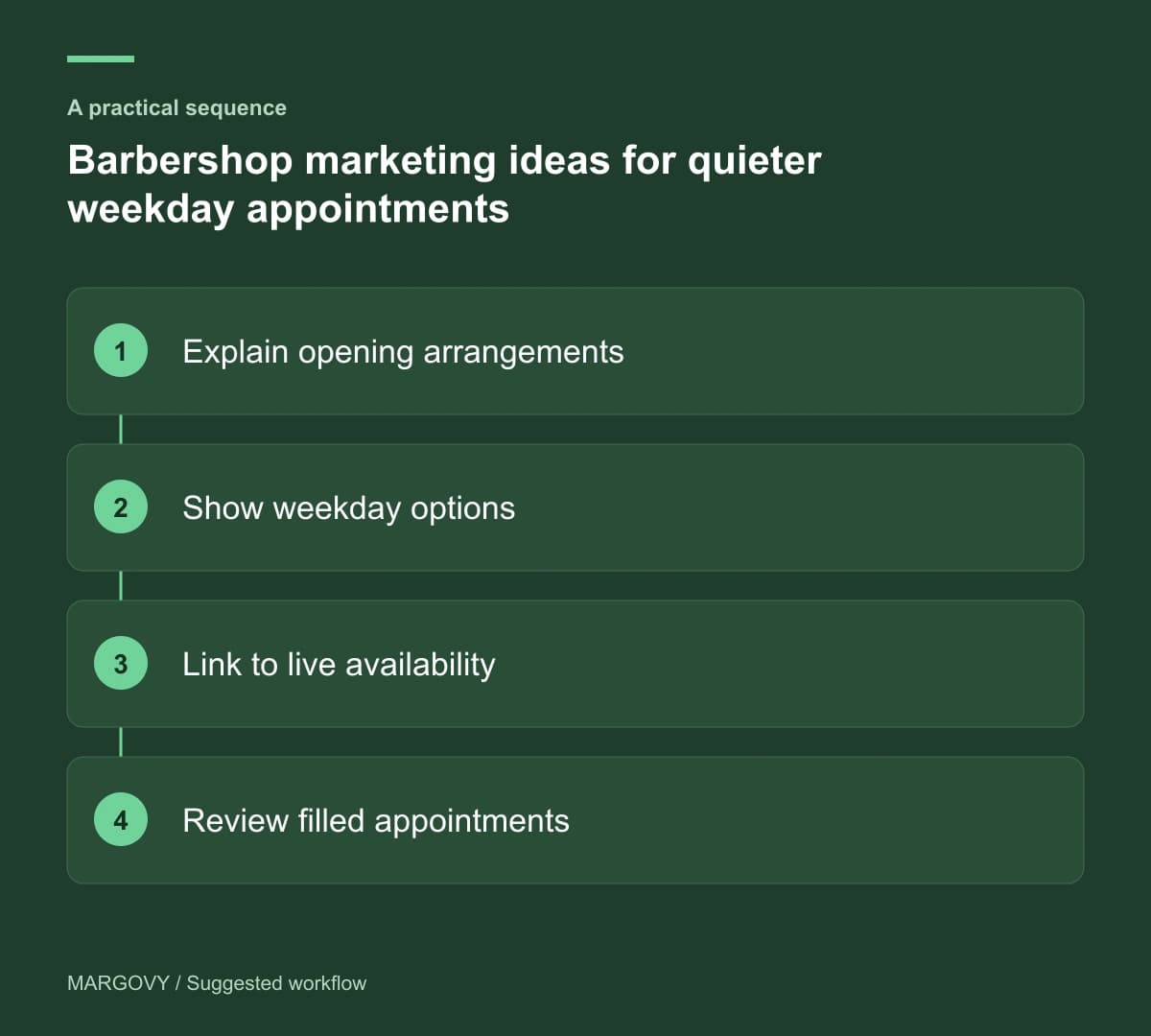
Find out what stops customers booking again
Ask for feedback when the opportunity arises. Some customers may want a time you rarely offer. Others may struggle to select the right service online.
Use completed bookings to measure repeat business. A returning Wi-Fi device cannot tell you which haircut was booked or how much the customer spent.
For a weekday campaign, review bookings in that session and check whether the extra work fits the team’s schedule.
If you want to add branded guest Wi-Fi, see how the Margovy setup works. Plan the welcome page around the booking journey you already have.